
Quotes and leads are two of the nine record types the importer handles, so work you have not won yet comes across rather than being retyped.
Import customers first
Both attach to a customer. Import your customer list before either, so a lead about an existing client lands on that client rather than creating a second record.
Leads
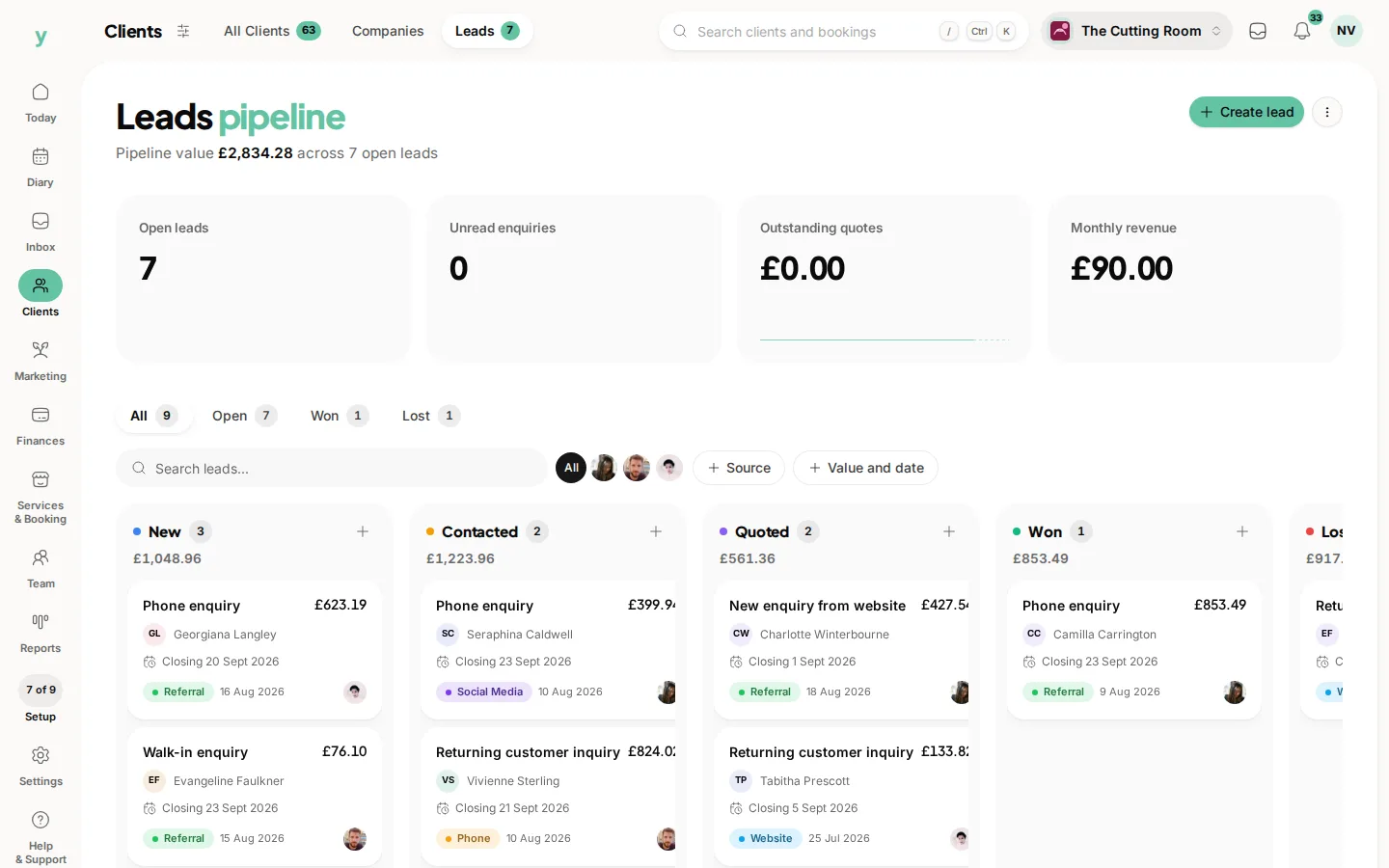
A lead is an enquiry you have not converted yet. Export whatever your old system calls them, prospects, enquiries or opportunities and name the file leads.csv so the record type is recognised. Map name, email, phone and any source or notes column.
Quotes
A quote is a priced proposal. Export your open quotes at least. Won and lost history is useful for reporting but is not urgent. Many businesses import only what is still live.
What not to bother with
Quotes that expired two years ago and leads that never replied are not worth moving. A migration is a good moment to leave dead weight behind.
After importing
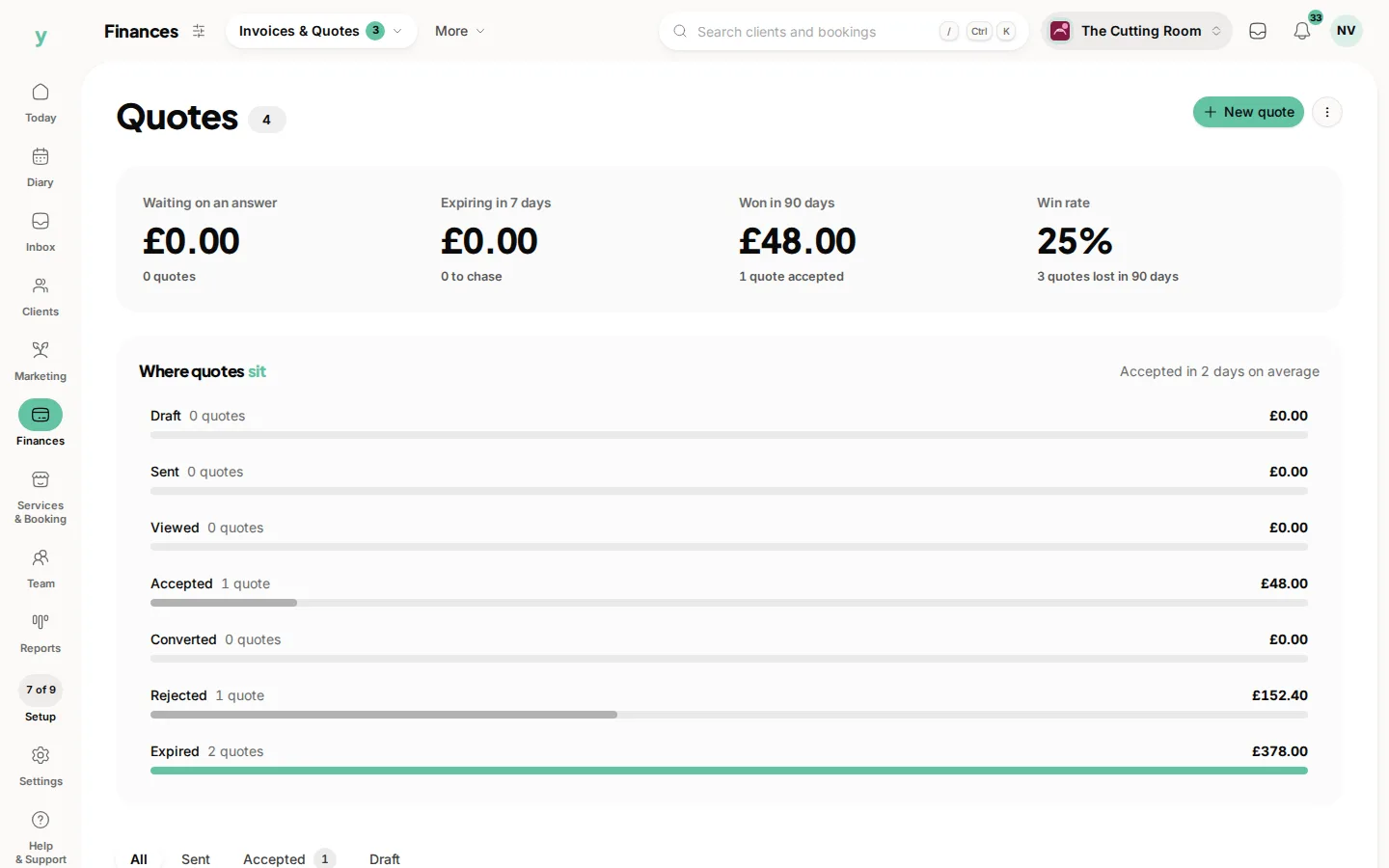
Go to Clients, then Leads to see your pipeline and check the stages look right. Go to Finances, then Invoices & Quotes, then Quotes and check totals. Anything still live can be sent from Youzse from now on.
Common questions
Will importing a lead email anyone?
No. Importing never sends anything. Quotes and leads arrive silently.
Can I import quotes with their line items?
Most exports give one row per quote with a total, which is what imports. Quotes you build in Youzse from now on have full line items.
What if my old system had no leads feature?
Then you have nothing to import. Start using Leads from now on and enquiries from your public page land there automatically.