
Plenty of bookings still come in by phone or in person. Adding them yourself takes seconds and keeps your diary complete.
To add a booking
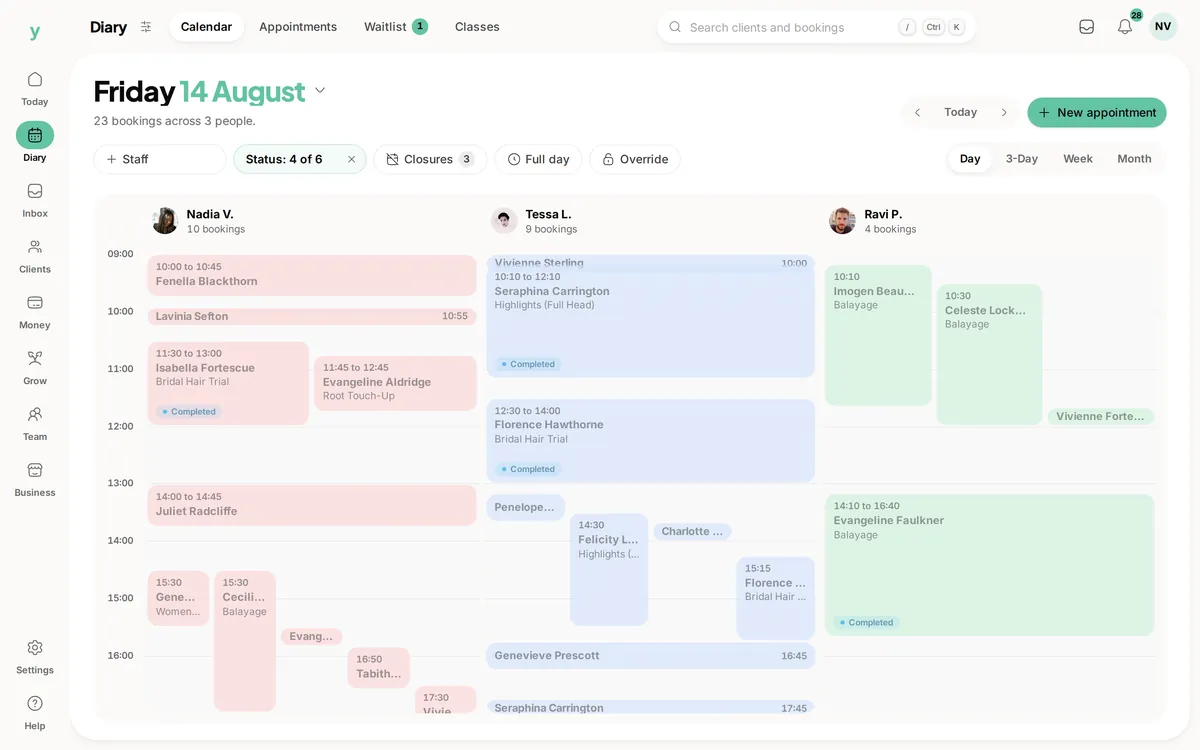
- 1Open your calendar
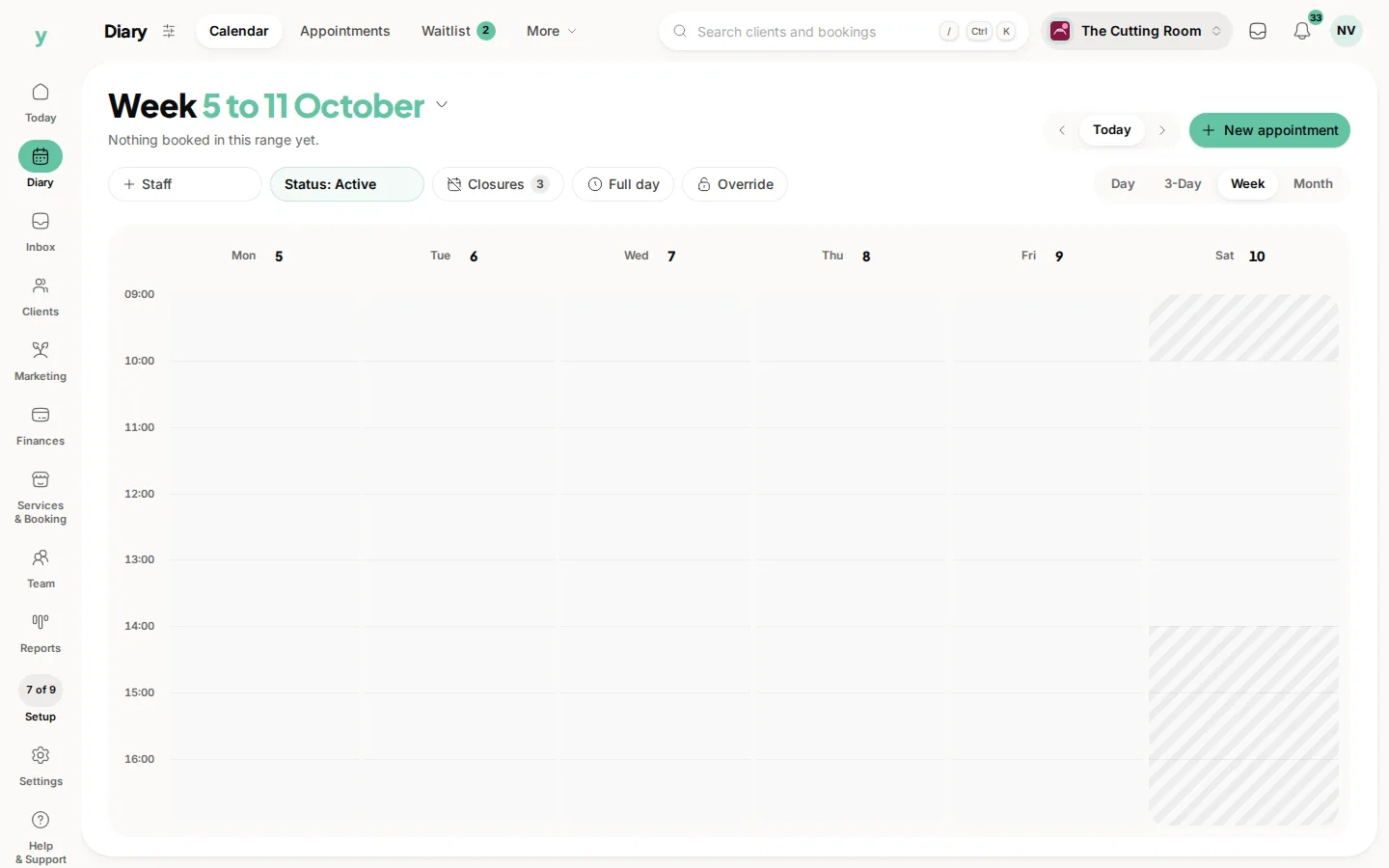
Tap a free slot in the calendar or use the New booking button.
- 2Find the customer
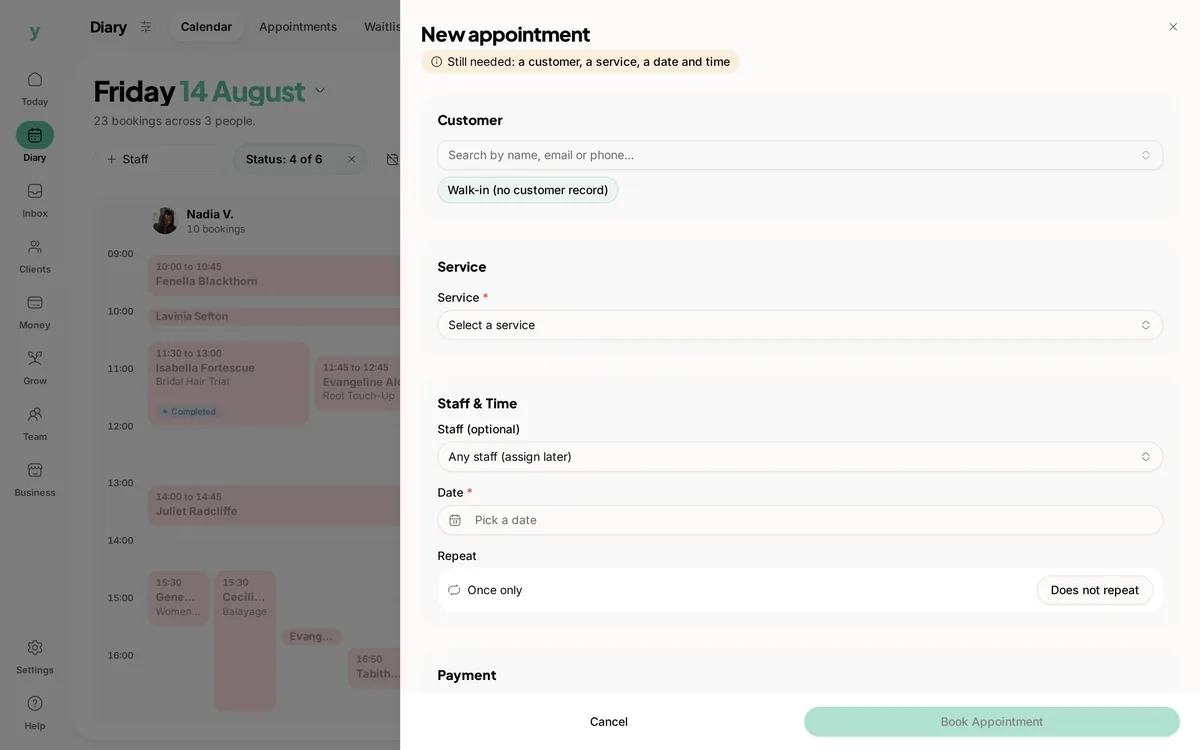
Search for an existing customer by name, email or phone. If they are new, add them on the spot with a few quick details.
- 3Choose the service and team member
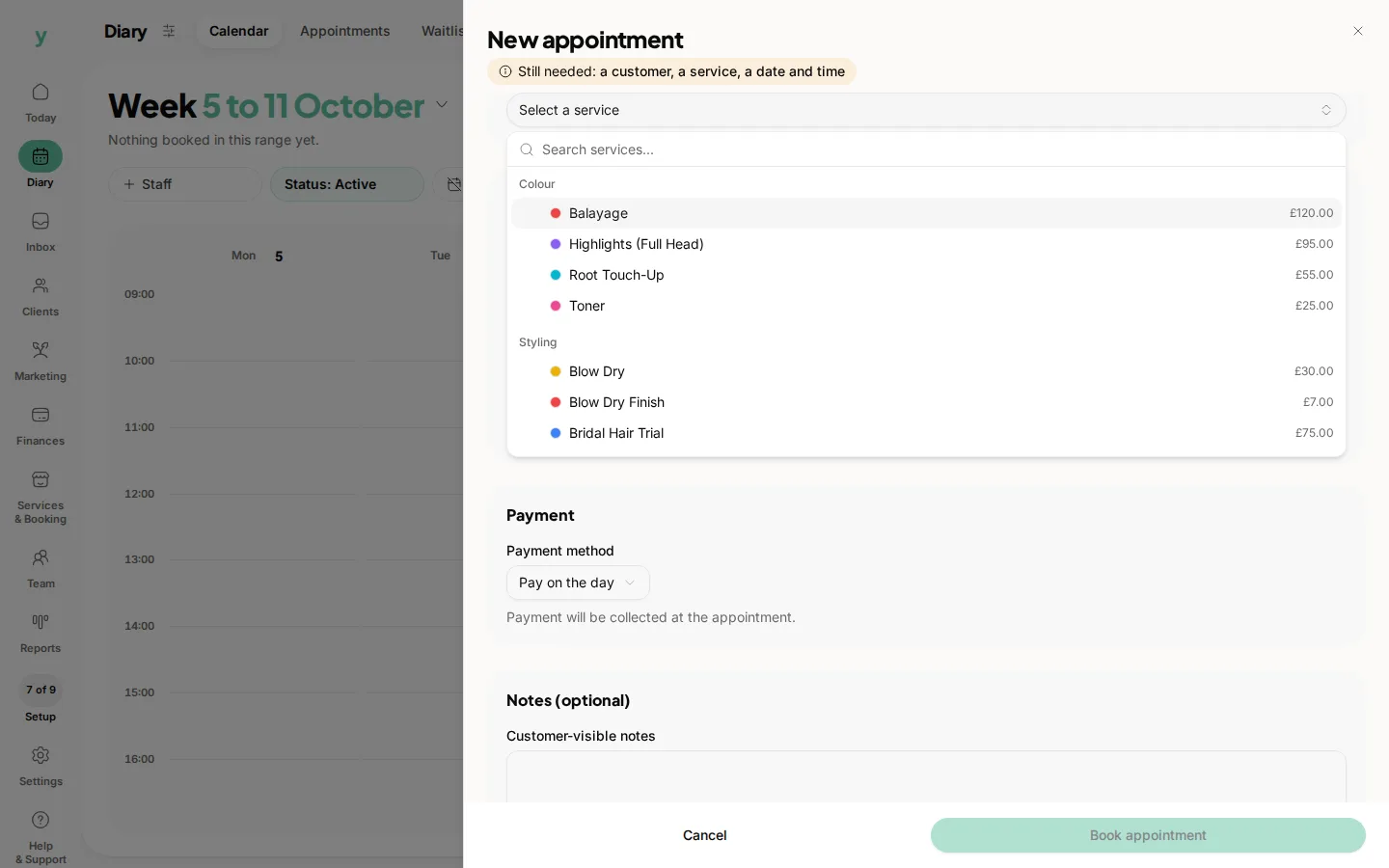
Pick the service, then the team member who will carry it out. The length fills in automatically from the service.
- 4Set the date and time
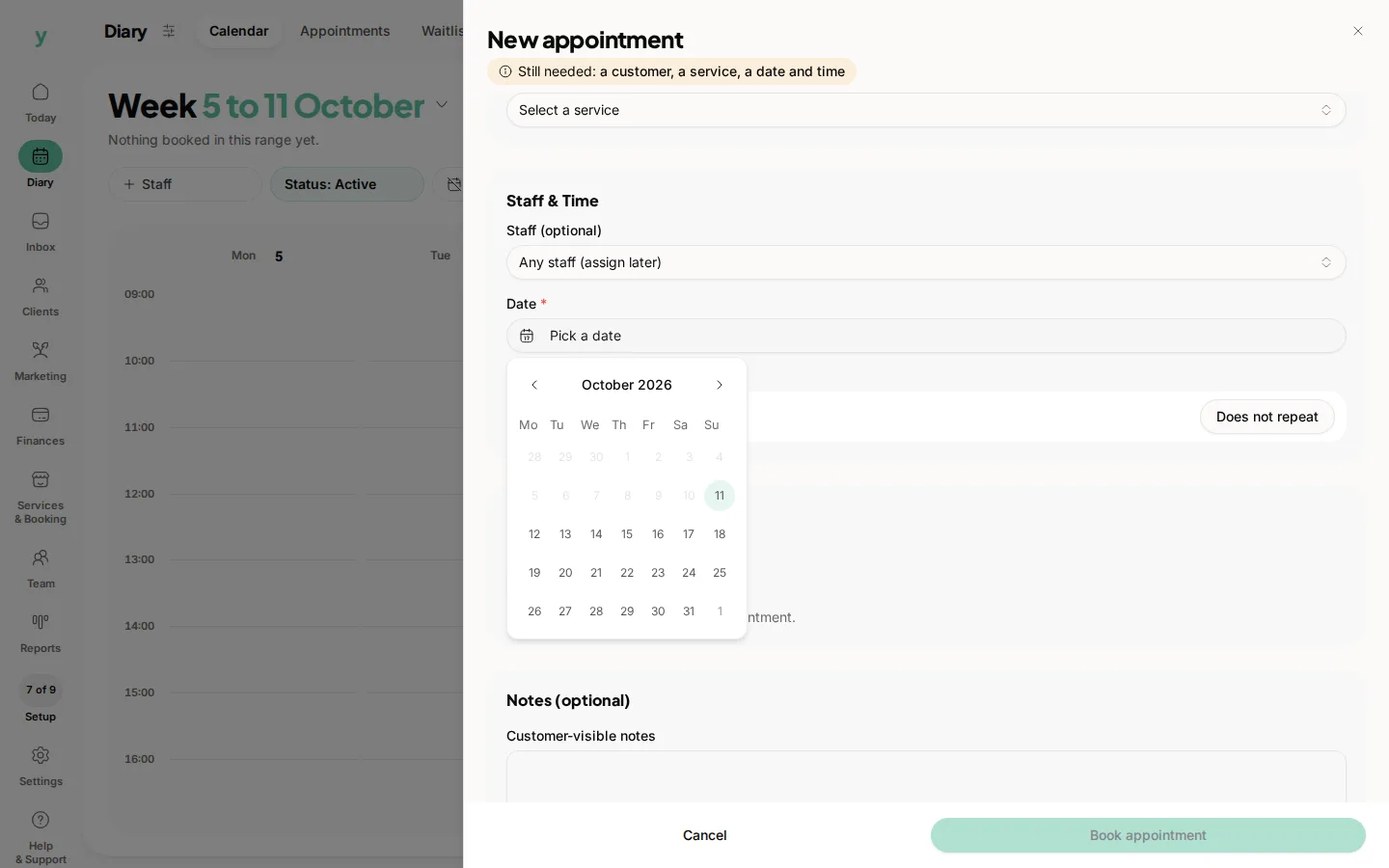
Confirm when the booking should start. Youzse will warn you if the slot falls outside working hours or clashes with another booking.
- 5Save
Save the booking and it appears on the calendar straight away.
Good to know
- Bookings you add while signed in are confirmed immediately, so the customer gets a confirmation rather than a pending notice.
- You can add a note for anything the team should know before the appointment.
- For automotive jobs you can attach the customer's vehicle to the booking.
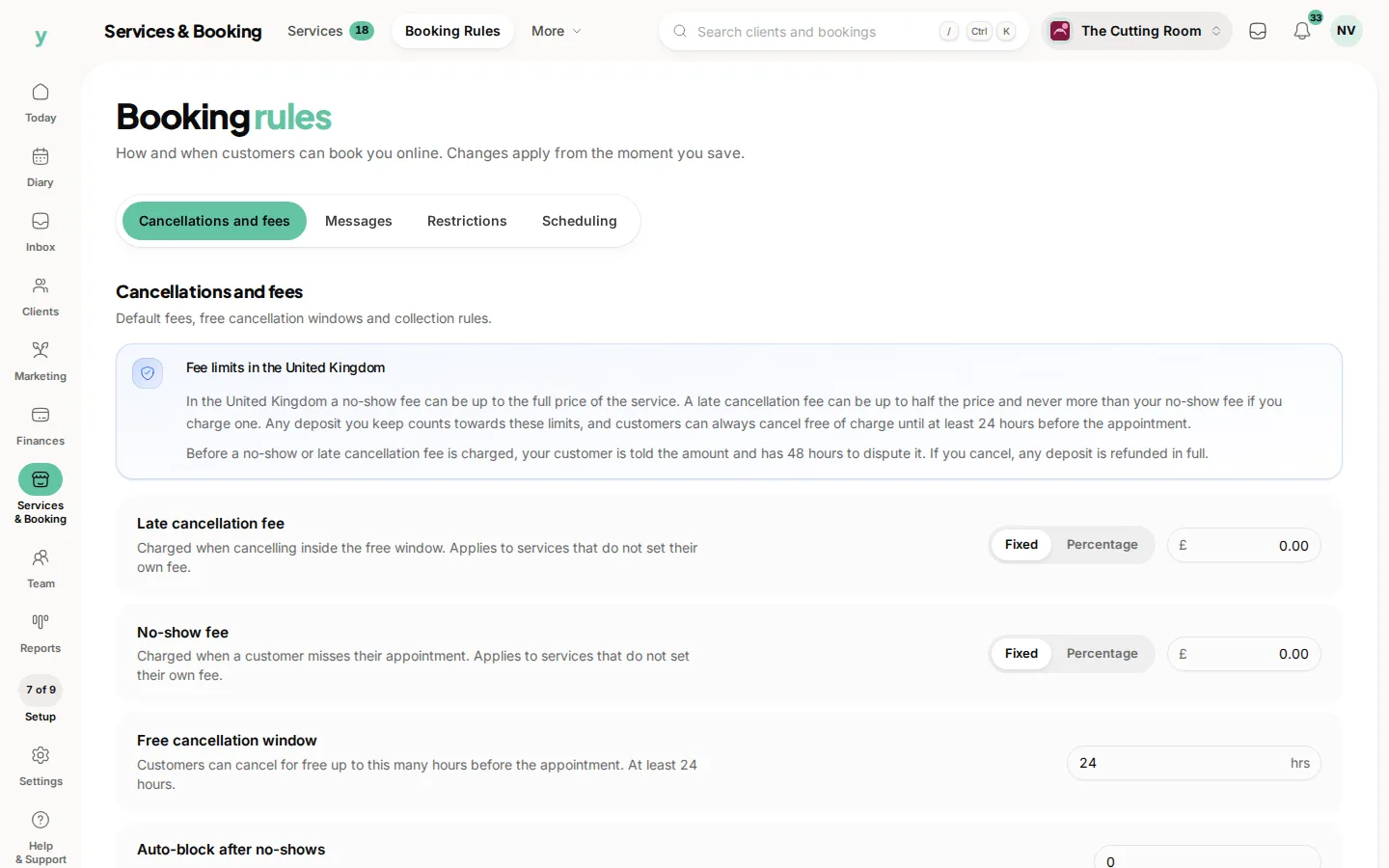
If you would rather the customer paid a deposit first, set that up in your booking rules and it will apply to new online bookings.
Common questions
Can I book outside my working hours?
Yes. Adding a booking yourself is not restricted by the hours that govern online booking.
Does the customer get a confirmation?
Yes, provided they have contact details on their record and confirmations are switched on.
Can I add a customer as I go?
Yes. You do not need to create the customer first, the record is made while you take the booking.