
Go to Services & Booking, then Booking Rules, then Cancellations and fees. Accept tips is the switch near the bottom of that tab.
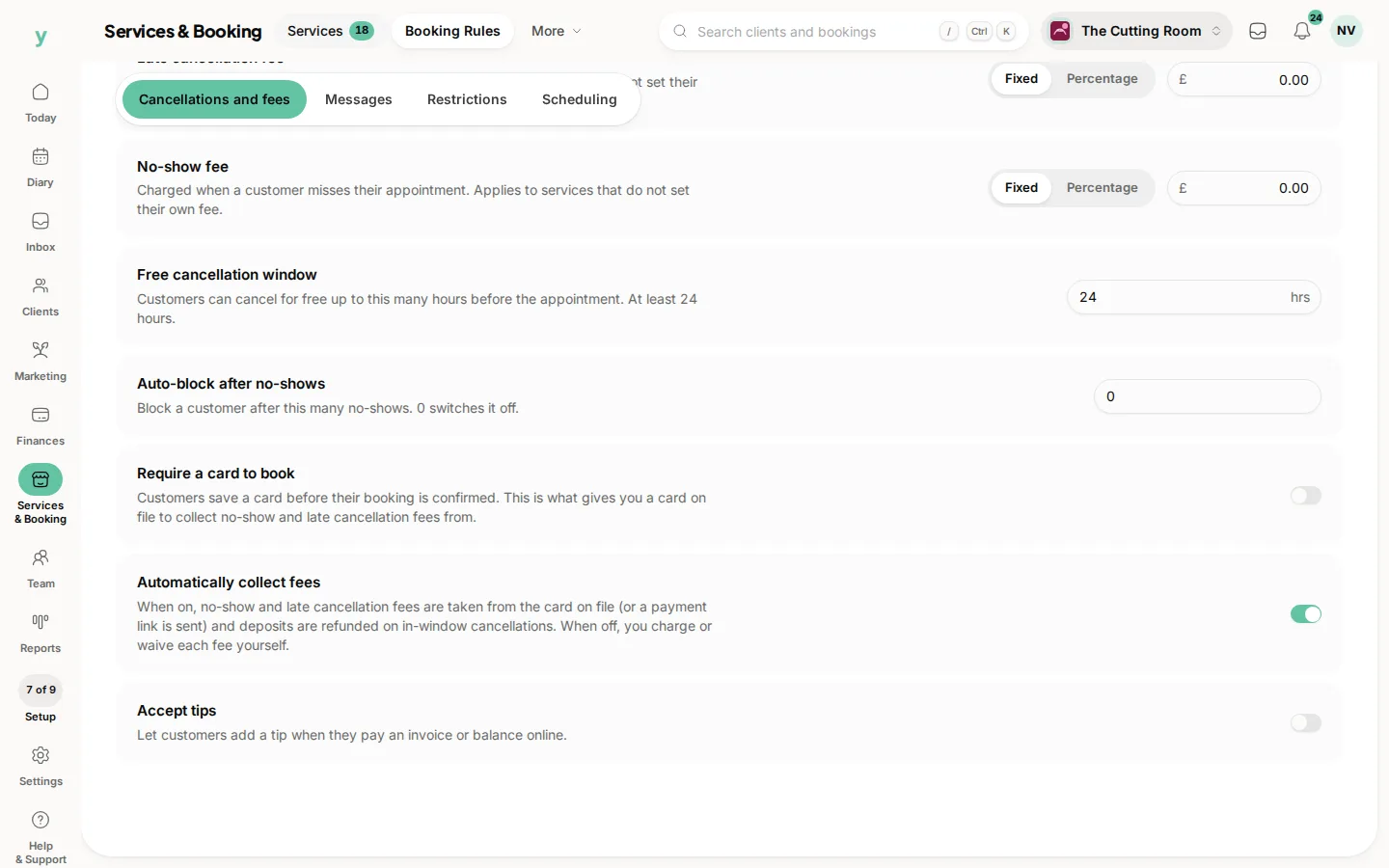
The help under it says customers can add a tip when they pay an invoice or balance online. Turn it on, then save. The booking rules apply from the moment you save.
On the payment page the customer gets a tip choice before they pay. The total includes it. They can leave it at nothing. A tip is never added unless they choose one.
Tips are for the payment the customer makes online. Taking cash in the chair is still between you and them. Record that the way you already record takings if you need it in the books.
Turn it off if your trade does not take tips. A plumber’s invoice with a tip line looks like a mistake. A salon’s does not.
Common questions
Who receives the tip?
It is added to the online payment. Where that payment settles depends on whether the person who did the work is employed, self-employed or a chair renter.
Can I suggest an amount?
The payment page offers tip choices and a custom amount. You do not type the tip in for them.
Does a tip change the deposit?
No. The deposit is set on the service. The tip is offered when they pay an invoice or the remaining balance.