
Your calendar is the heart of your day. It shows every booking, who it is with and what stage it has reached, all in one place.
Choosing a view
Use the view switcher at the top right of the calendar to change how much you see at once. On a wide screen it offers Day, 3-Day, Week and Month.
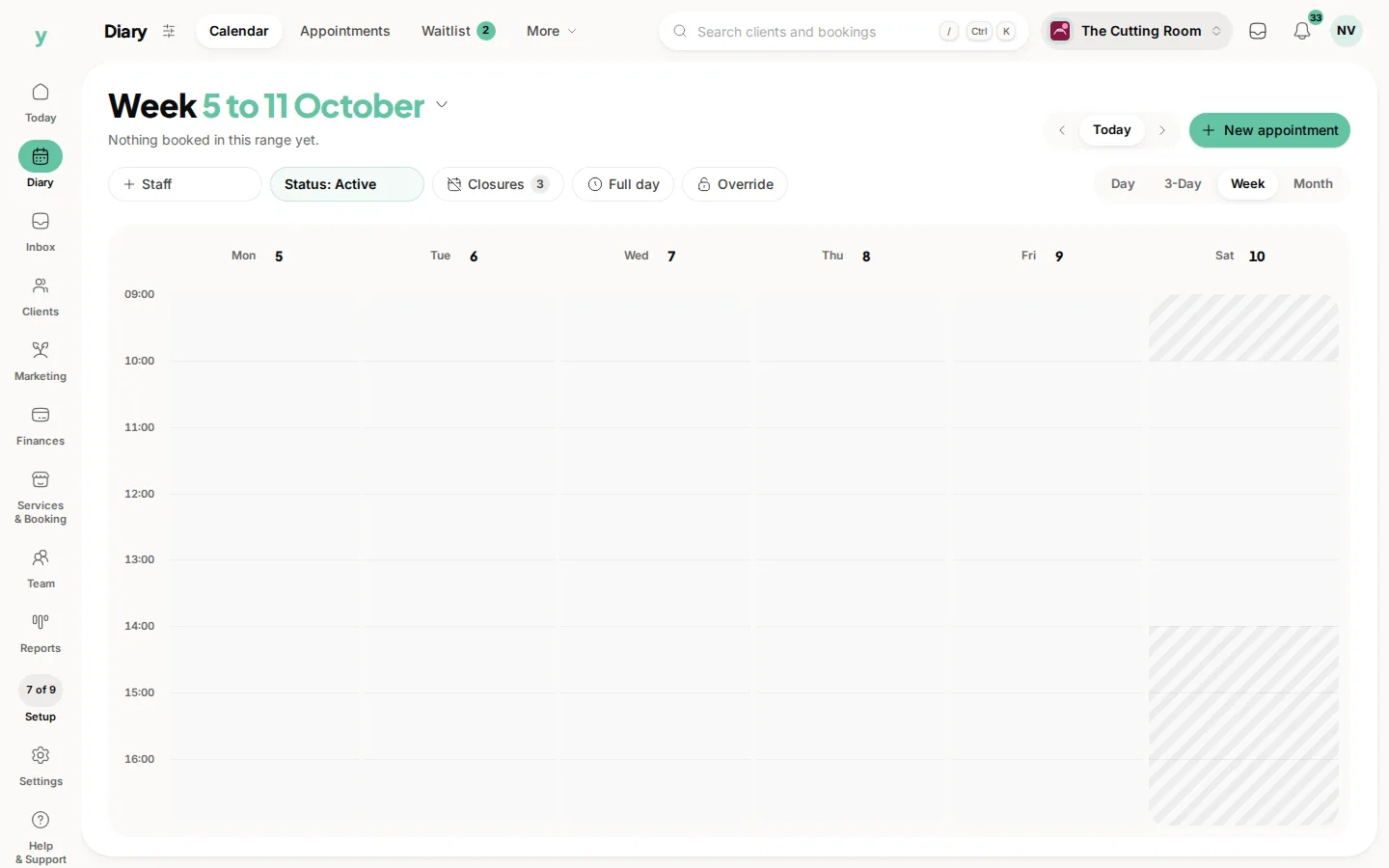
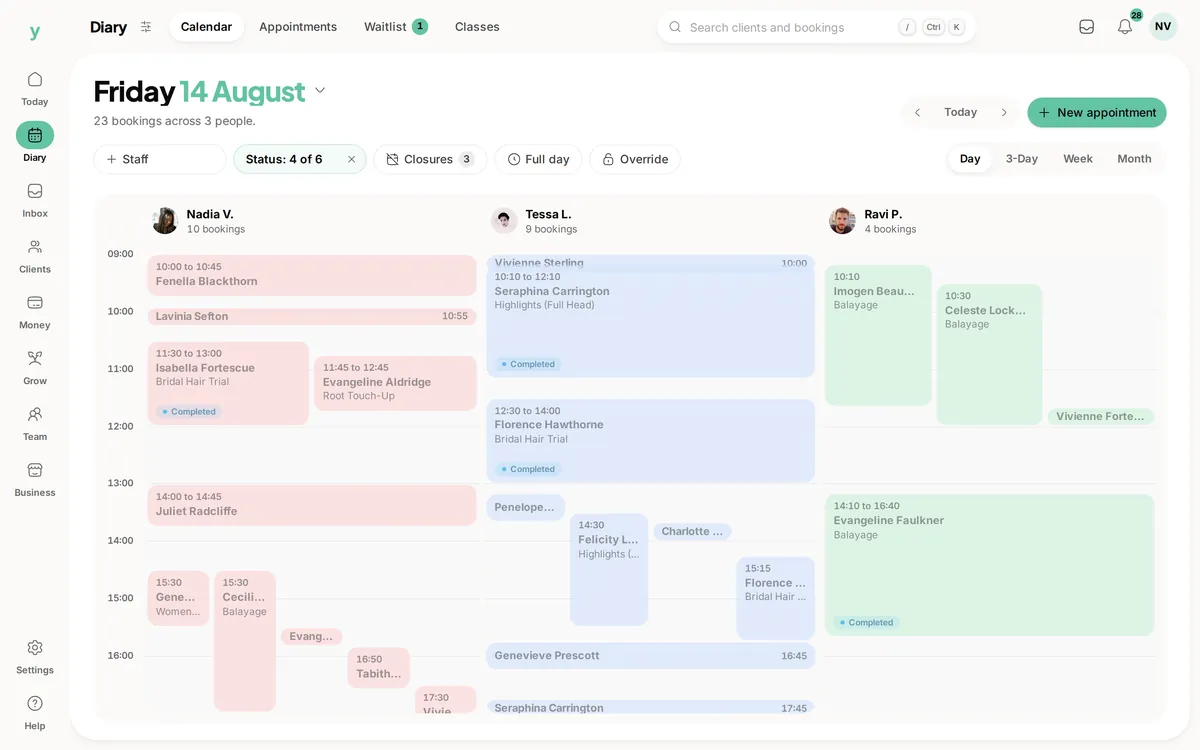
- Day: one day in detail, ideal for working through a busy schedule.
- 3-Day: a rolling few days for a fuller picture.
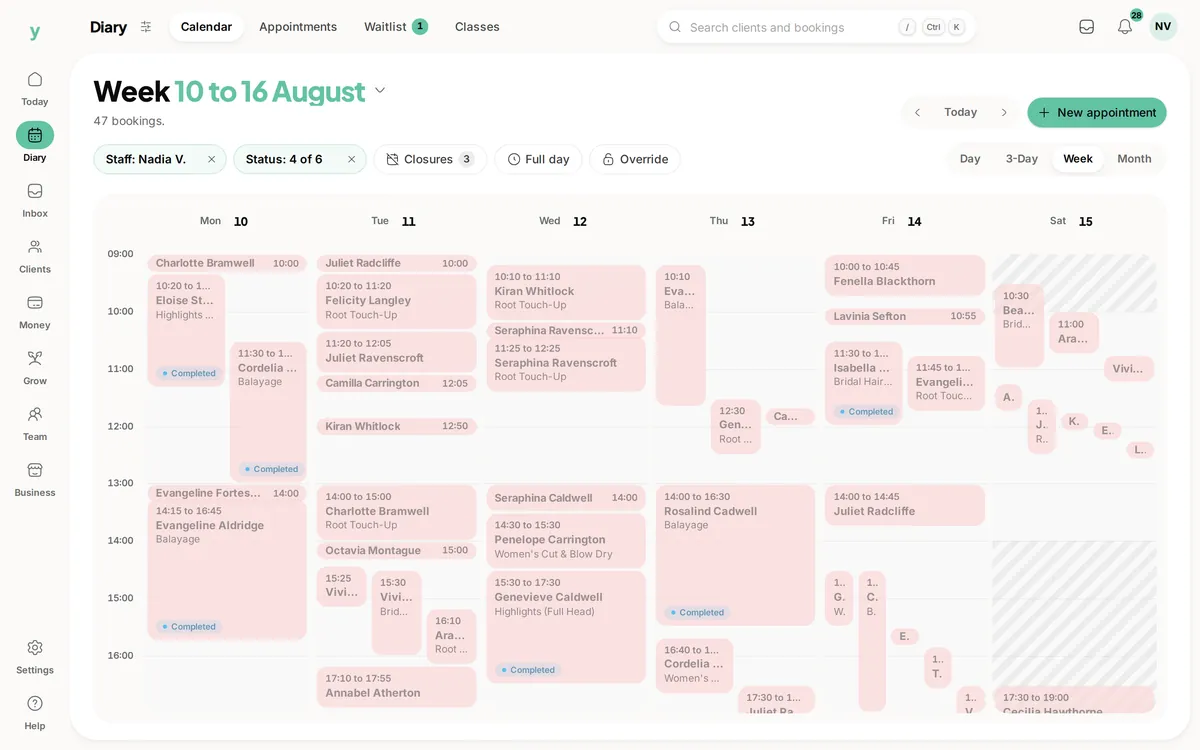
- Week: your working week side by side.
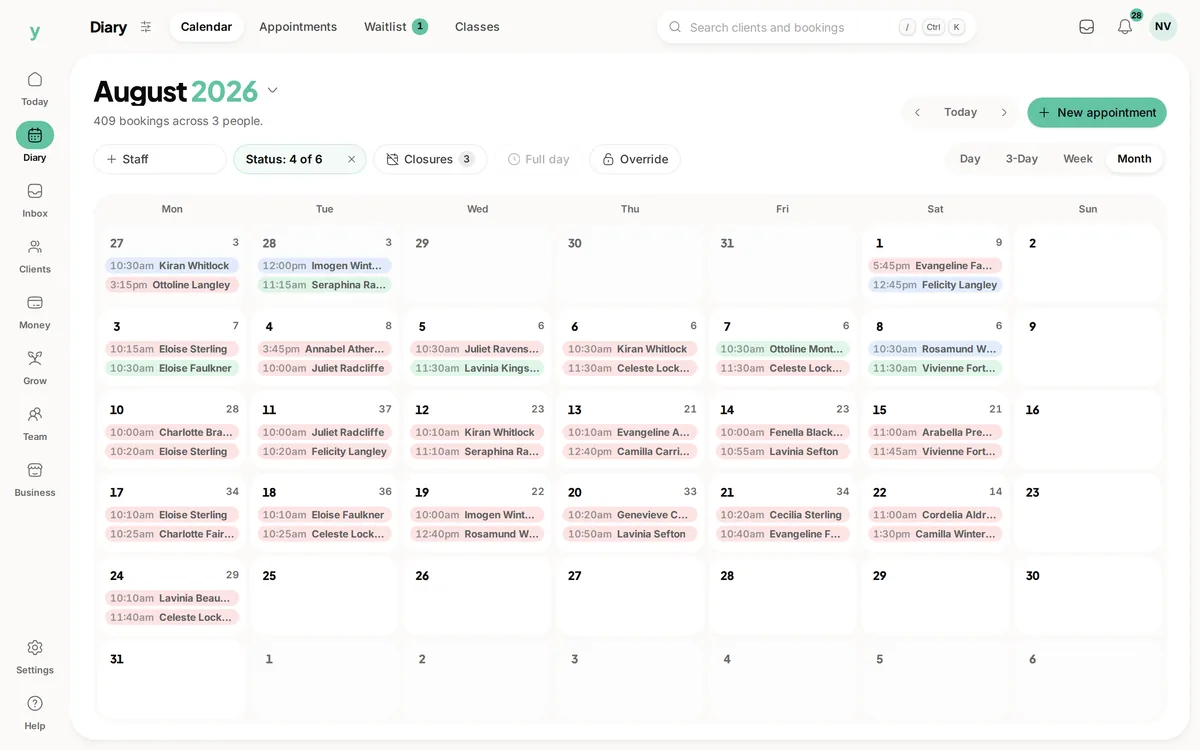
- Month: the big picture for spotting quiet and busy spells.
- List: a simple agenda on mobile, perfect on the go.
Youzse remembers the view you used last, so it opens the way you like it.
Reading your diary
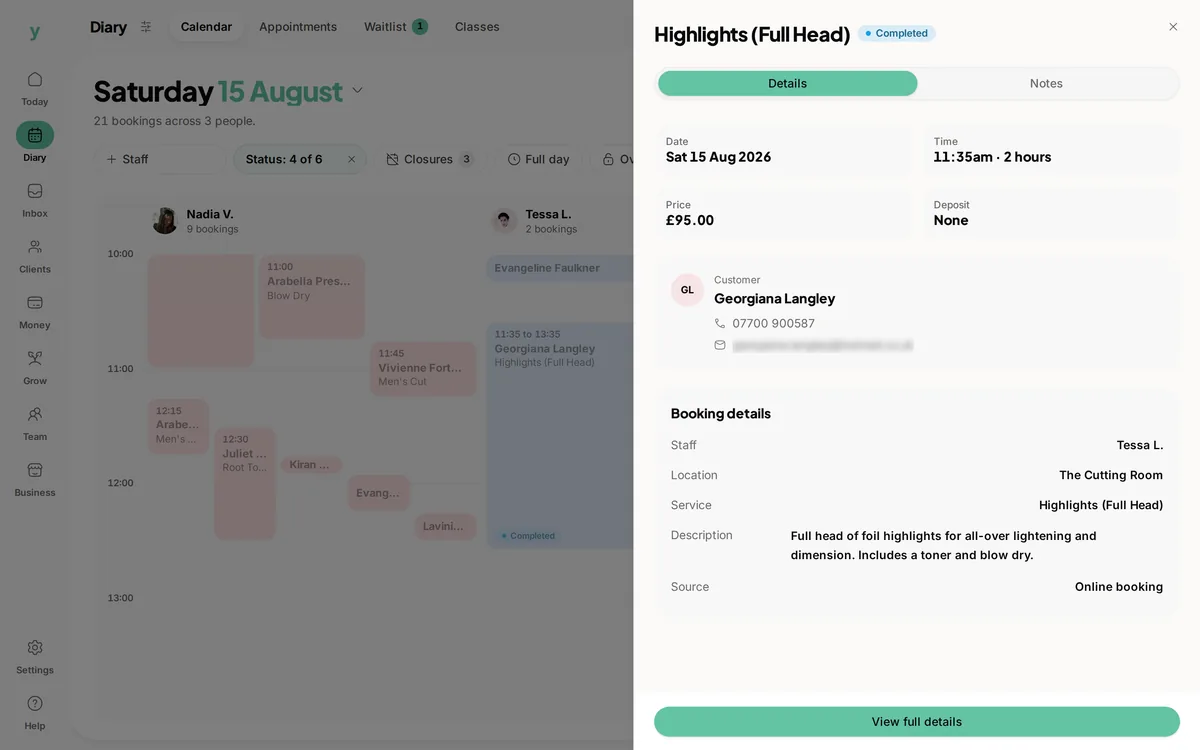
Each booking shows the customer, service and team member. Booking colours and labels help you see at a glance what is confirmed, in progress or completed.
If you have a team, you can filter the calendar to one person or see everyone together. Use the date controls to jump forward and back or return to today with a single tap.
Taking action
Tap any booking to open it. From there you can confirm it, reschedule, mark it complete, cancel it or record a no-show. Tap an empty slot to add a new booking right where you tapped.
Public holidays show on the calendar too, so you can plan your opening hours around them.
Common questions
Which view should I use day to day?
Day for working the diary, week for planning, month for spotting how full you are.
Can I see only one staff member?
Yes, filter the calendar to the person you want. Useful in a busy team where the full diary is hard to read.
Do classes show on the calendar?
Yes, alongside appointments, so the whole day is in one place.