
Your public booking page lets customers book you around the clock without a single phone call. Here is how it works from their side and yours.
What the customer does
- 1Choose a service
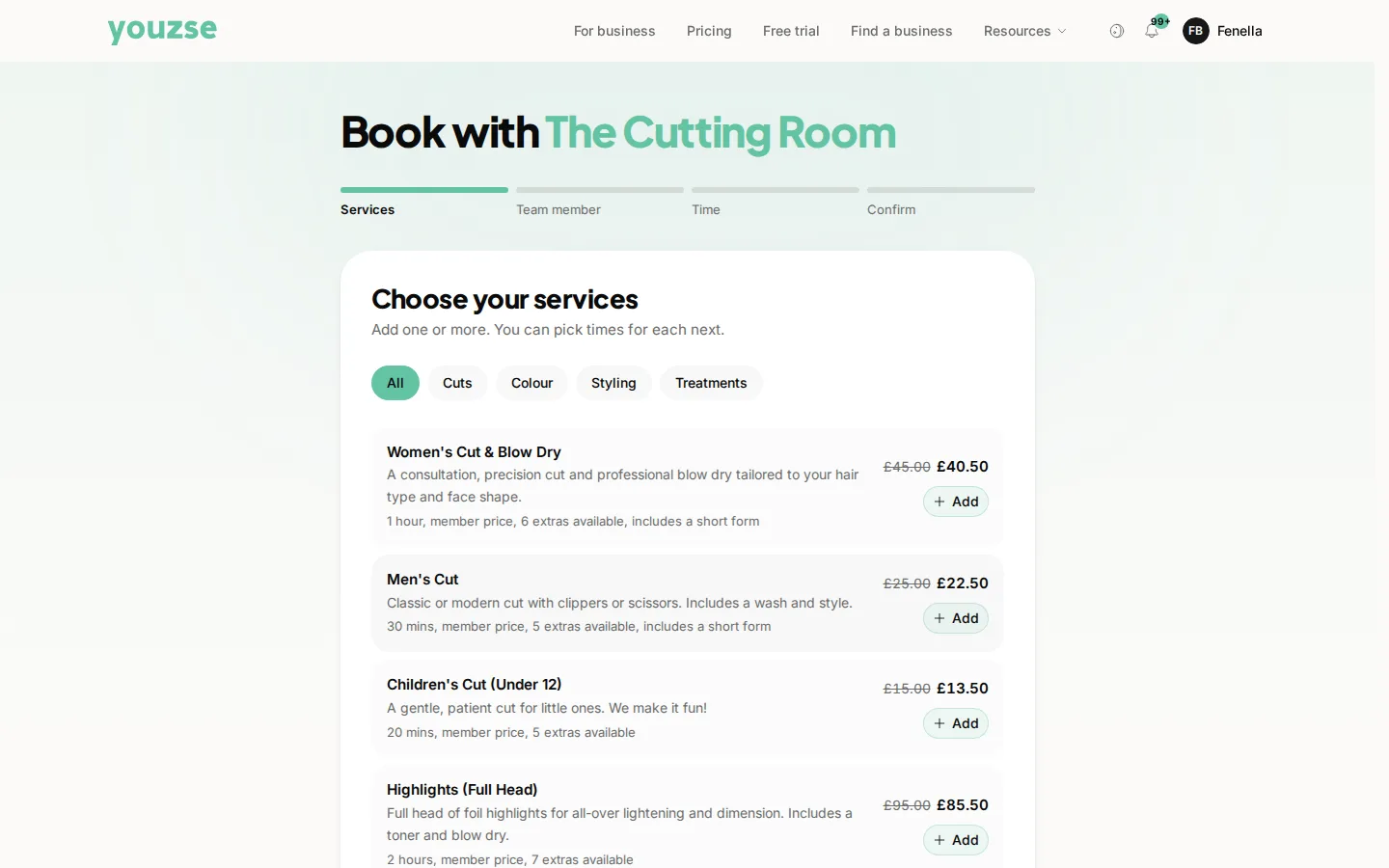
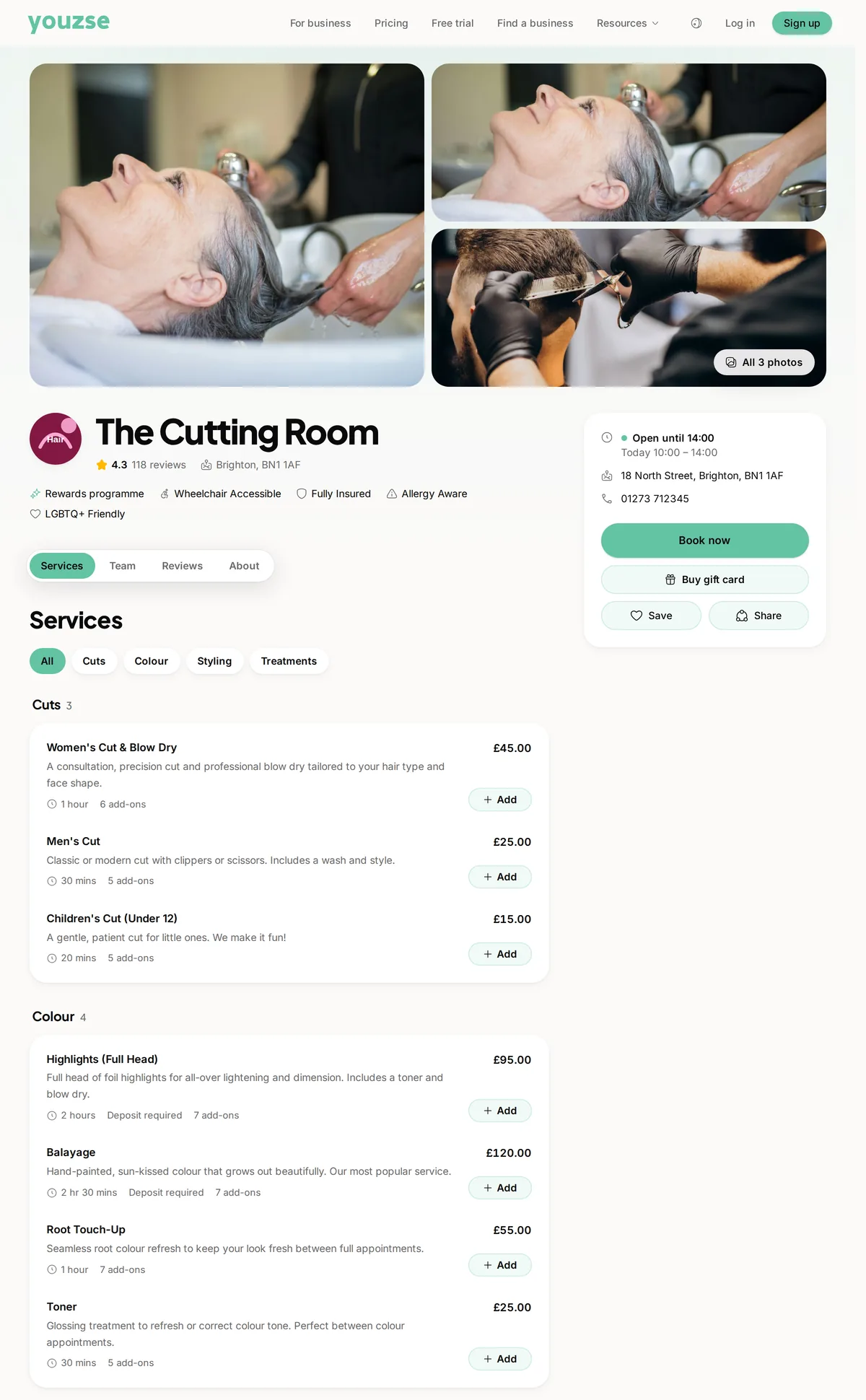
They open your booking page and pick the service they want. Each service shows its length and price so there are no surprises.
- 2Pick a team member
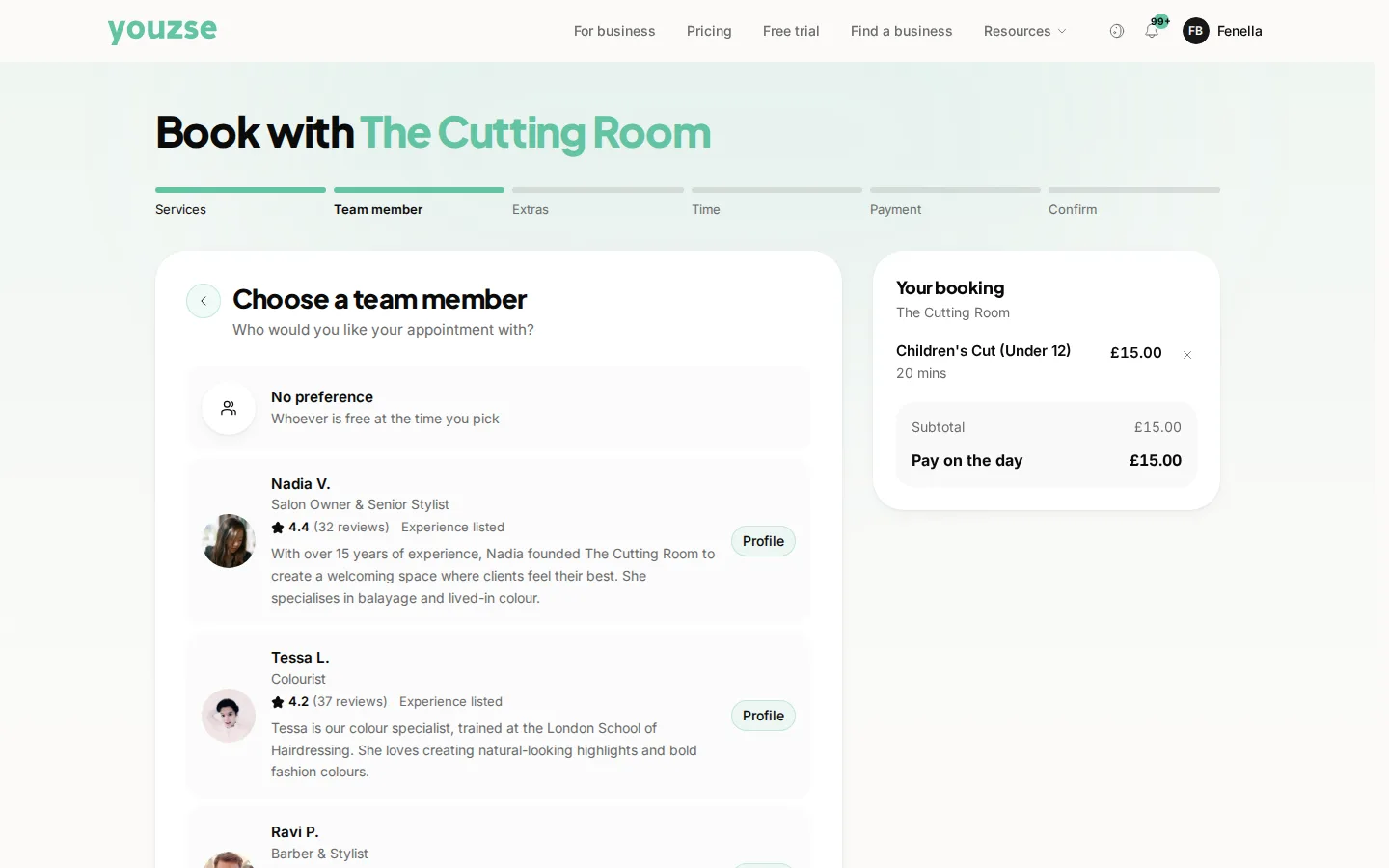
If you have a team they can choose who they would like or leave it to you to assign.
- 3Choose a time
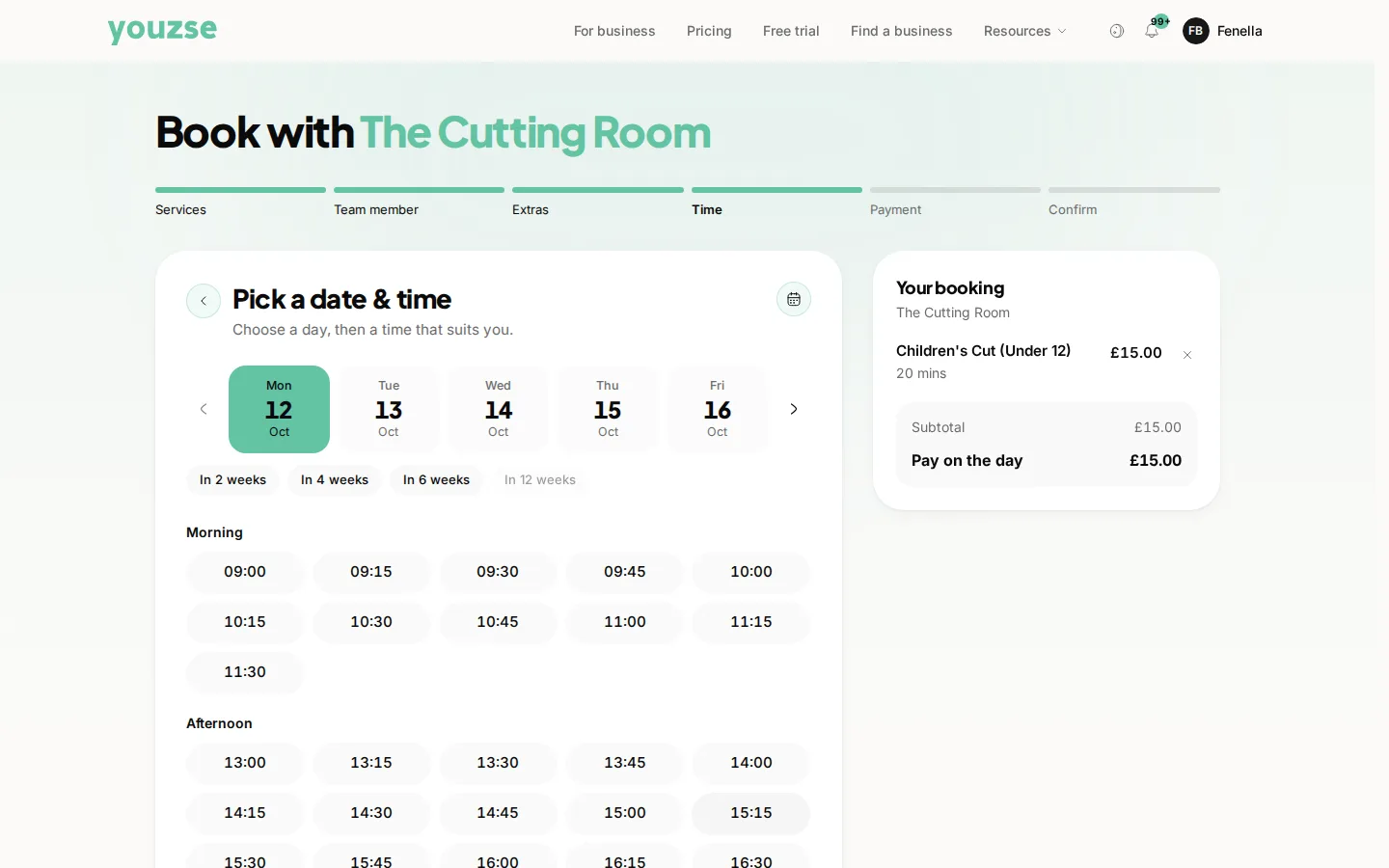
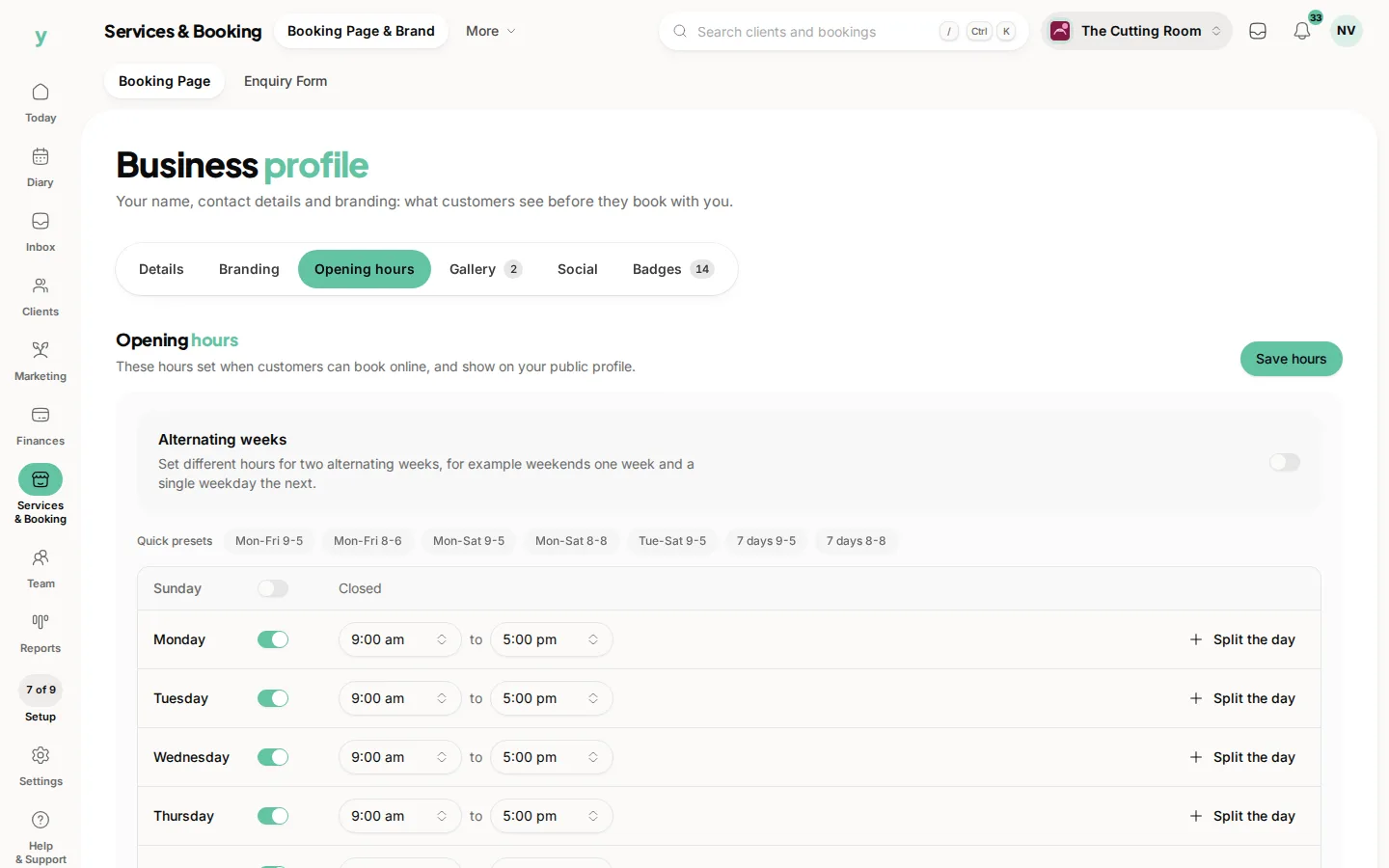
Youzse shows only the slots that are genuinely free, based on your opening hours, breaks, existing bookings and any time off. Nothing that clashes can be picked.
- 4Confirm their details
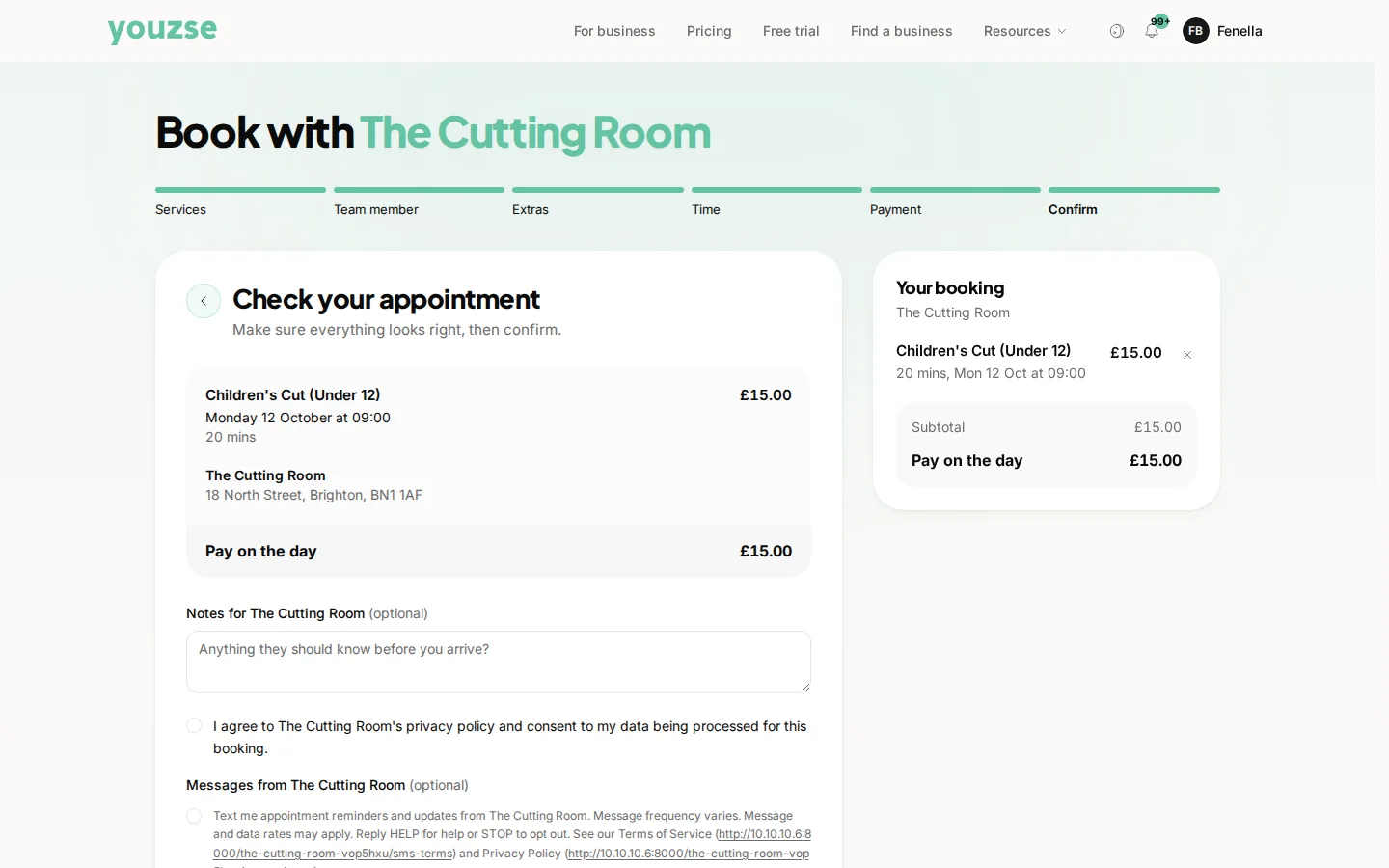
New customers add their name and contact details and give marketing consent. Returning customers are recognised so they can rebook in seconds.
- 5Pay any deposit
If you ask for a deposit, they pay it or save a card during this step before the booking is held.
What happens next
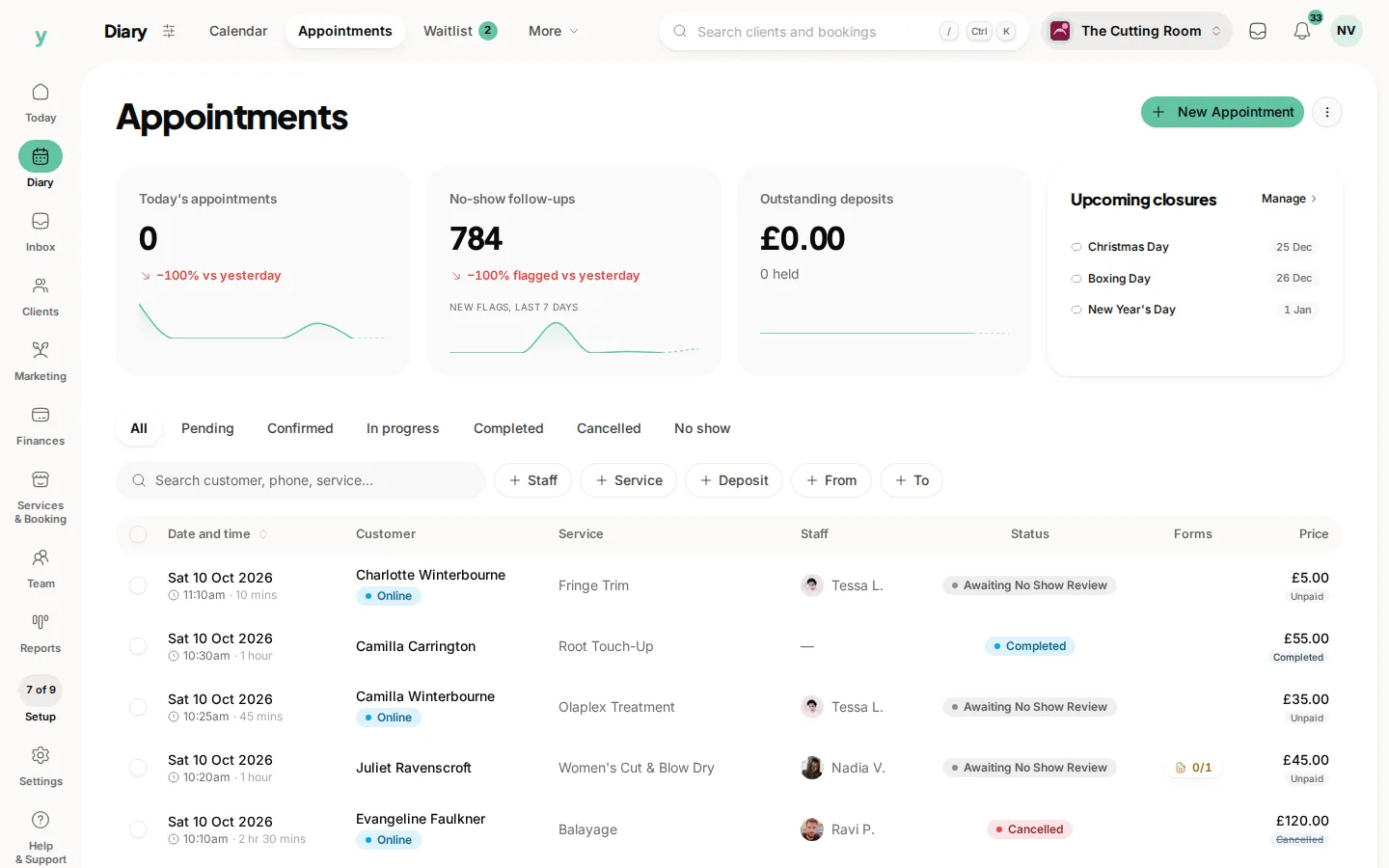
New online bookings arrive as Pending so you stay in control. You confirm them from your calendar or the bookings list. The customer is told the moment you do. If you take the booking yourself while signed in, it is confirmed straight away.
The true win
every new client who finds you and books through Youzse comes with 0% commission. The customer is yours to keep.
Common questions
Do I have to approve each booking?
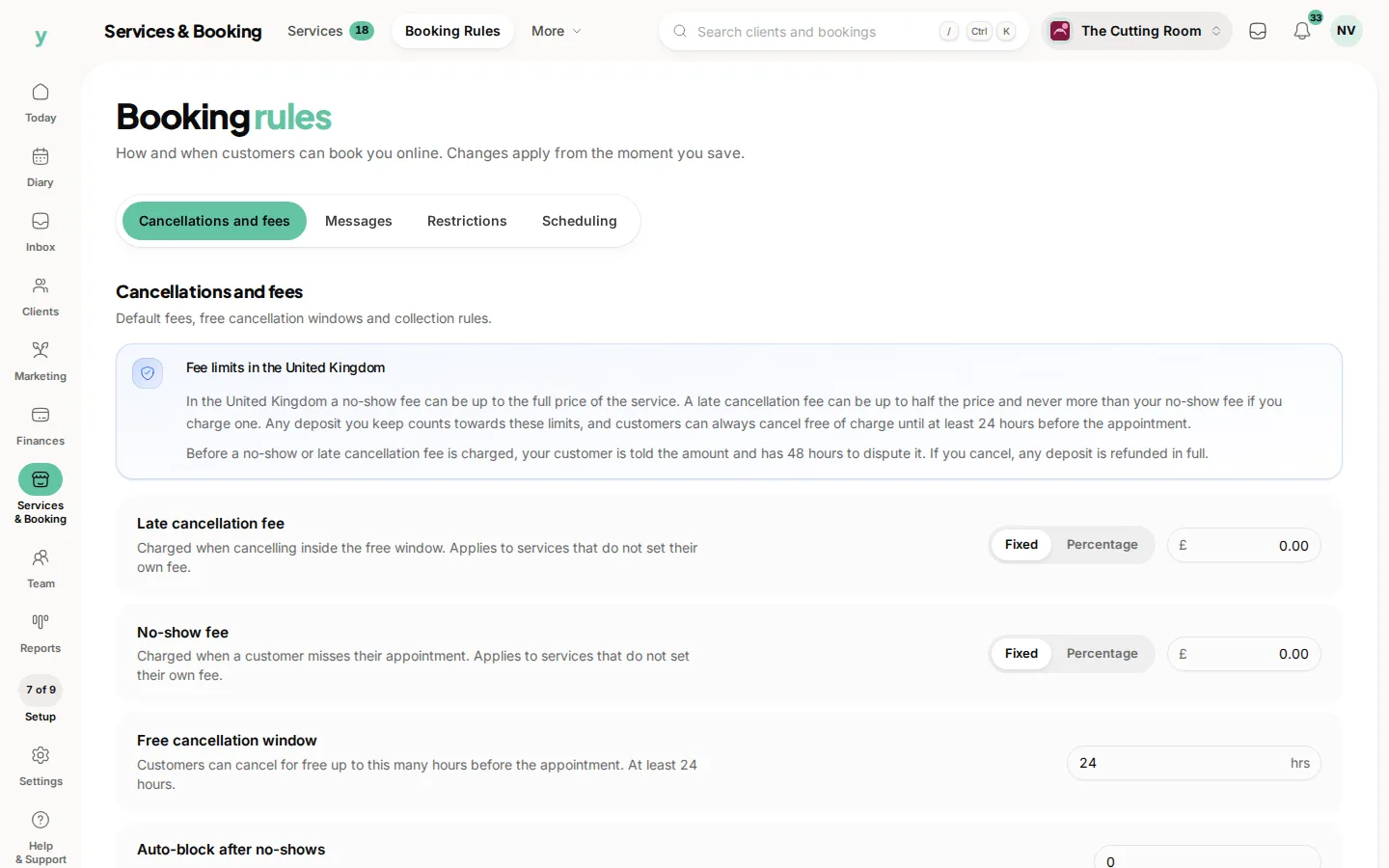
That depends on your booking rules. Instant booking puts it straight in the diary, which is what most businesses use.
What does the customer get?
A confirmation with the date, time and where to come and usually a reminder before the appointment.
Can I stop online booking for one service?
Yes. Set that service not to show publicly and it can only be booked by you.