
Some customers come back like clockwork and some of your time should never be booked at all. Youzse handles both.
Recurring bookings
For regulars, set up a recurring series so the same booking repeats automatically. When you create the series you choose how often it repeats:
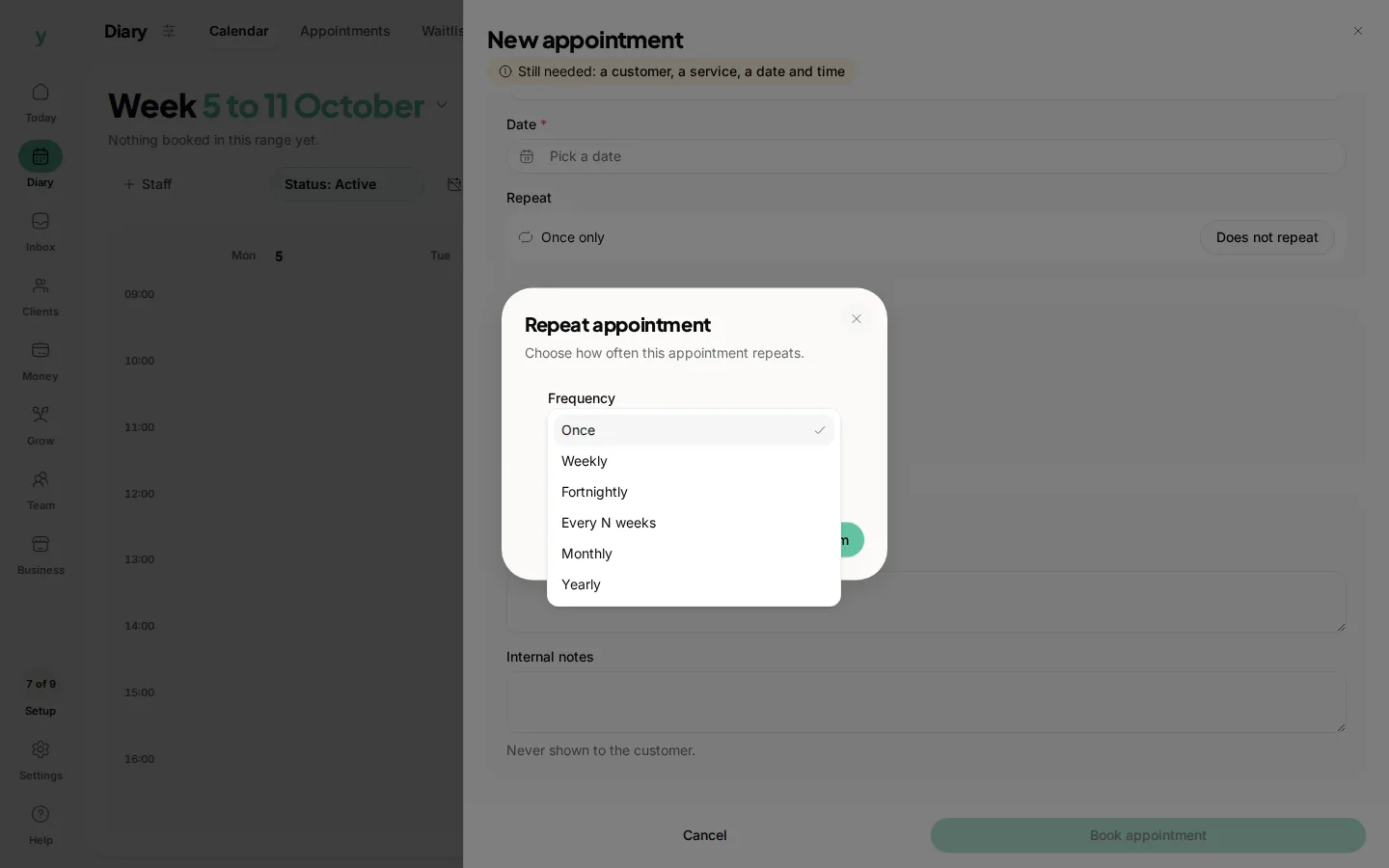
- Weekly
- Fortnightly
- Monthly
- Custom, where you set the exact number of days between bookings.
Youzse creates the run of appointments for you and adds them to the calendar. The customer is told when their recurring series is set up. If plans change you can cancel the upcoming bookings in the series without touching ones already completed.
Blocking out time
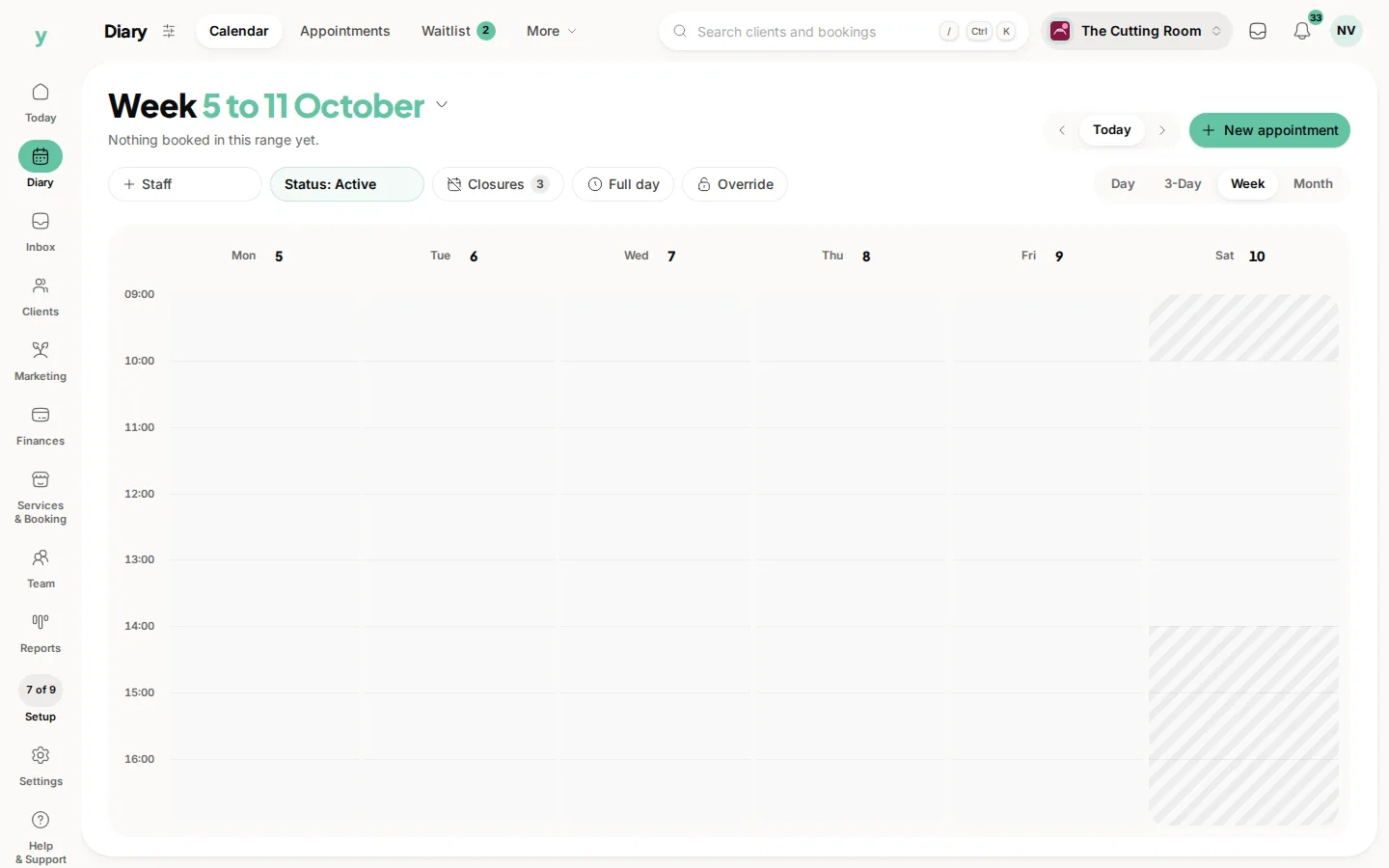
To keep time free for admin, deliveries or a personal commitment, block it out so it cannot be booked online or by mistake.
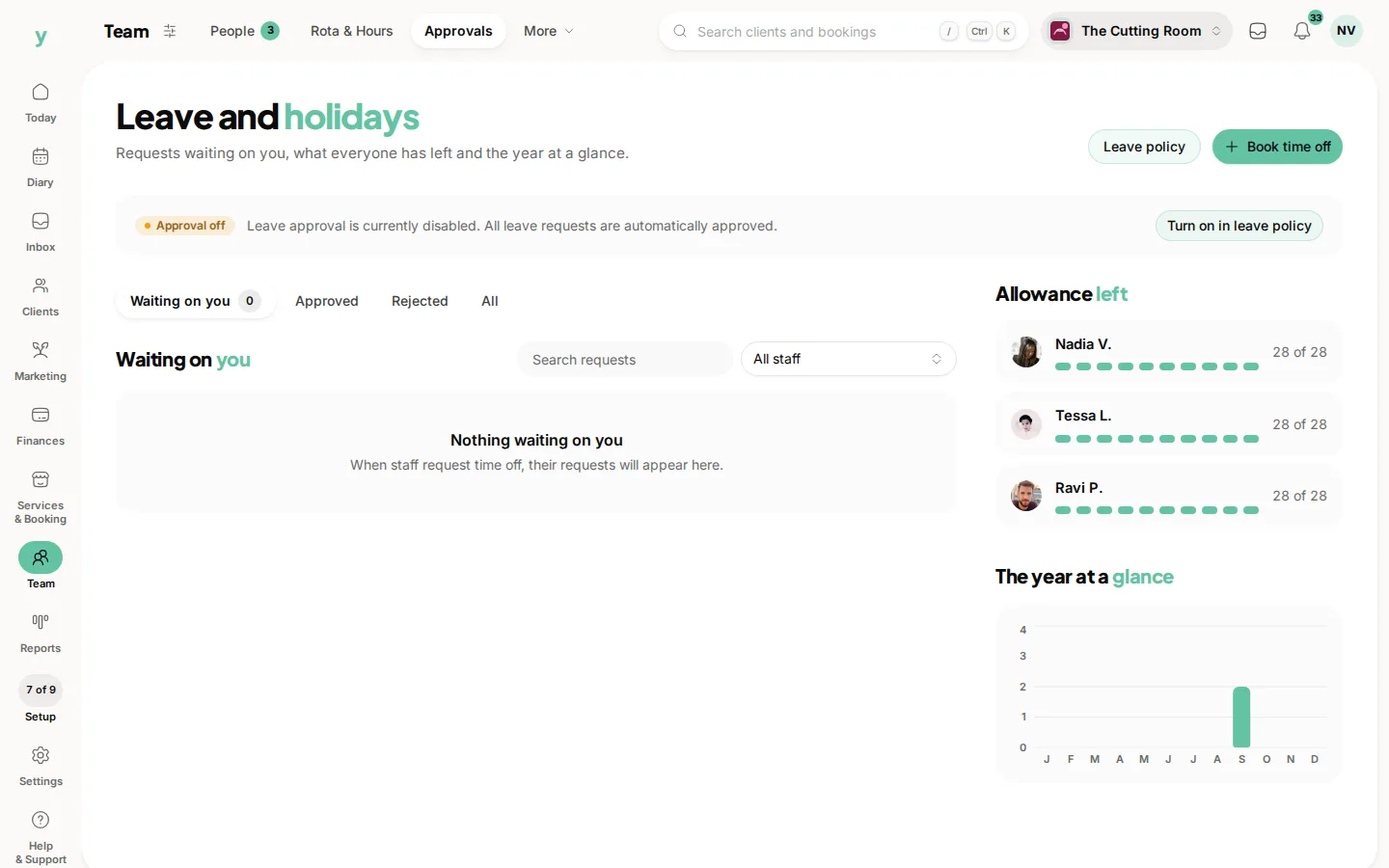
- For one-off or longer blocks, add time off for the dates or part-days concerned.
- For a regular gap such as lunch, add a daily break to your working hours so it is skipped every day automatically.
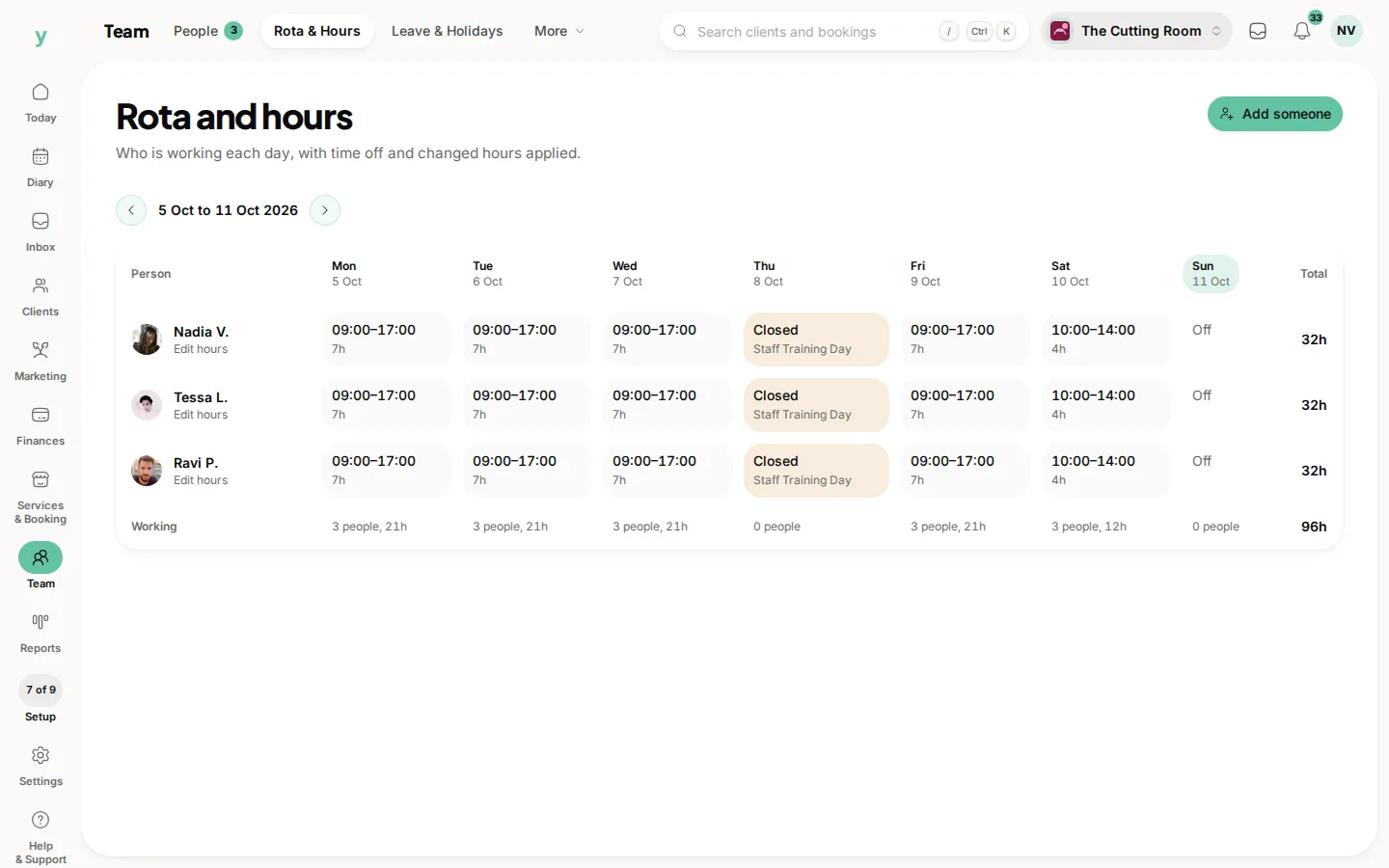
Blocked time and time off behave like a wall to the booking page, no slots are offered across them, while your existing bookings stay exactly where they are.
Keeping repeat work on a schedule and protecting the gaps you need means your diary works the way your business actually runs.
Common questions
Can I change one occurrence of a repeating booking?
Yes. A single occurrence can be moved without affecting the rest of the series.
What should I use blocked time for?
Anything that is not a customer booking but still uses the slot, like admin, deliveries or training.
How far ahead should a repeating booking run?
Far enough to hold the slot and not so far that it becomes a chore to unpick. Six months suits most.