
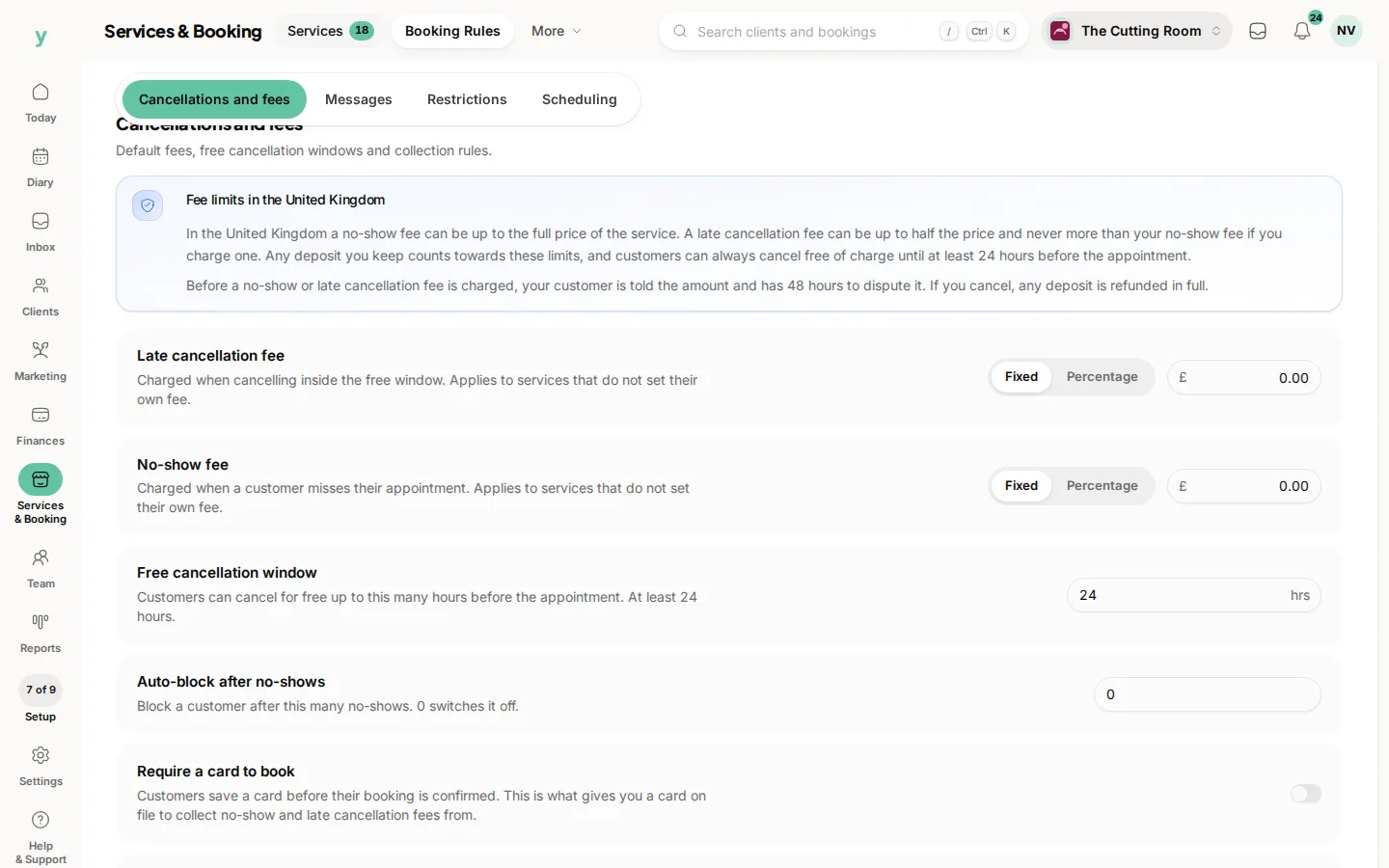
Go to Services & Booking, then Booking Rules. Stay on Cancellations and fees.
No-show fee is what you charge when a customer misses the appointment. Choose a fixed amount or a percentage of the service price. It applies to services that do not set their own fee.
Automatically collect fees, on the same tab, takes the no-show fee and the late cancellation fee from the card on file or sends a payment link. When it is off, you charge or waive each fee yourself from the appointment.
A card on file is what makes the automatic charge possible. Require a card to book is the switch above it.
On the service itself, open Cancellation and no-show fees. No-show fee can follow the business default, charge no fee or use a fixed amount or a percentage of the price. No fee exempts that service. Use it for a complimentary consultation, not for the appointment that fills your afternoon.
Late cancellation fee sits under the same heading, for a cancel inside your free cancellation window. It is a different charge from a no-show.
Common questions
Which amount wins, the business or the service?
The service wins when it sets its own fee or says no fee. Use business default is how a service stays on the Booking Rules amount.
Will this charge a customer who cancelled yesterday?
Only a missed appointment or a late cancellation if you set that fee too. A cancel inside the free window is not a no-show.
Can the fee be more than the service?
A no-show fee can be up to the full price of the service. A late cancellation fee can be up to half the price and never more than the no-show fee if you charge one. The booking rules page states the limit.