
Plans change. Youzse makes it easy to move or cancel a booking and keeps everyone in the loop automatically.
Rescheduling a booking
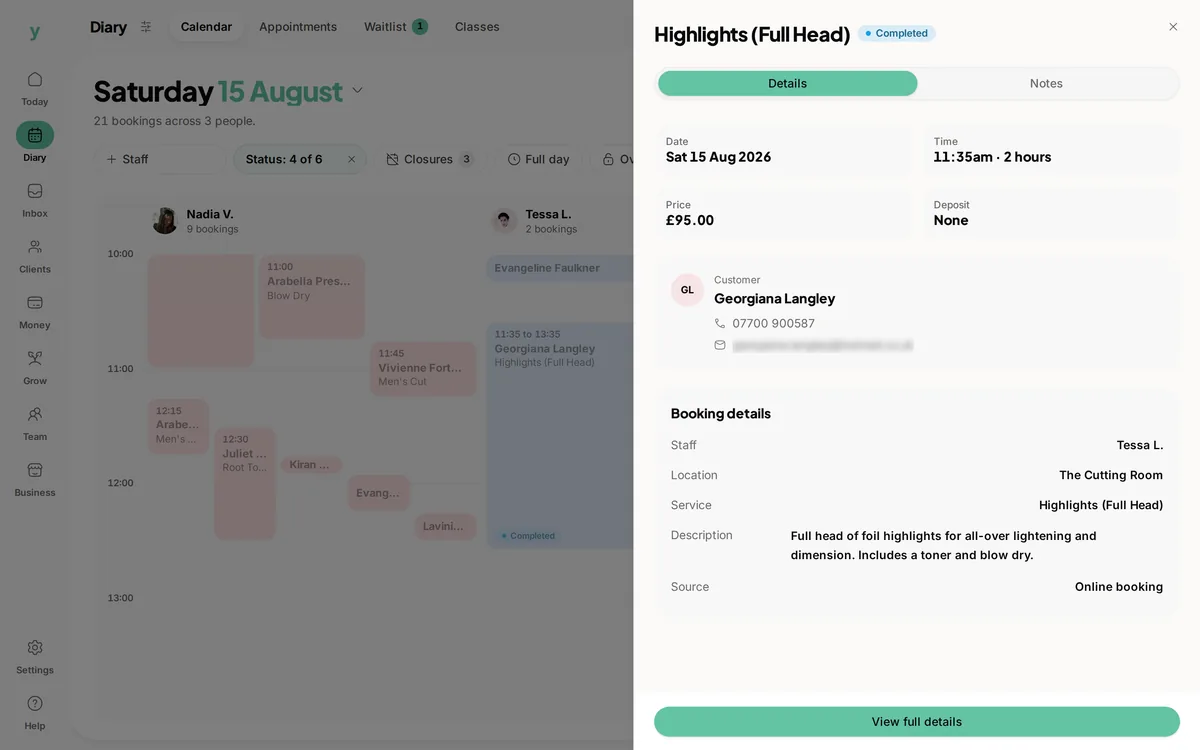
- 1Open the booking from your calendar or bookings list.
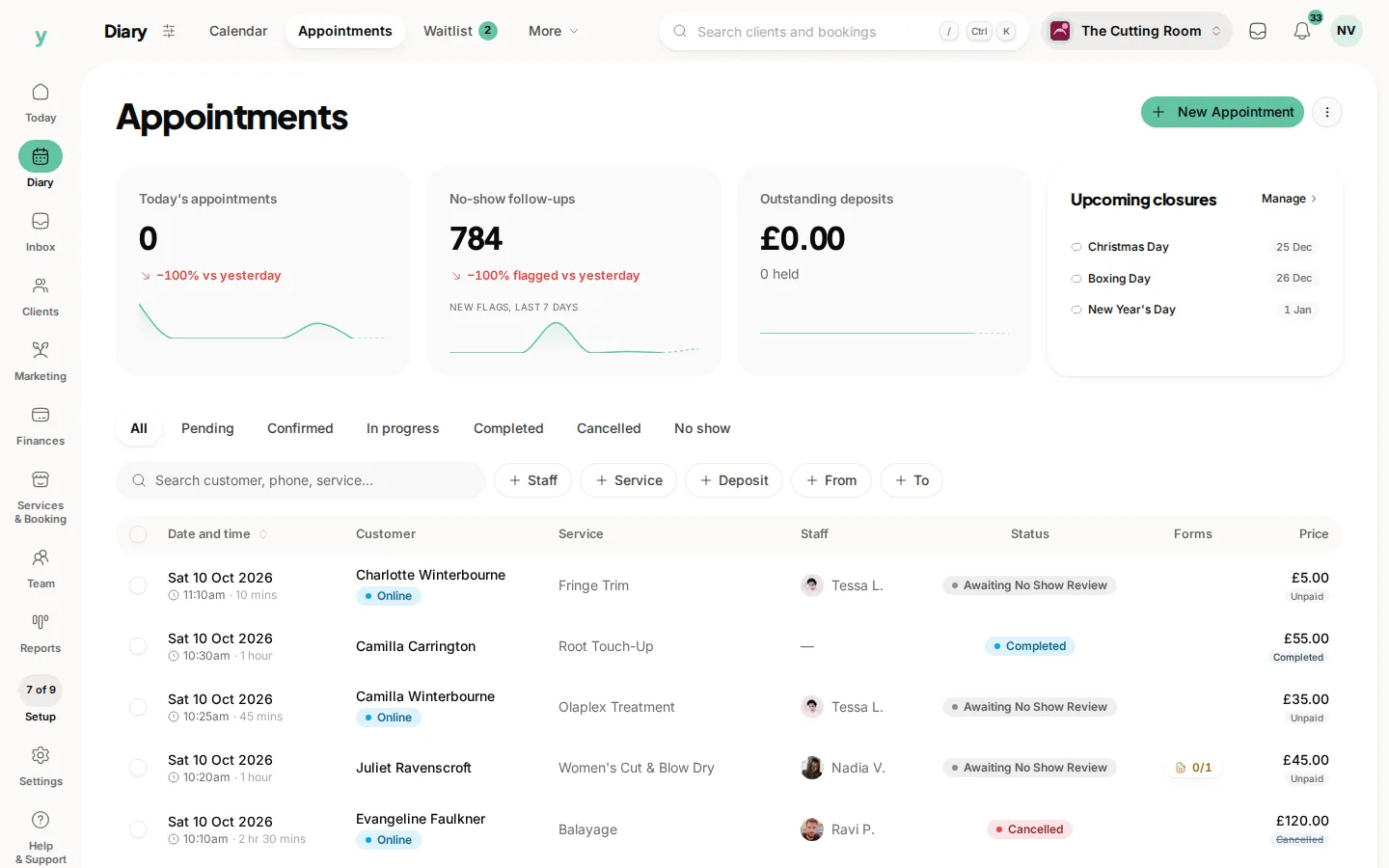
- 2Choose Reschedule.
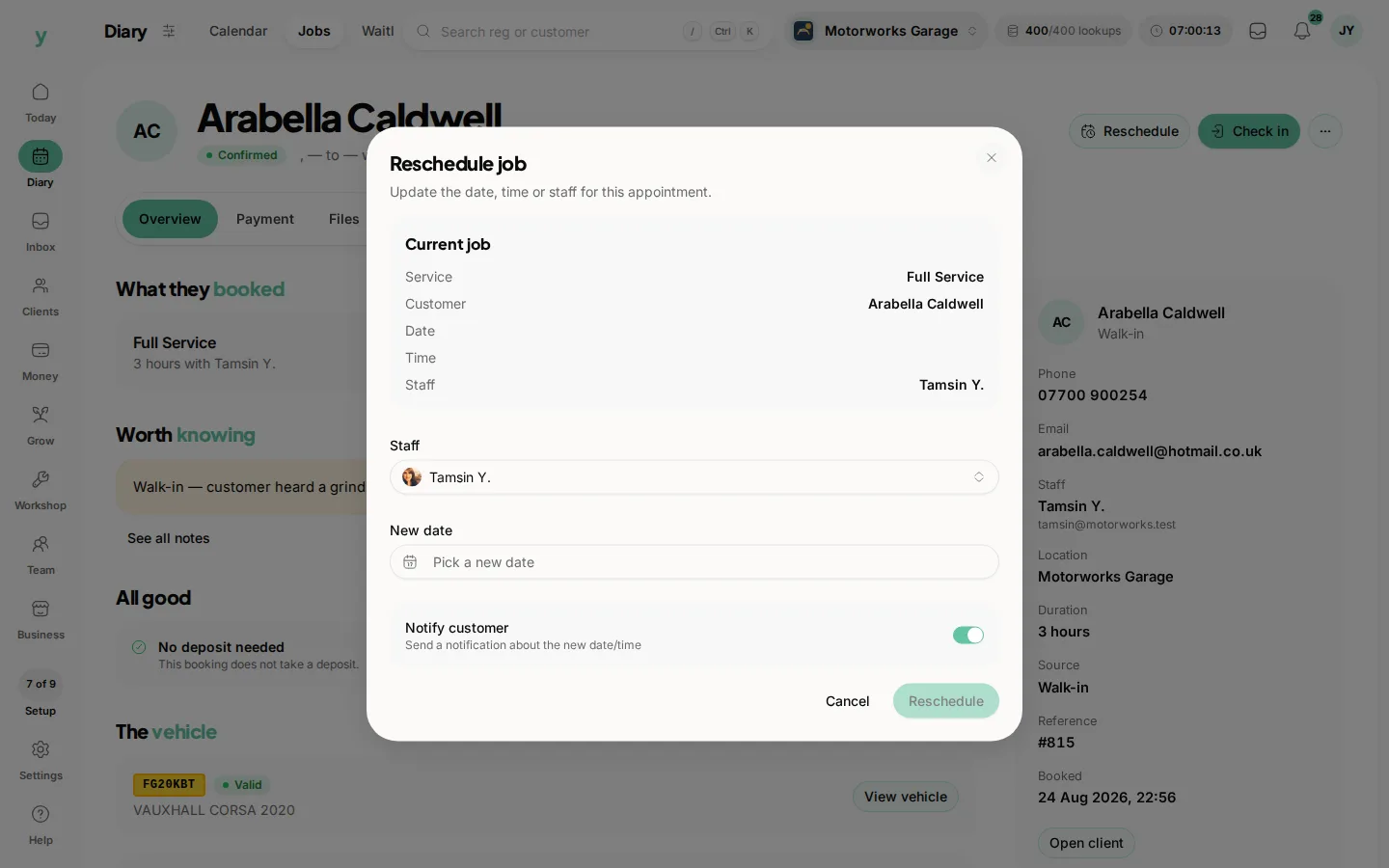
- 3Pick a new time from the slots that are free.
- 4Save. The customer is told about the new time straight away.
The old slot is released the moment you reschedule, so it can be booked by someone else.
Cancelling a booking
Open the booking and choose Cancel. The slot frees up and the customer receives a cancellation notice. If a no-show or late cancellation fee applies under your booking rules, you can deal with that from the booking screen.
Letting customers manage their own
You can allow customers to reschedule or cancel their own bookings, which saves you the back and forth. In your booking rules you can set:
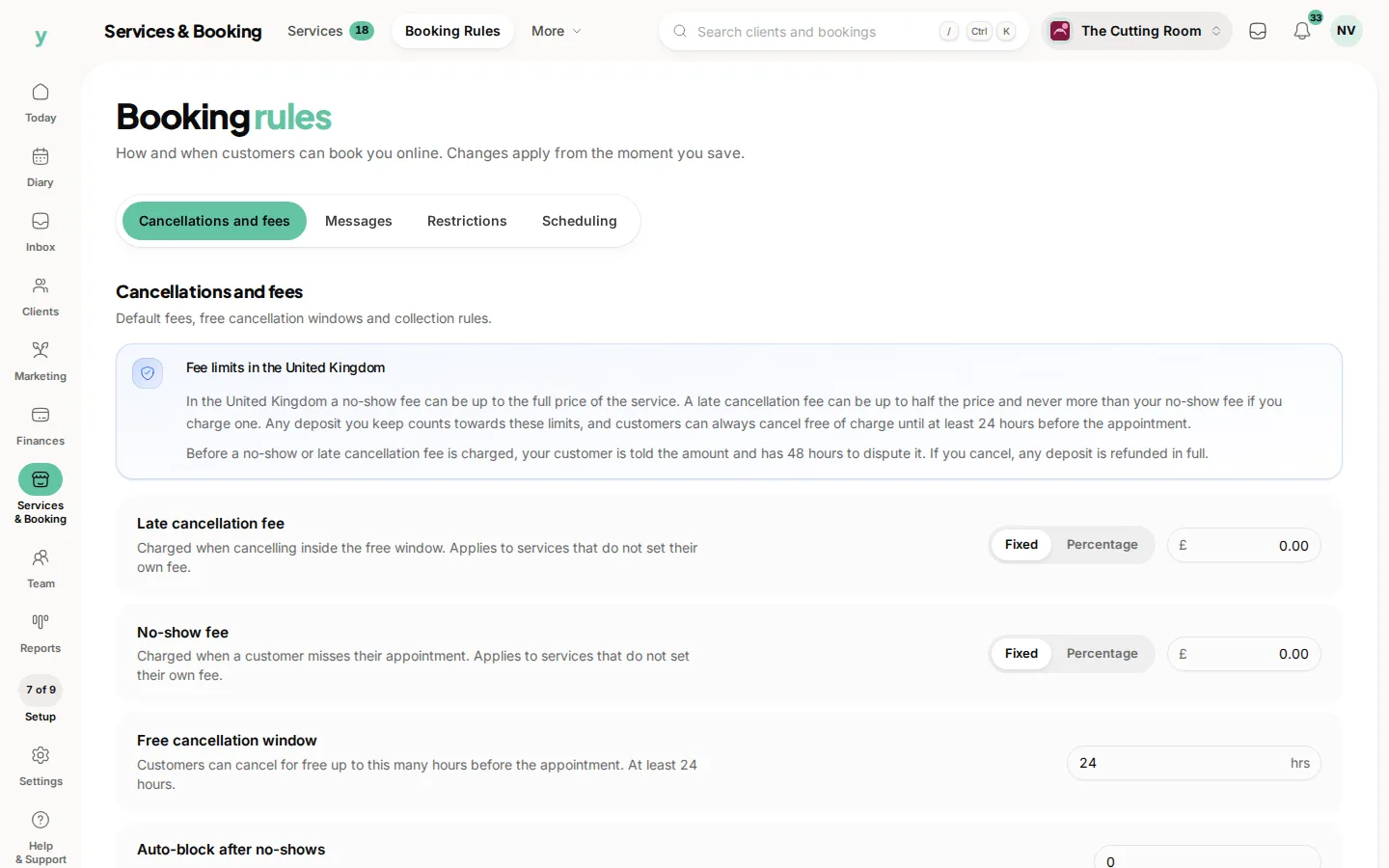
- Whether rescheduling is allowed at all.
- A reschedule window, so changes are only allowed up to a certain number of hours before the appointment.
- A limit on how many times a single booking can be moved.
Customers manage their booking from the secure link in their confirmation or from their account. Anything inside your window is blocked, so last-minute chaos stays under control.
Every change is recorded against the booking, giving you a clear history of who moved what and when.
Common questions
Can customers reschedule themselves?
Where you allow it. Self-service saves you phone calls and gets you more notice.
Does a cancellation free the slot straight away?
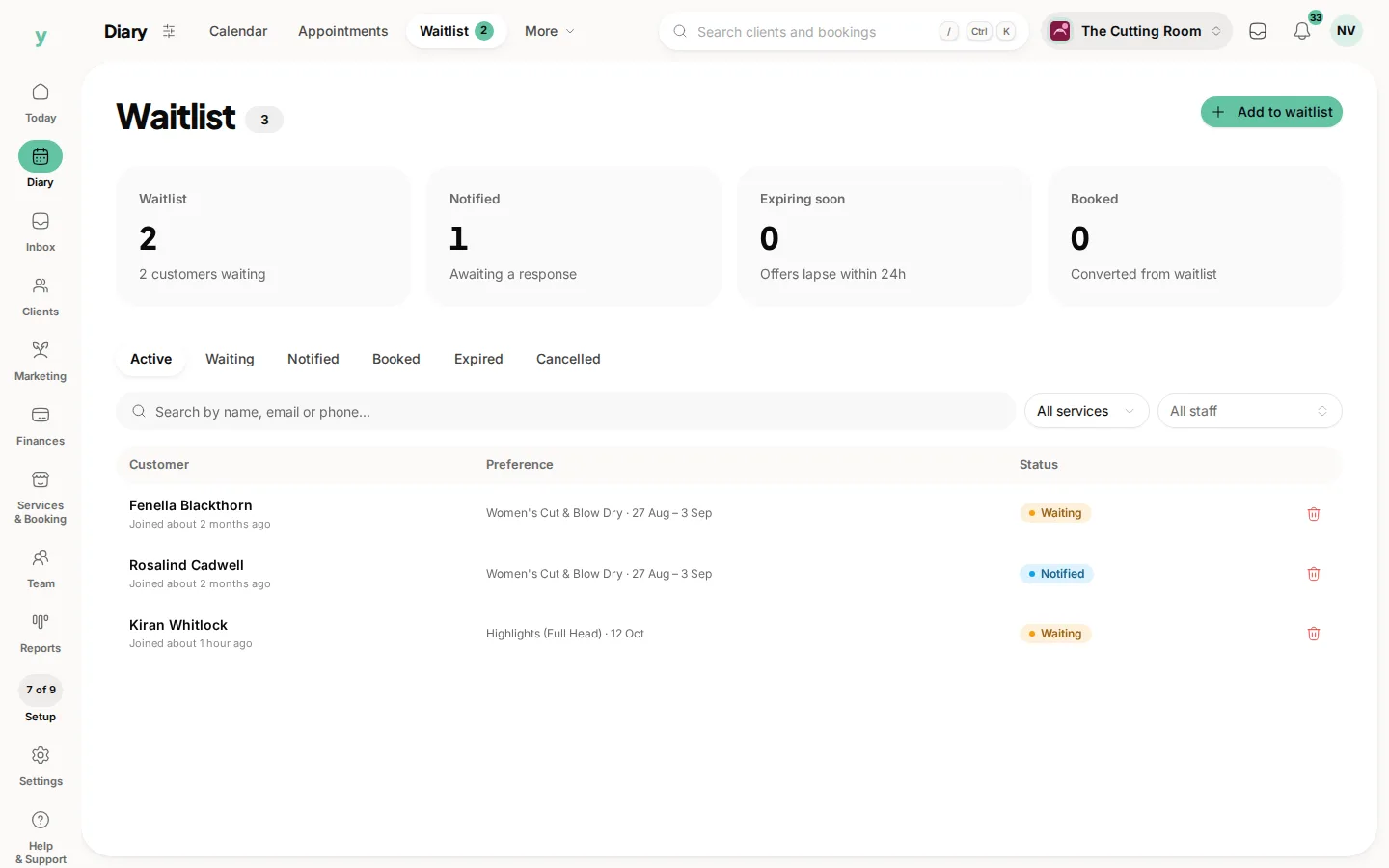
Yes. It becomes bookable again. Check your waitlist, because somebody may be waiting for it.
Is the customer told automatically?
That depends on your notification settings. For a same-day change, contact them directly as well.