
Open the appointment from Diary, then Calendar or from Diary, then Appointments. Choose Mark no-show when they have not arrived and are not going to. The dialog is titled Mark as no-show. The status becomes No Show.
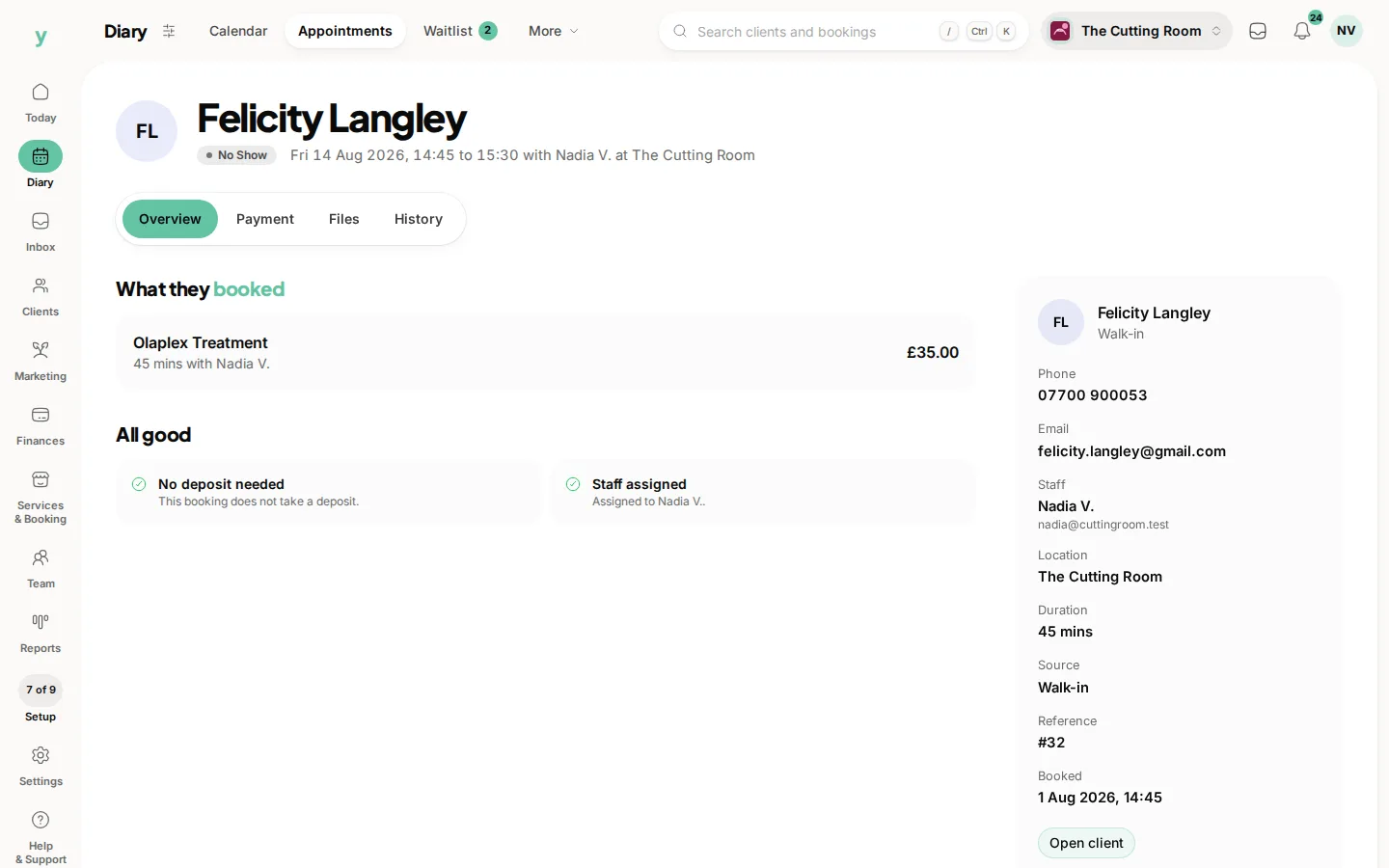
If Automatically collect fees is on, Youzse takes the fee from the card on file or sends a payment link, without you pressing anything else.
If that switch is off, the appointment shows Fees when a no-show fee is still outstanding. Charge no-show fee is the button. It is there when a card is on file. Confirm it. The dialog is Charging no-show fee.
No card on file means there is nothing to charge in one tap. Send them a payment link for the fee or take it next time they are in and record it.
Charge once. The appointment records when the no-show fee was taken, so you are not taking it twice.
Waive it when the reason is a genuine emergency and you would rather keep the customer. The setting that leaves charging to you is there for that judgement.
Common questions
I cannot see Charge no-show fee. Why?
The appointment needs to be a no-show, the fee needs to be unpaid and a card needs to be on file. If fees are collected automatically, the button is not how it gets paid.
Does a deposit already paid cover the fee?
A deposit is part of the service price. The no-show fee is the separate amount you set. Look at the appointment before you charge again.
Can I mark a no-show by mistake and undo the charge?
Change the status if you marked it too early. A fee already taken needs a refund, from the payment, if you decide they should not have been charged.