
Youzse imports invoice records with their number, issue date, due date, customer, subtotal, tax, total, amount outstanding and payment status. Individual payment transactions are not imported, only the resulting status.
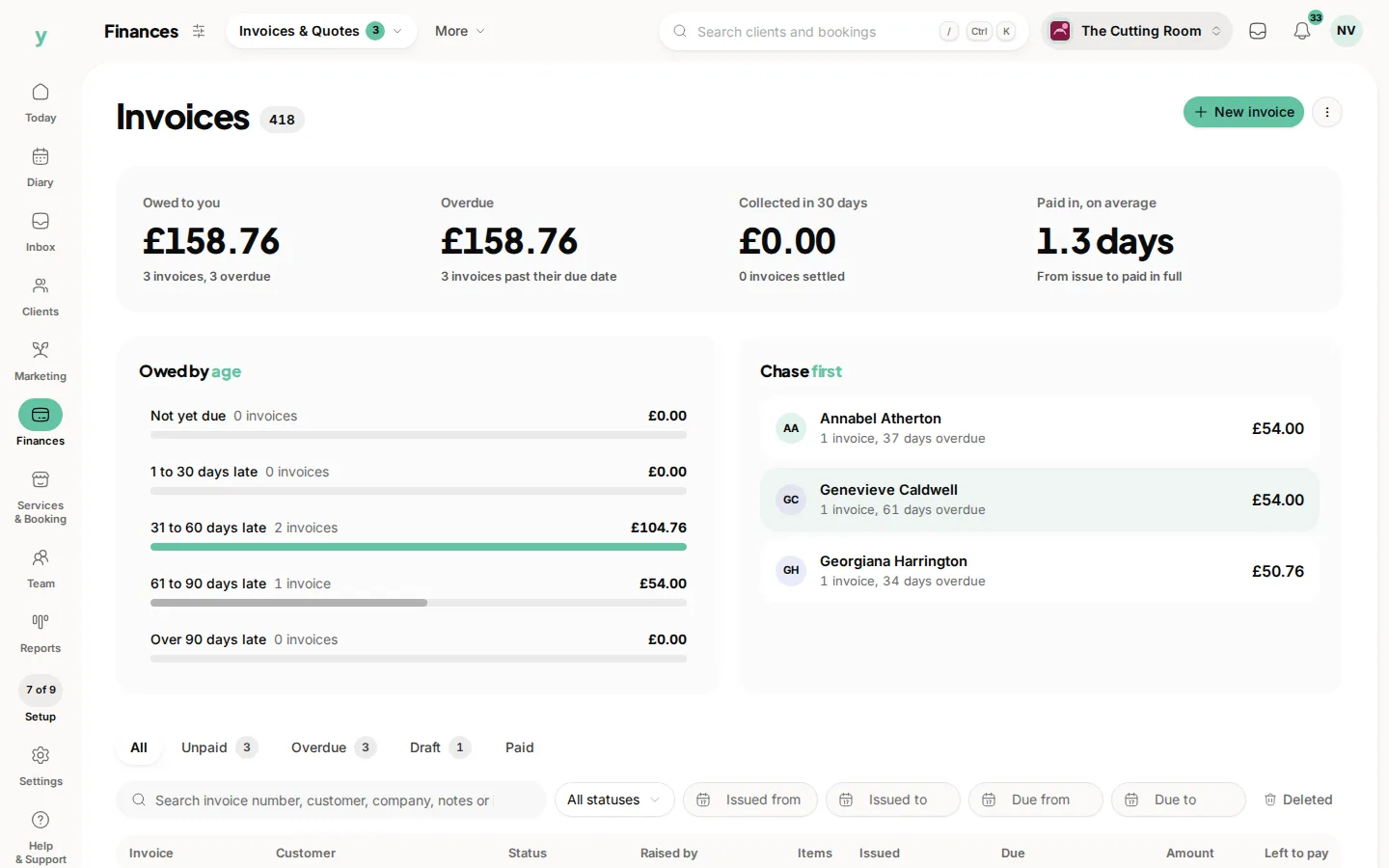
Import customers first
An invoice row names a customer. Import your customers and your companies if you invoice businesses, before the invoices themselves, so each invoice attaches to the right record.
What the importer reads
- Invoice number, so your numbering carries on rather than restarting
- Issue date and due date
- Customer name, matched against the customers you have already imported
- Subtotal, tax and total
- Amount outstanding, which is what makes an invoice show as part paid
- Status
How statuses map
Paid stays paid. Past due and overdue become overdue. Open, unpaid and pending become sent. Void and cancelled become void. Draft stays draft. That mapping is why an accounting export lands sensibly without you recoding it.
Line items
Most accounting exports give one row per invoice rather than one row per line. That imports as an invoice with its totals, which is right for historical records you are keeping for reference. Invoices you raise in Youzse from now on have full line items.
Keeping your numbering
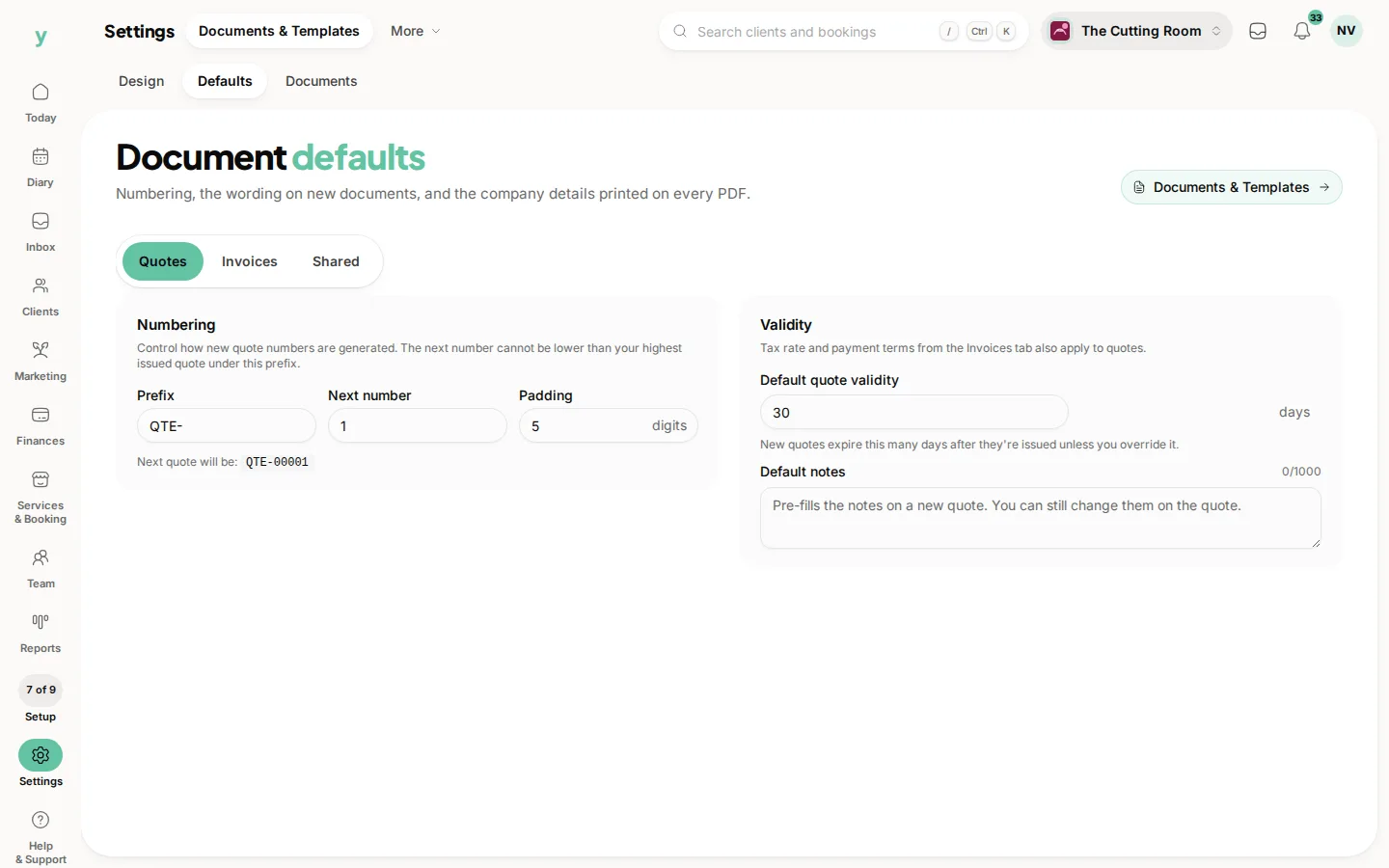
Check the highest invoice number that came across, then set your next number under Settings, then Documents & Templates, then Defaults, so you do not reuse one.
Common questions
Will importing invoices affect my VAT return?
Imported historical invoices sit in your records. Check the VAT area before filing and speak to your accountant about how the changeover period is treated.
Can I import invoices without importing customers?
You can, but the invoice will not attach to a customer record. Import customers first.
Do imported invoices get sent to customers?
No. Importing is silent. Nothing is emailed to anyone.