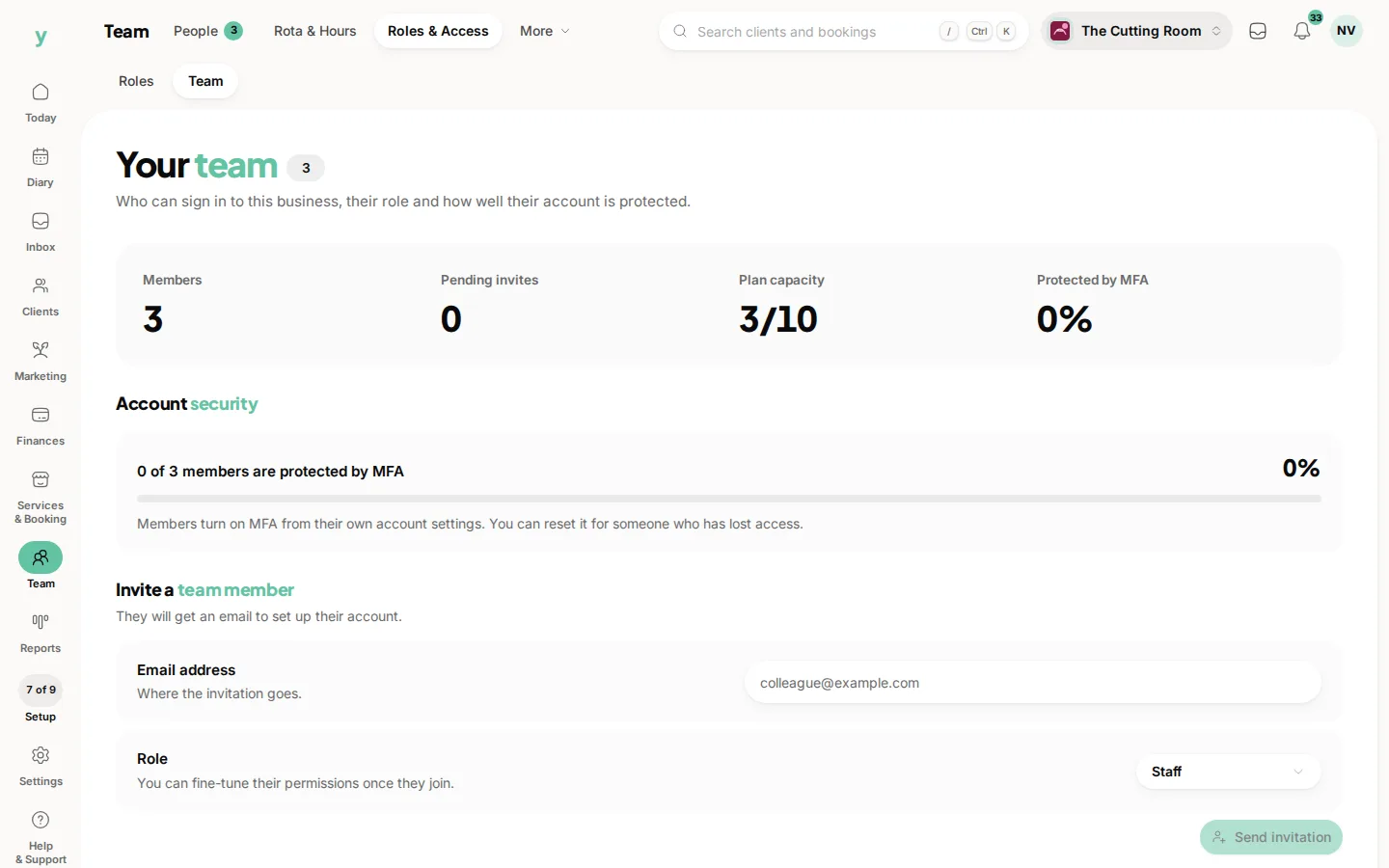
Remove their access on their last day. Then deal with the diary, the profile and anything addressed to them.
Do it in this order
- 1Remove their access, so they can no longer sign in
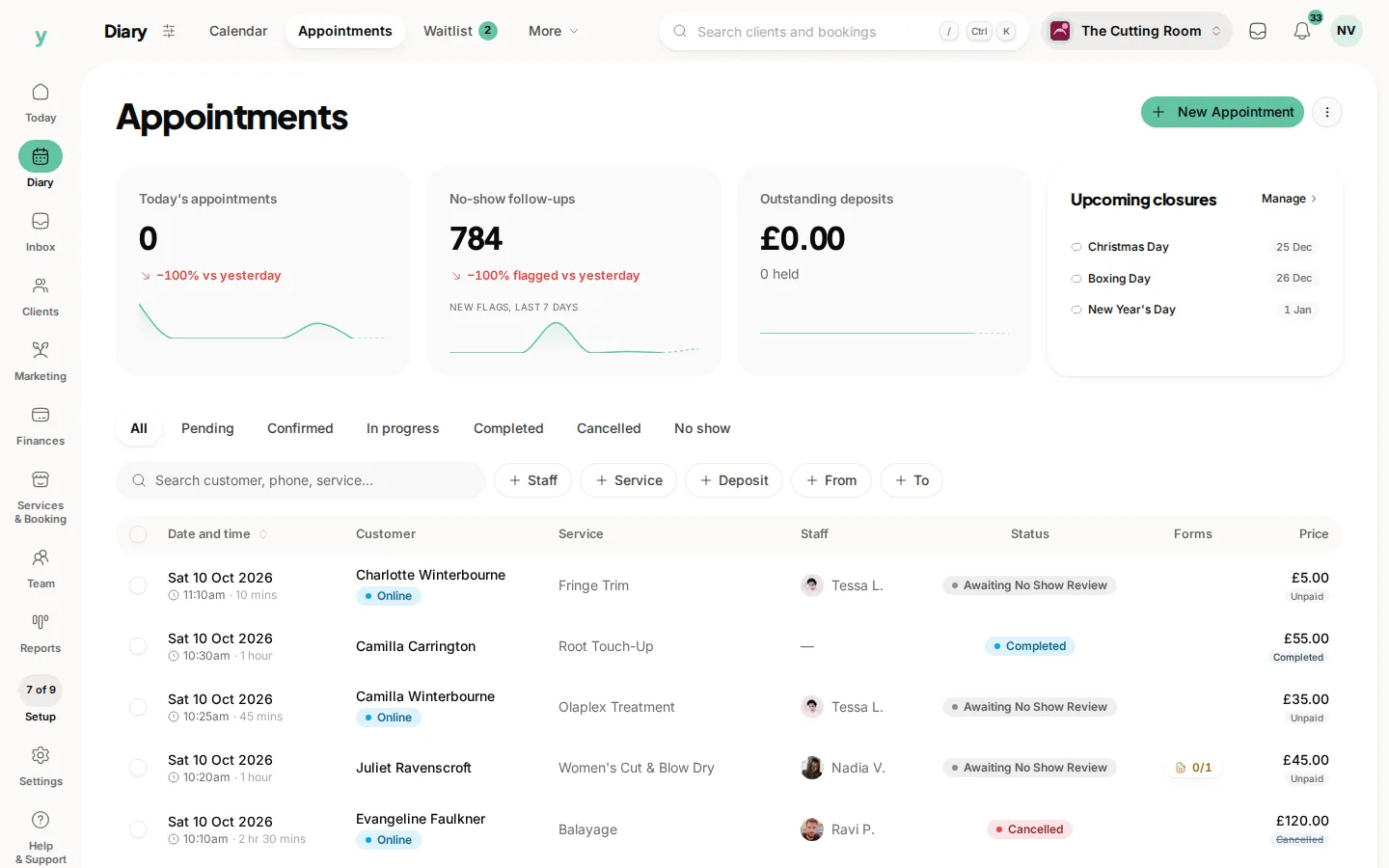
- 2Reassign or contact anyone booked with them in the future
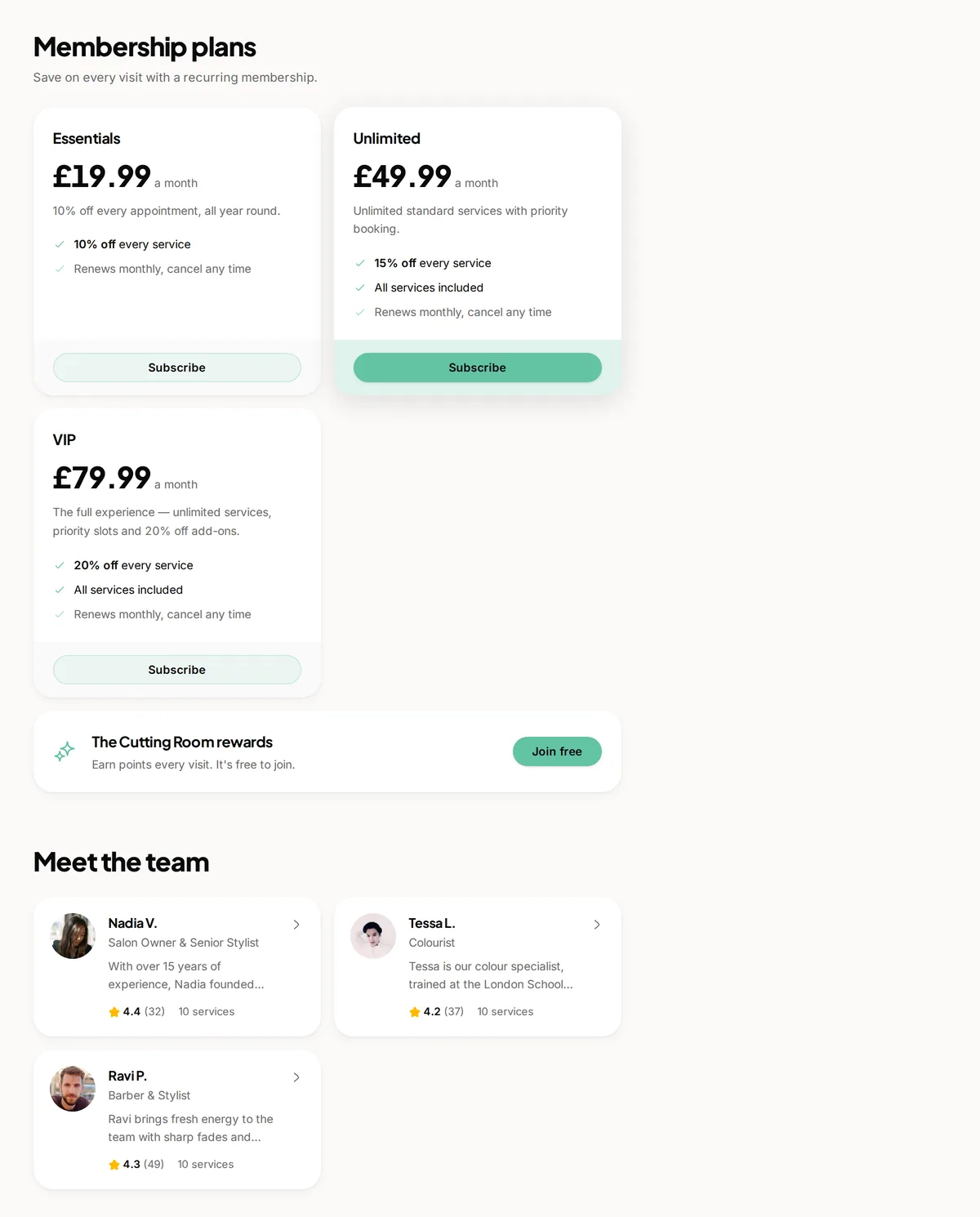
- 3Take their profile off your public page
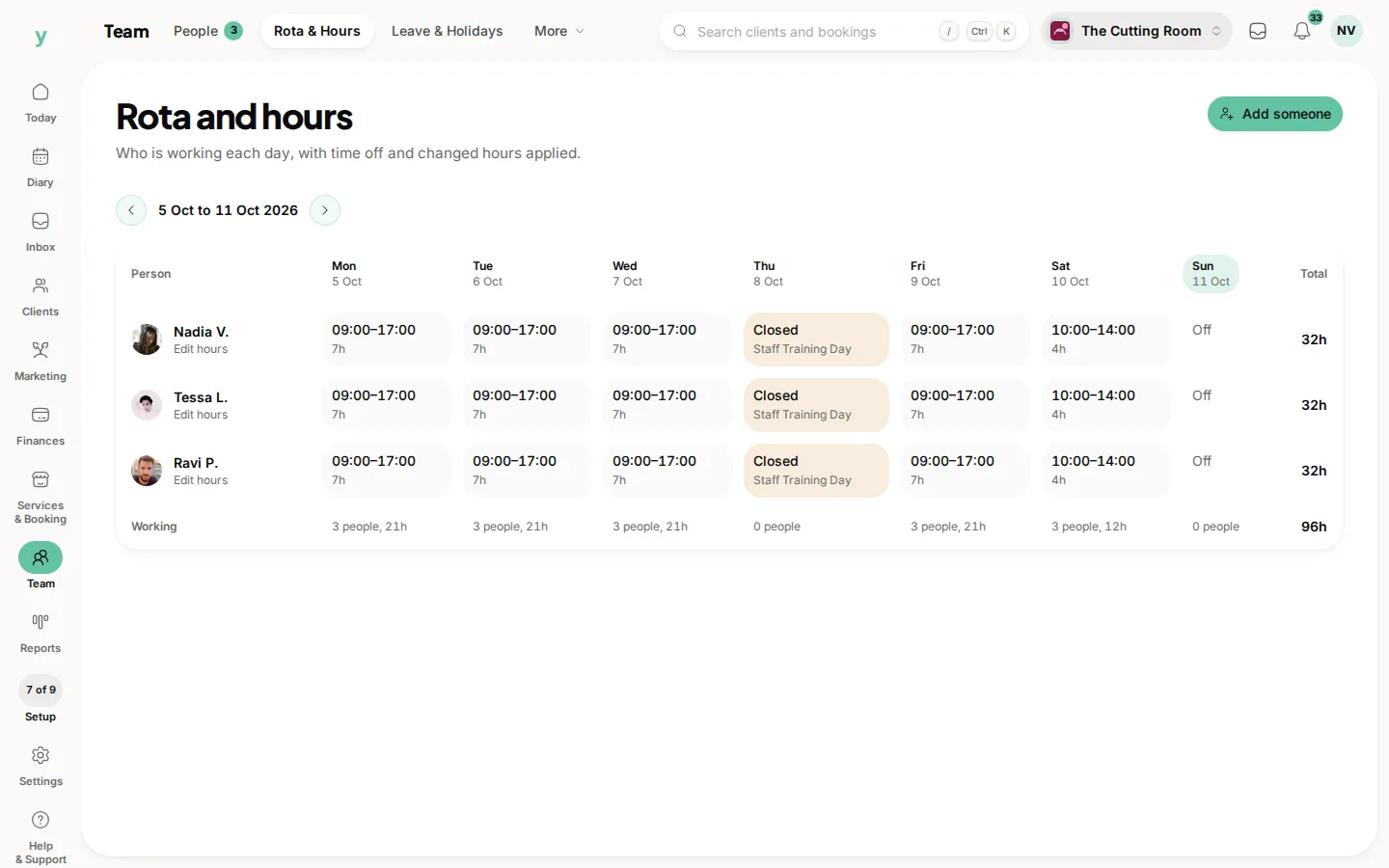
- 4Clear their working hours so no more slots are offered
Access first, everything else after
A former employee who can still sign in can see your entire customer list. Whatever the circumstances of them leaving, that access goes on the last day rather than when you get round to it.
Their bookings are the urgent bit
Customers booked with somebody who has left need telling and rebooking. Doing it before they find out on the day is the difference between a minor inconvenience and a lost customer.
Keep the history
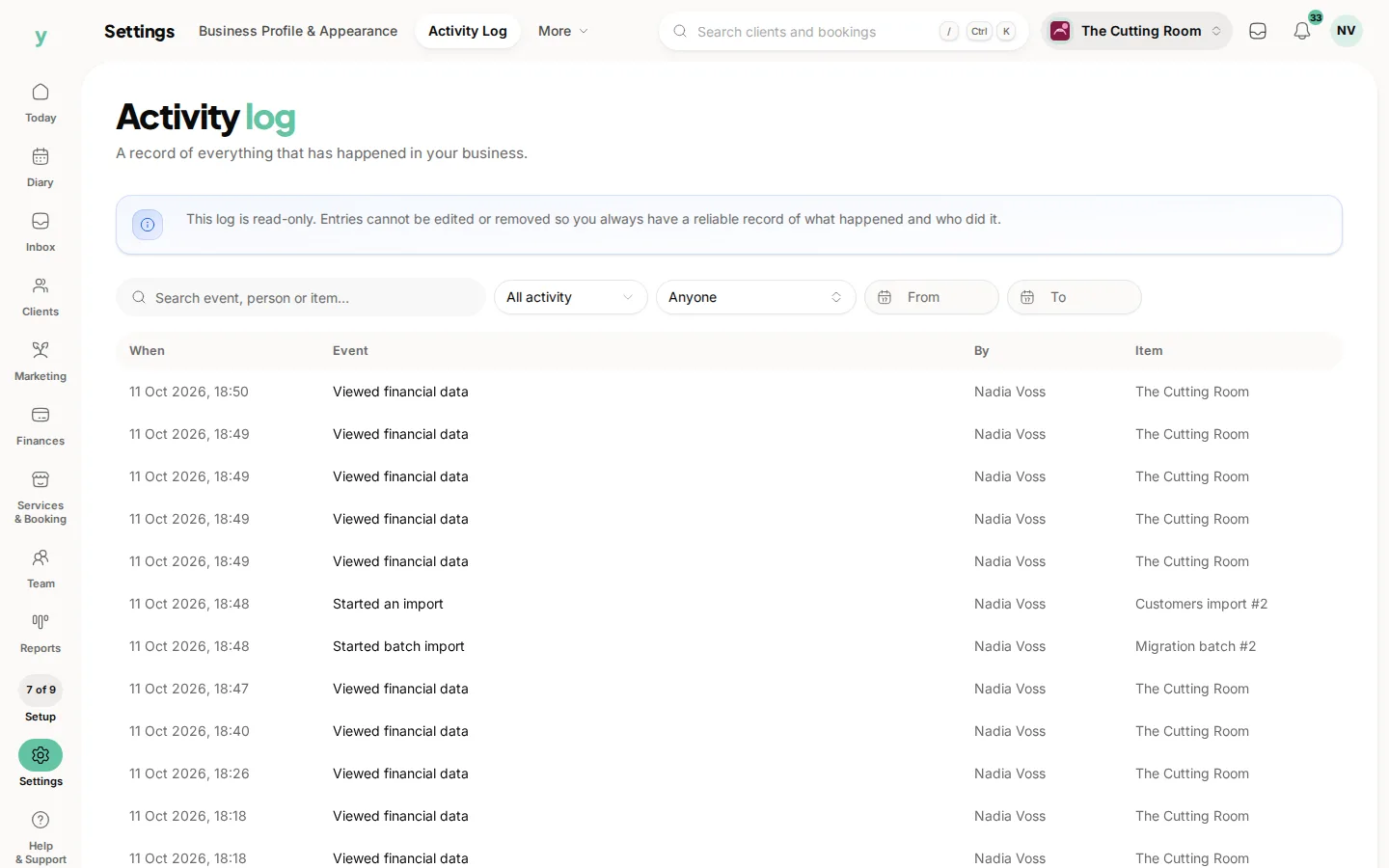
Removing access does not erase what they did. Past bookings, invoices and the activity log stay intact, which you need for your records and for answering questions later.
Common questions
Should I delete the staff member entirely?
No. Their history is attached to real bookings and invoices. Remove access and take them off the public page.
What if they had customers who only saw them?
Contact those customers personally before they book again. Handled well it keeps them, handled badly they follow the person.
Can I see what they did before they left?
Yes. Settings, then Activity Log, records who did what.