
Self assessment in Youzse is an estimate of the tax year on a cash basis. It reads three things: invoices that have been paid, other income, and expenses. It does not run payroll and it does not file anything.
Where to find it
Go to Finances, then Self Assessment. The year buttons under the tabs switch the tax year. The page you are looking at is an estimate for that year, not a return.
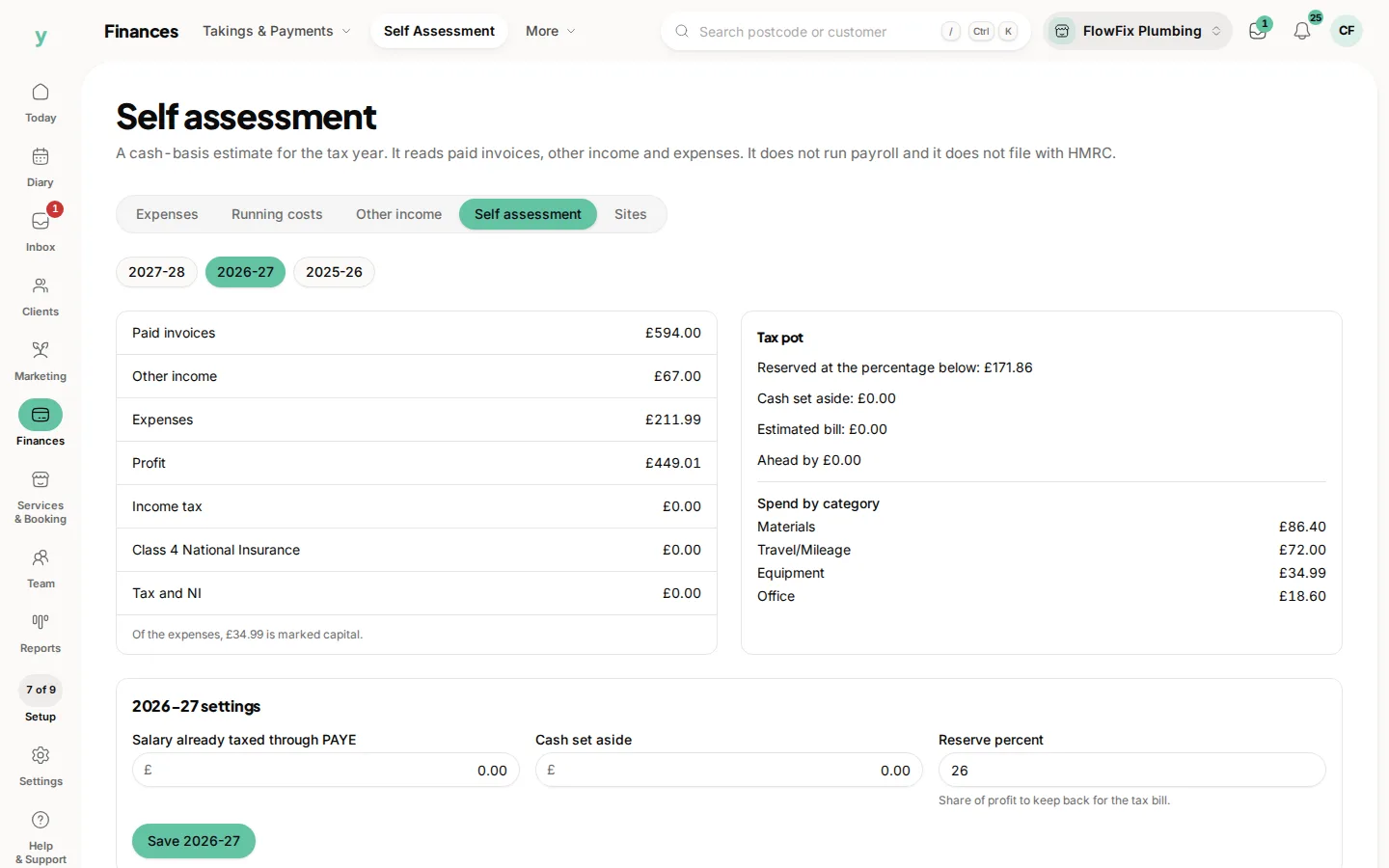
What the figures mean
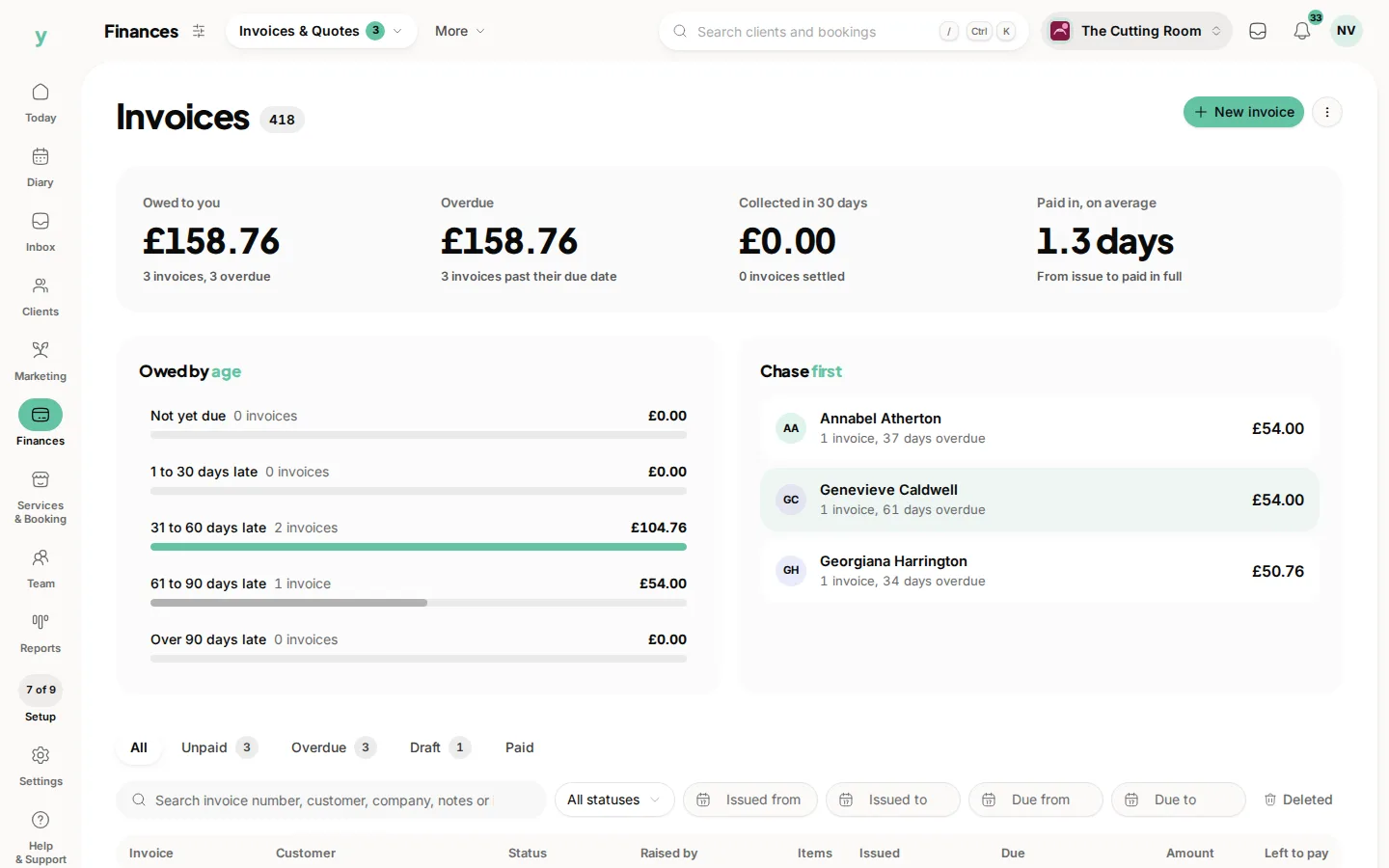
- Paid invoices: money customers have actually paid, not invoices still outstanding
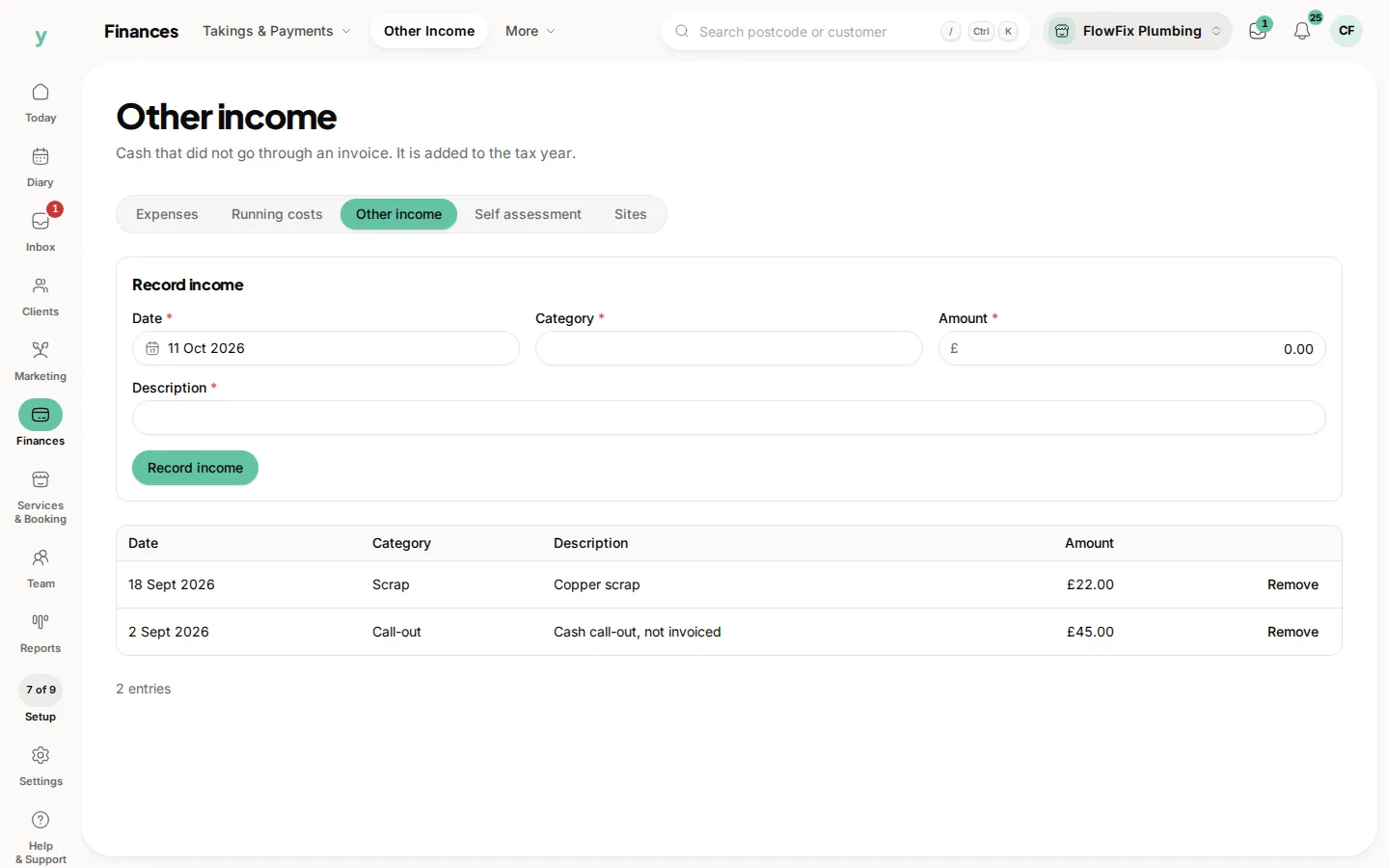
- Other income: the cash you recorded that never had an invoice
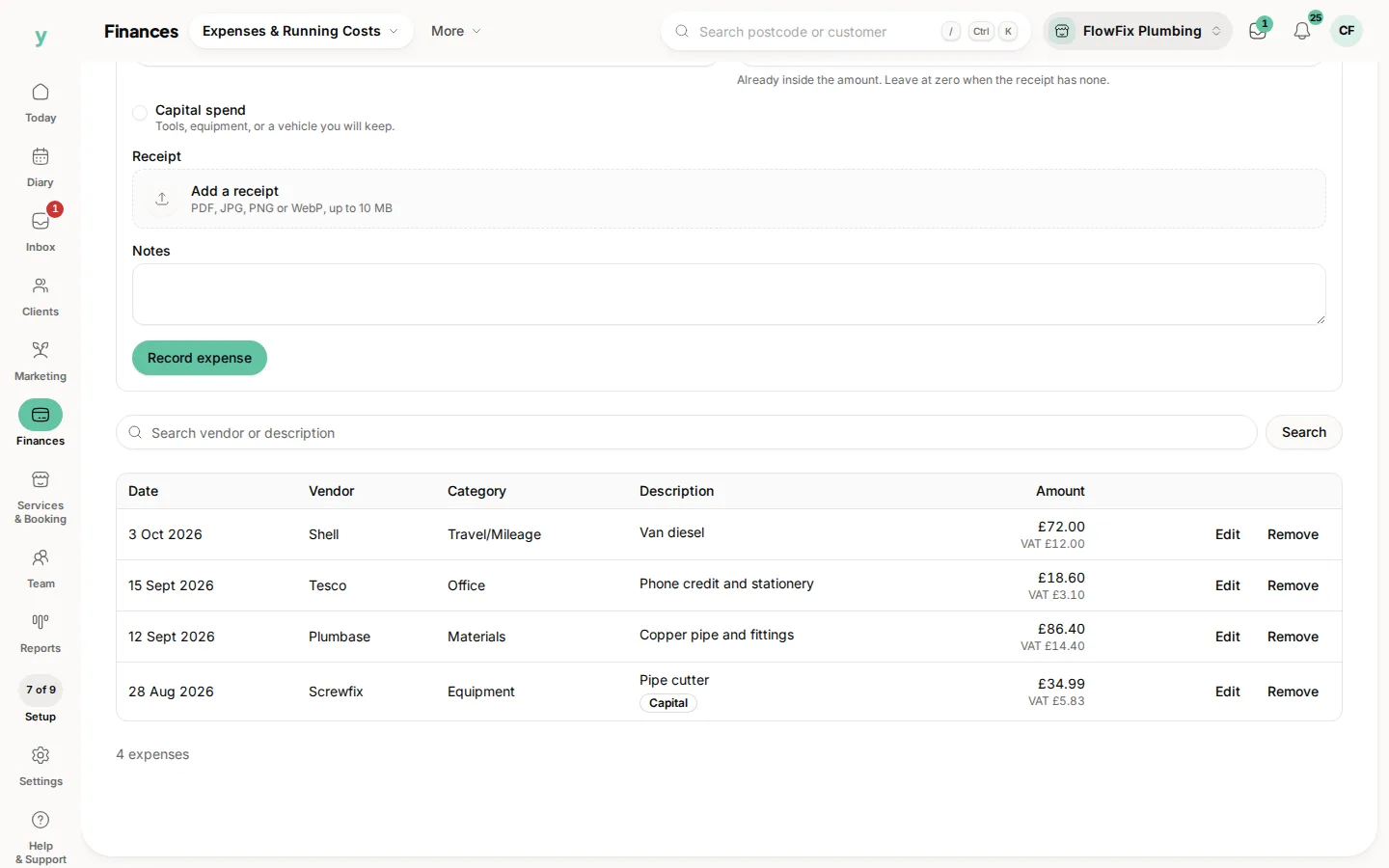
- Expenses: what you have logged as paid out, including anything marked capital
- Profit: paid invoices plus other income, minus expenses
- Income tax, Class 4 National Insurance, and Tax and NI: the estimate on that profit
The tax pot beside it is the practical half. Set a reserve percent, the share of profit you want to keep back. The page shows what that comes to, the cash you have told it you have set aside, the estimated bill, and whether you are ahead or behind. Salary already taxed through PAYE is there so income you have already paid tax on is not treated as if it had not been.
Choose Save and the year name when you change those settings. The estimate updates from your books. It is not submitted anywhere.
Common questions
Will Youzse send this to HMRC?
No. It is a working estimate so you can set money aside. Filing the return is still something you, or your accountant, do with HMRC.
Why is profit higher than the cash in the bank?
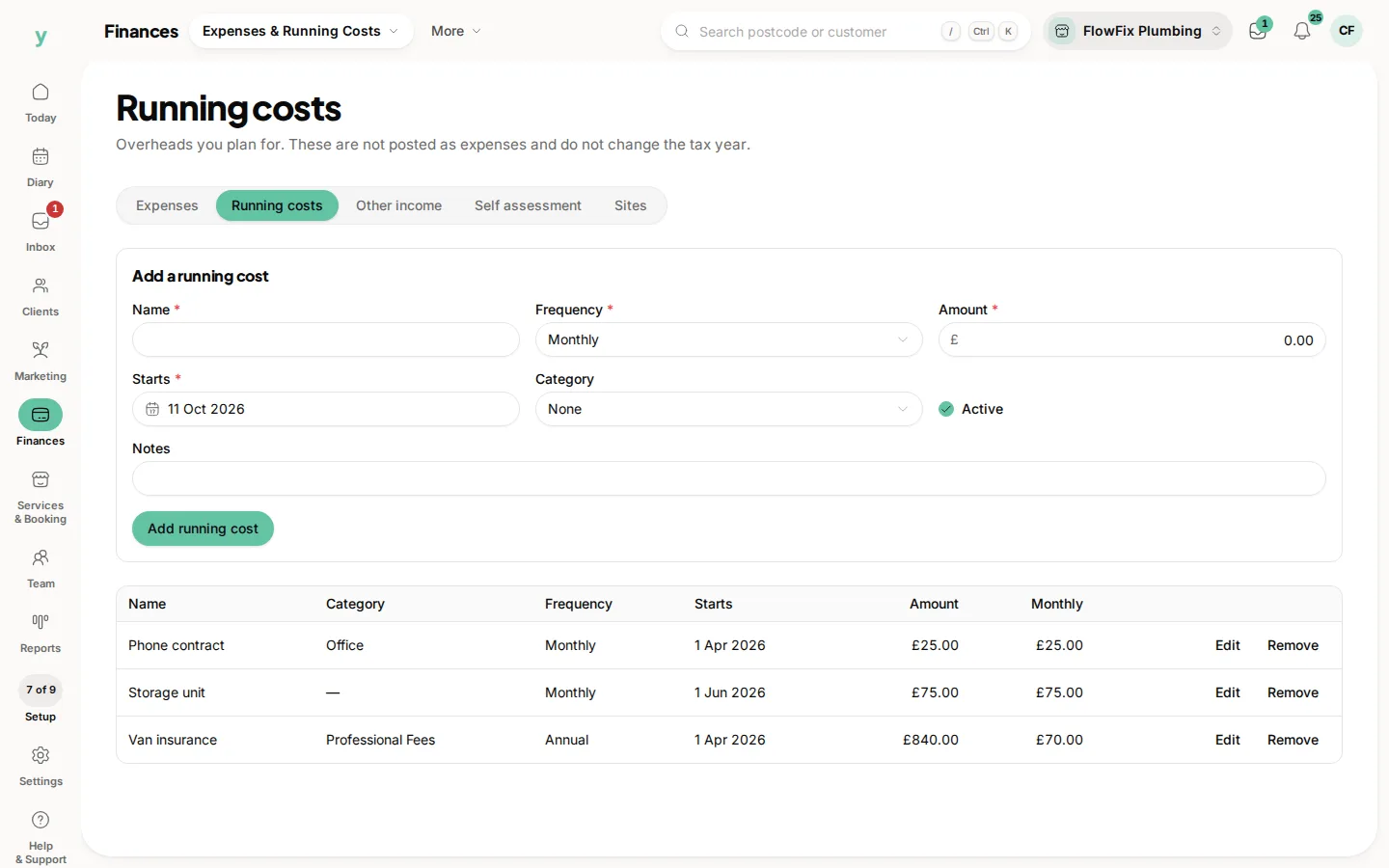
The page counts paid invoices, other income and expenses. It does not count planned running costs, unpaid invoices or money you have moved to a savings account.
What does capital mean on an expense?
You marked that spend as something you keep, such as a tool or a vehicle. It is still listed with expenses, and the page says how much of them is capital, so you and your accountant can treat it properly.