
Go to Team, then Leave & Holidays. It shows requests waiting for an answer, lets you browse all staff leave and lets you book time off on behalf of your team.
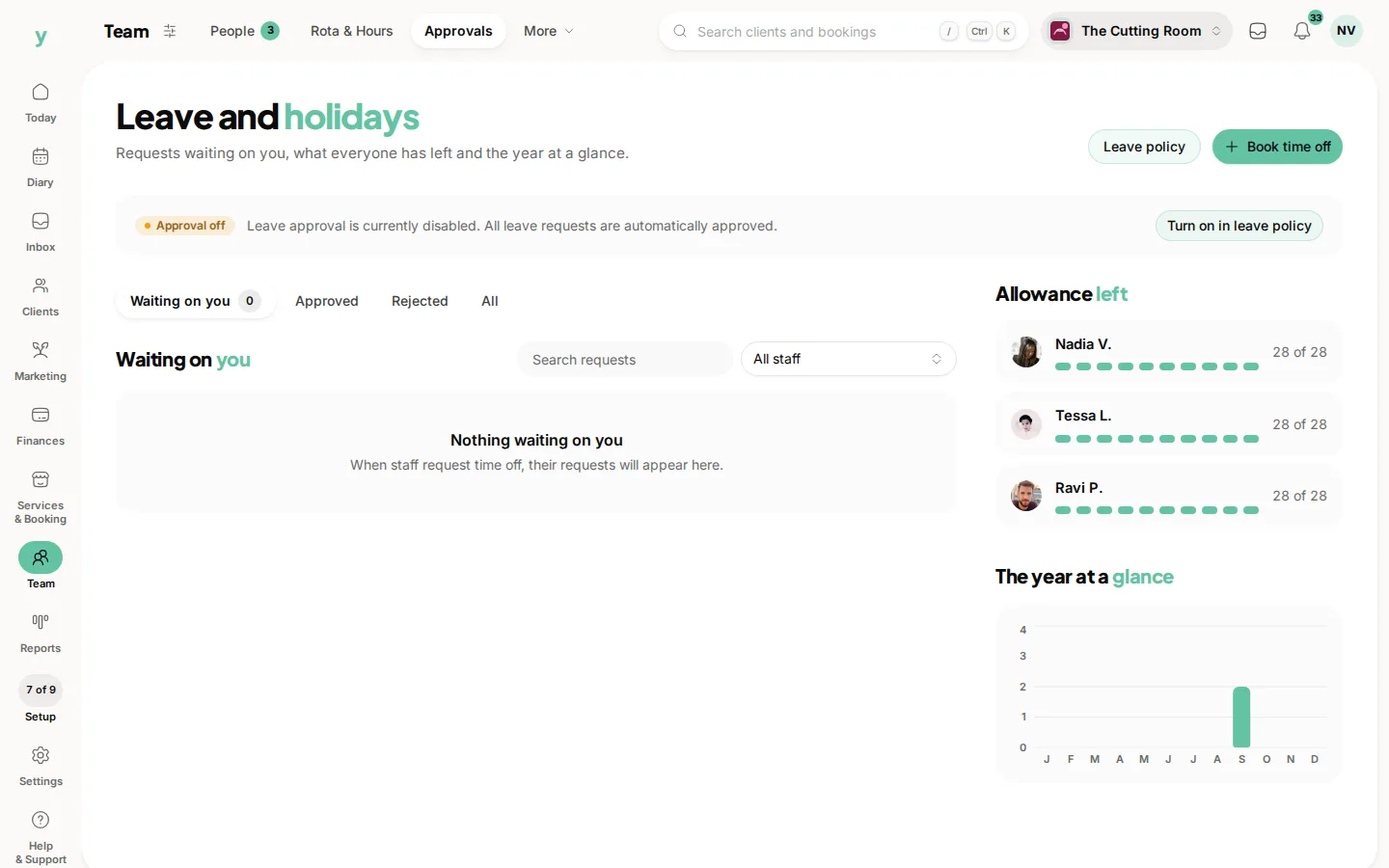
Answer quickly
People are trying to book flights. A request sitting unanswered for three weeks costs somebody money and costs you goodwill. It is the single thing staff complain about most with any leave system.
Seeing the whole picture
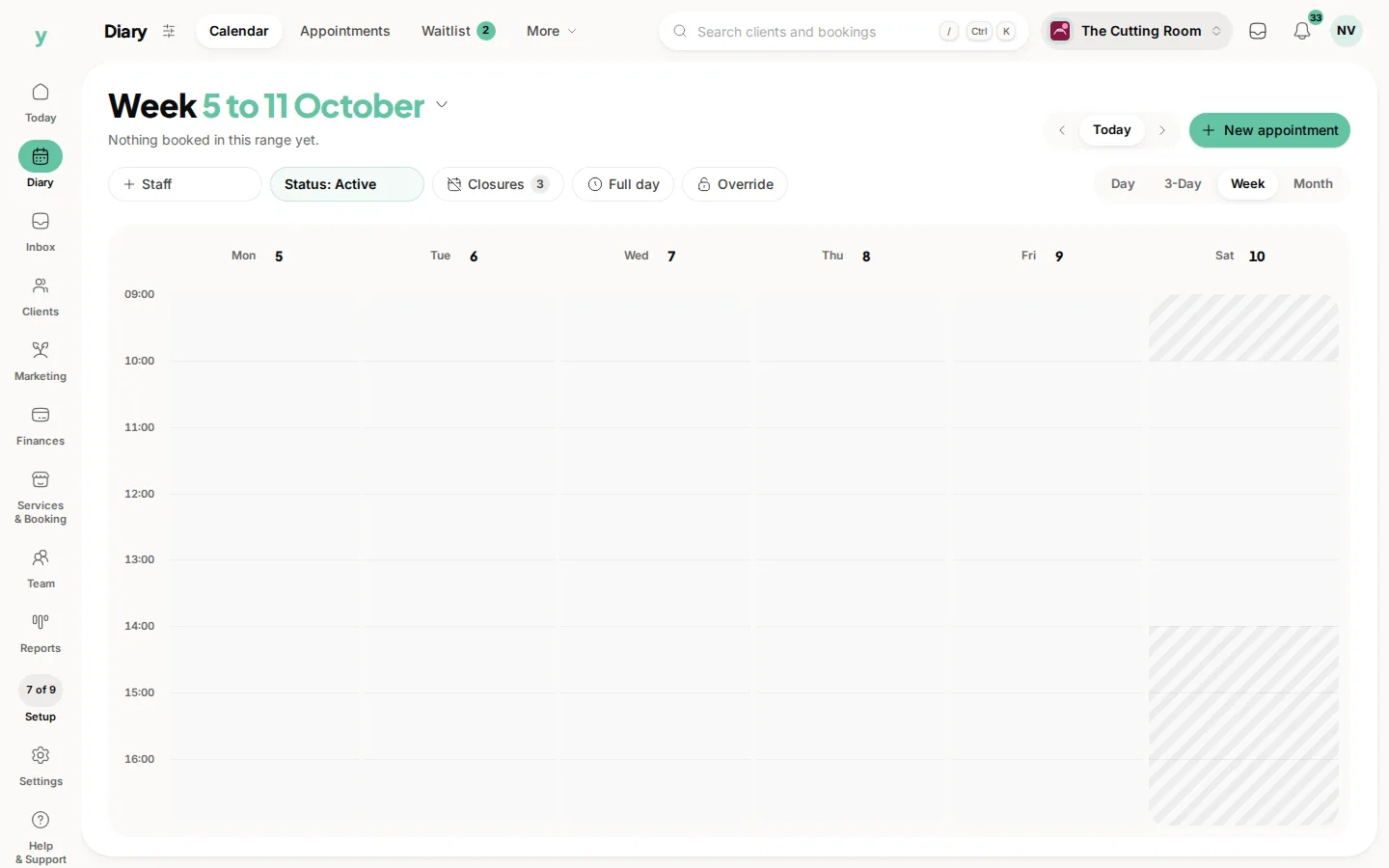
Browsing all staff leave together is what stops you approving three people for the same week. Check the calendar before you answer rather than after.
Booking on behalf of somebody
Useful for the person who tells you in passing rather than using the system and for time off you are giving rather than they are asking for.
Who can approve
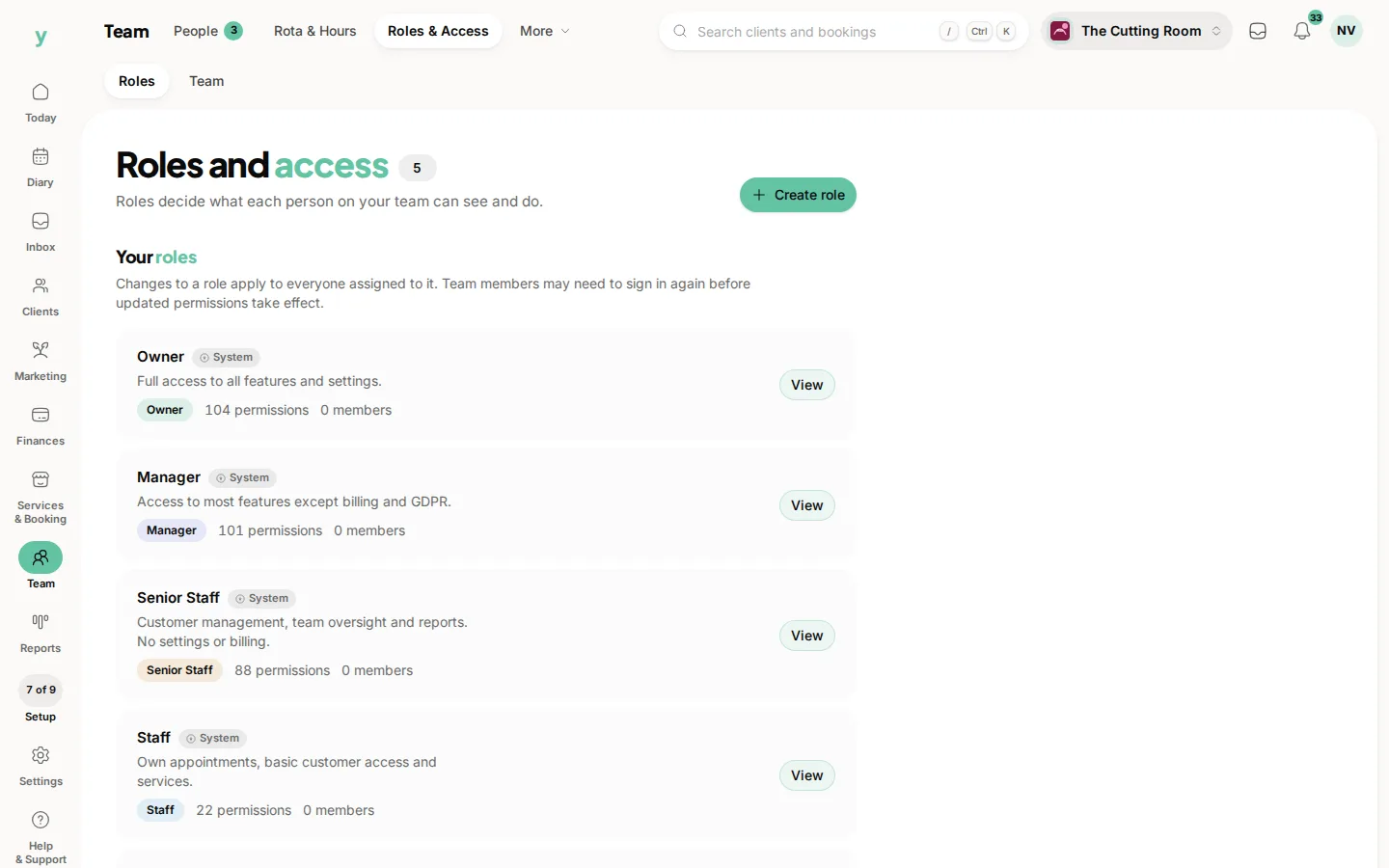
Approving leave is its own permission, so you can give a manager approvals without giving them the rest of settings.
Once approved
The person is blocked out of the diary for those dates. Check nothing was already booked with them and move anything that was.
Common questions
Can I approve part of a request?
Talk to the person and have them request the days that work. Half-approving something they did not ask for causes more confusion than it solves.
Does the staff member get told?
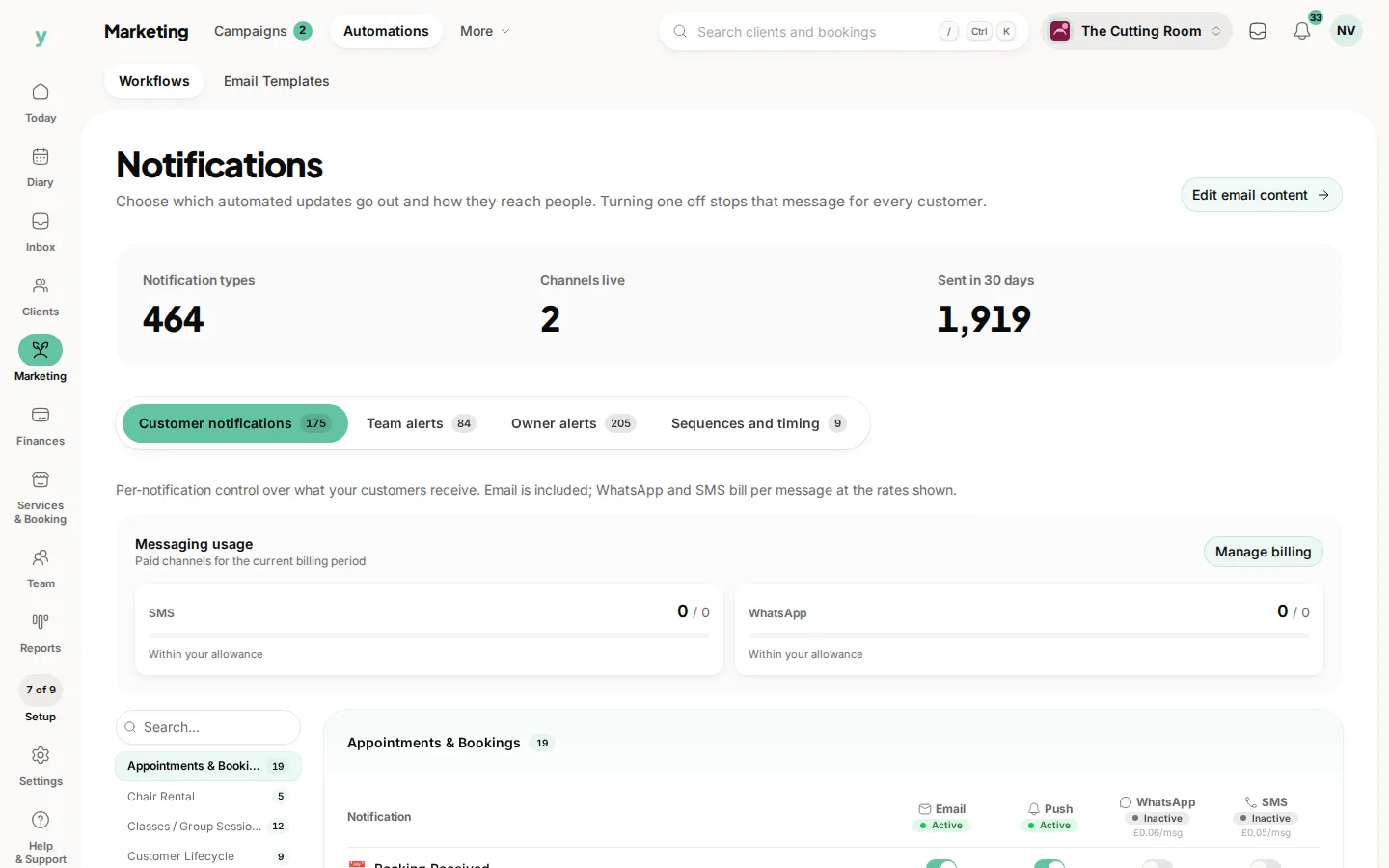
They see the outcome of their request. Notification settings control what else is sent.
What if I decline?
Say why. A declined request with no reason is the fastest way to make a good employee start looking elsewhere.