
Go to Team, then Policies. The Approval tab is where you decide who has the last word on time off.
Require manager approval is the switch. On, every request waits until someone with leave approval says yes. Off, leave is approved the moment staff submit it and Leave and holidays shows Approval off with a link back here.
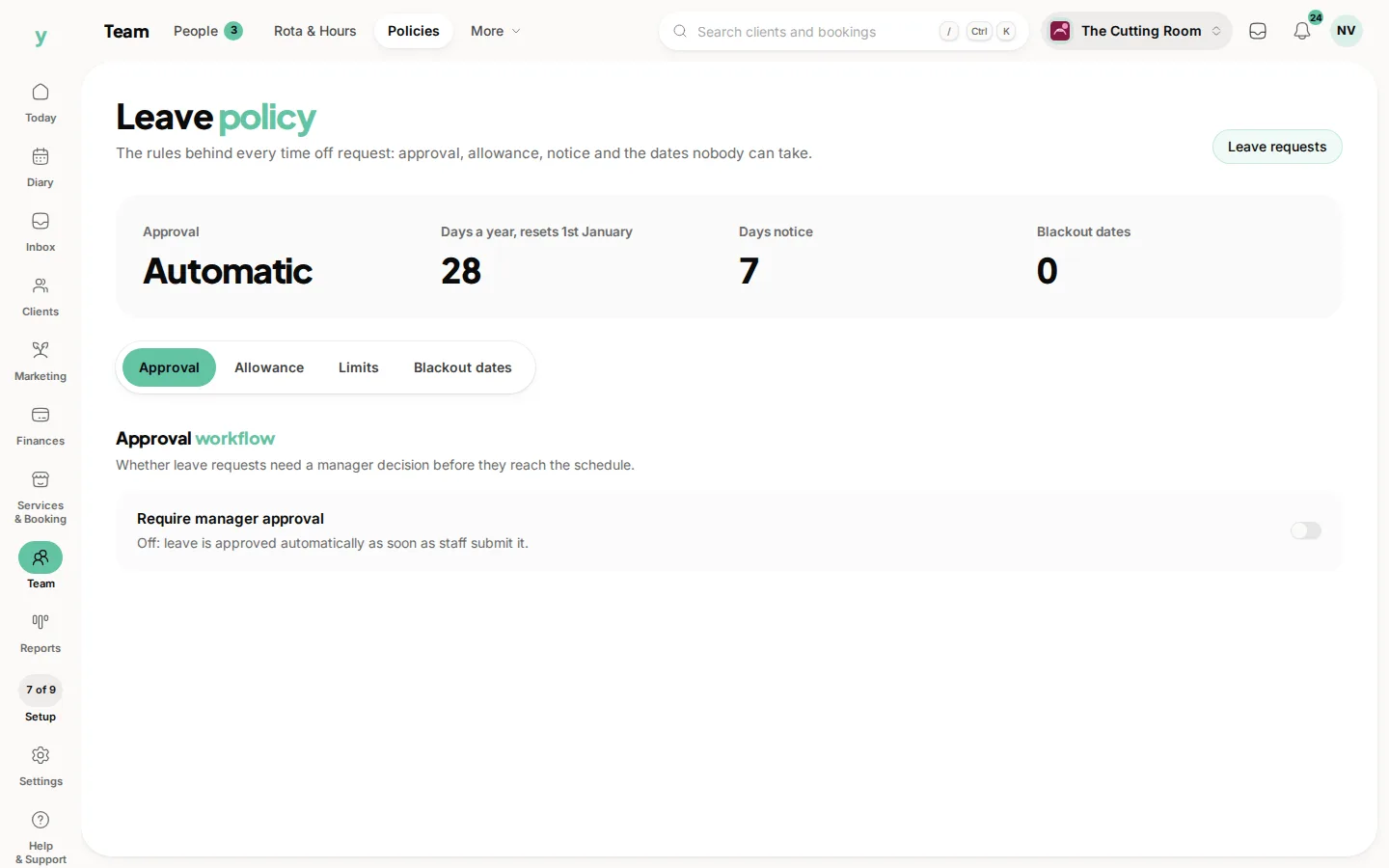
The strip along the top tells you which way it is set, as Manager or Automatic, before you open the tab.
Leave requests, at the top right, jumps to the queue so you can see what is already waiting.
Turn it on before people start booking holidays. Changing it later does not rewrite requests you have already answered.
Who can approve is a permission of its own. A manager can approve leave without being given the rest of settings. Set that under Team, then Roles & Access.
Common questions
What if I forget to turn approval on?
Requests are accepted automatically. Turn the switch on, then check Leave and holidays for anything that slipped through.
Does this apply to time off I book myself?
Time you book on behalf of someone is entered by a manager, so it does not sit in the waiting queue.
I cannot see Policies. Why?
Staff leave management is a plan feature. Check Settings, then Plan & Billing.