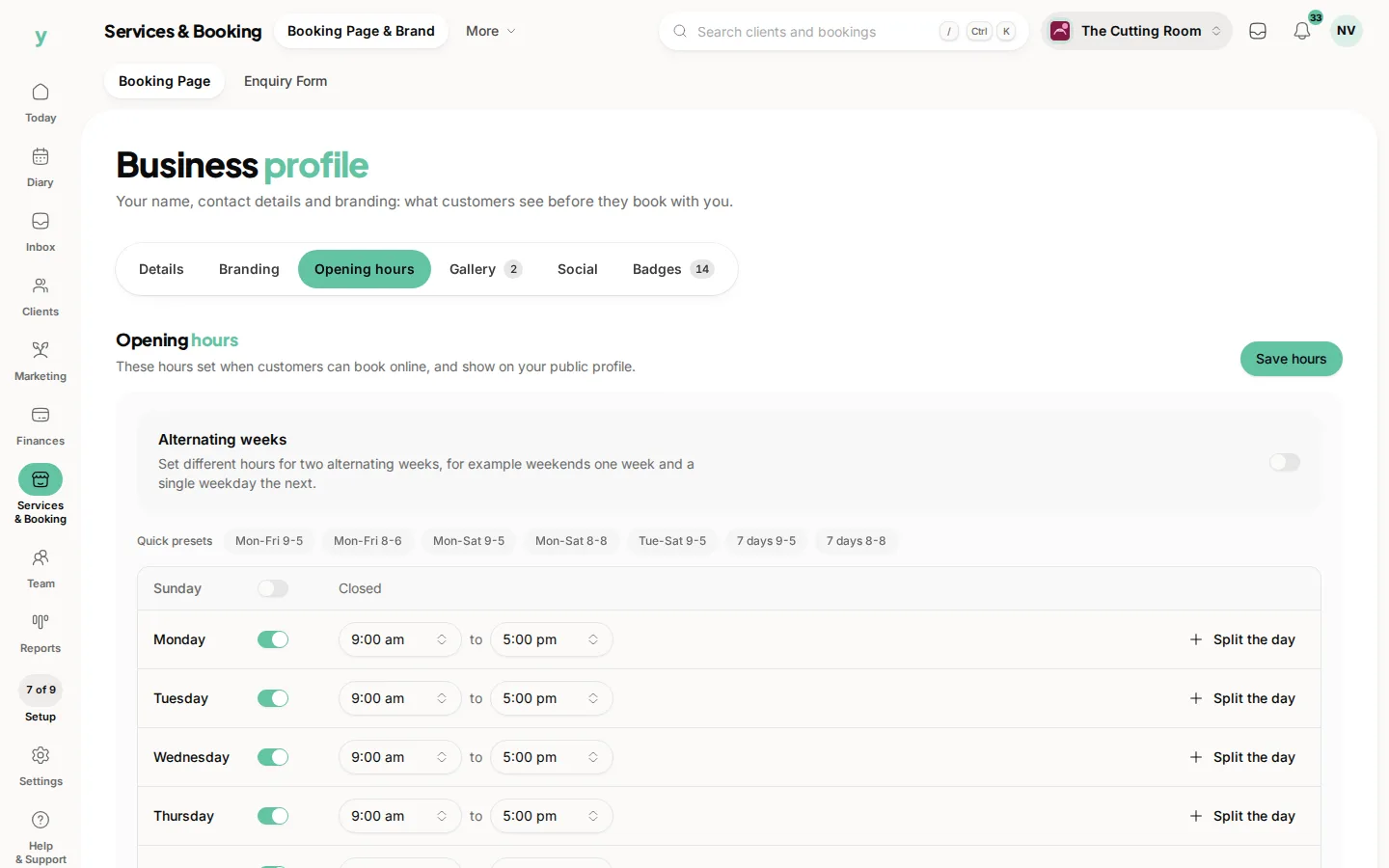
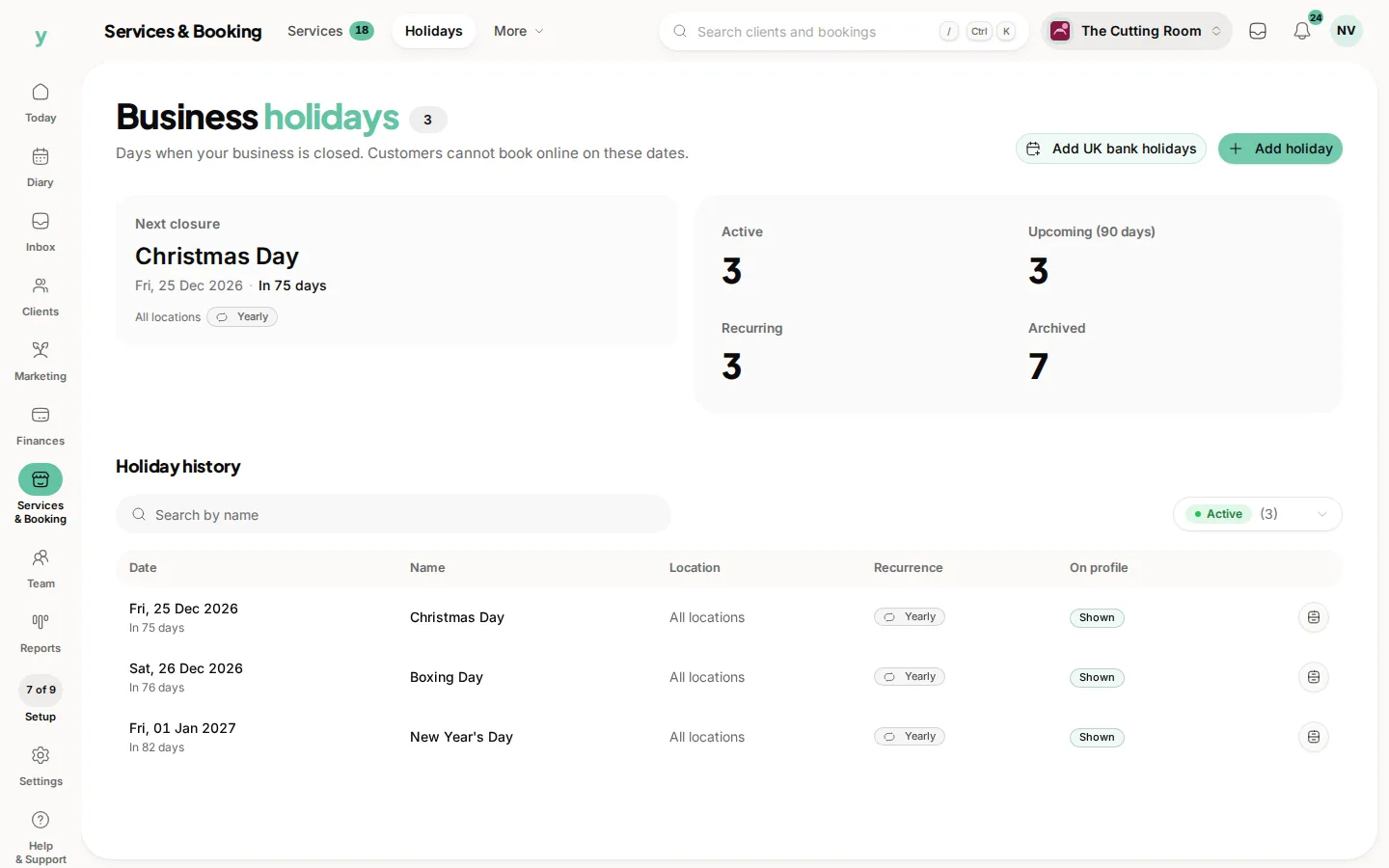
Go to Services & Booking, then Holidays, to mark the days you are closed. No bookings can be made on those dates by anybody.
The difference from staff time off
Business holidays close the whole business. Staff time off blocks one person. Christmas is a business holiday. Somebody's fortnight in Spain is time off.
Put the bank holidays in now
Do the whole year in one sitting. It takes ten minutes and prevents the recurring problem of somebody booking Christmas Eve at four o'clock because nobody had closed it off.
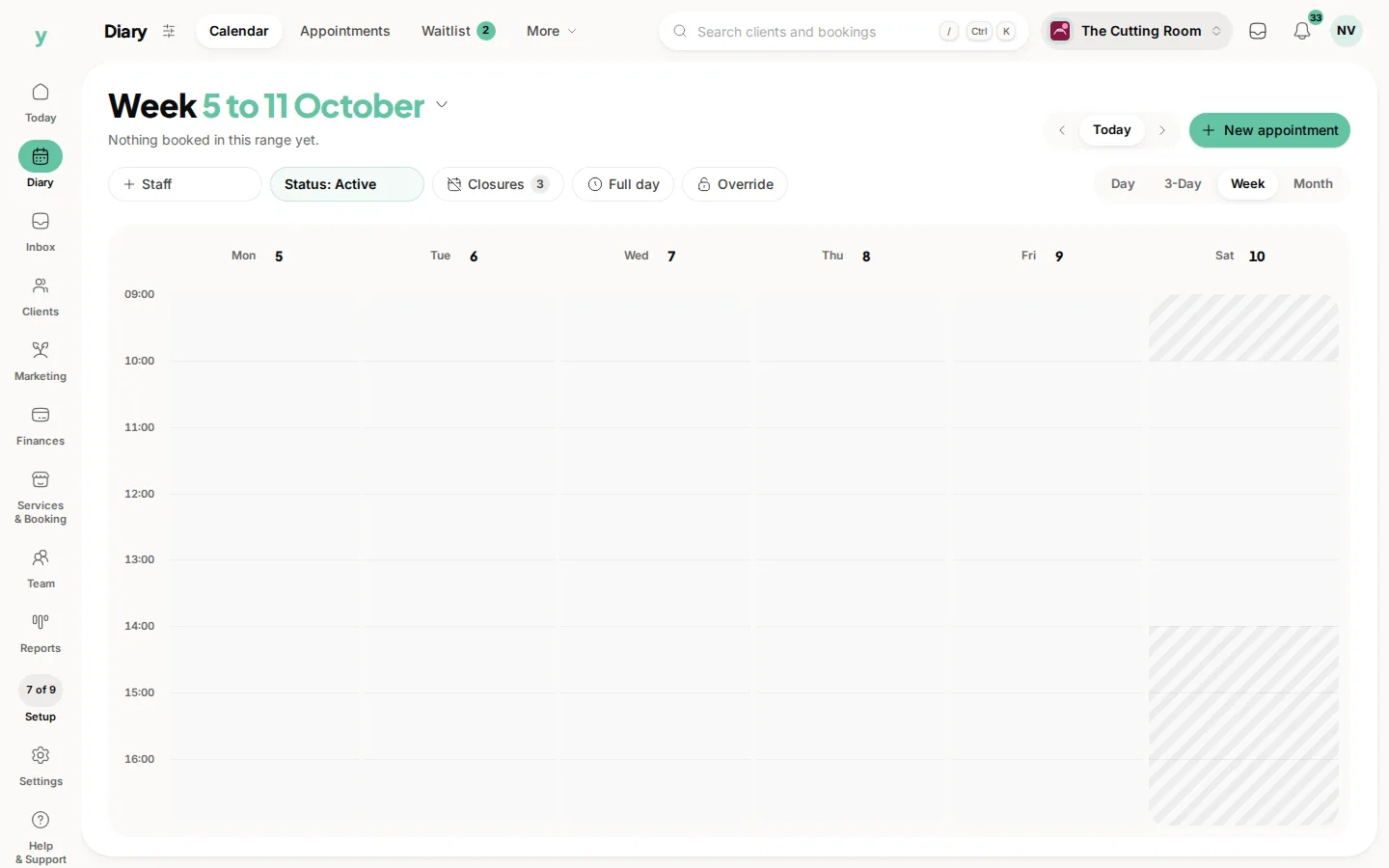
Check before you close
Marking a date closed stops new bookings but does not remove bookings already taken. Look at the day first and move anything that is in there.
Tell your customers
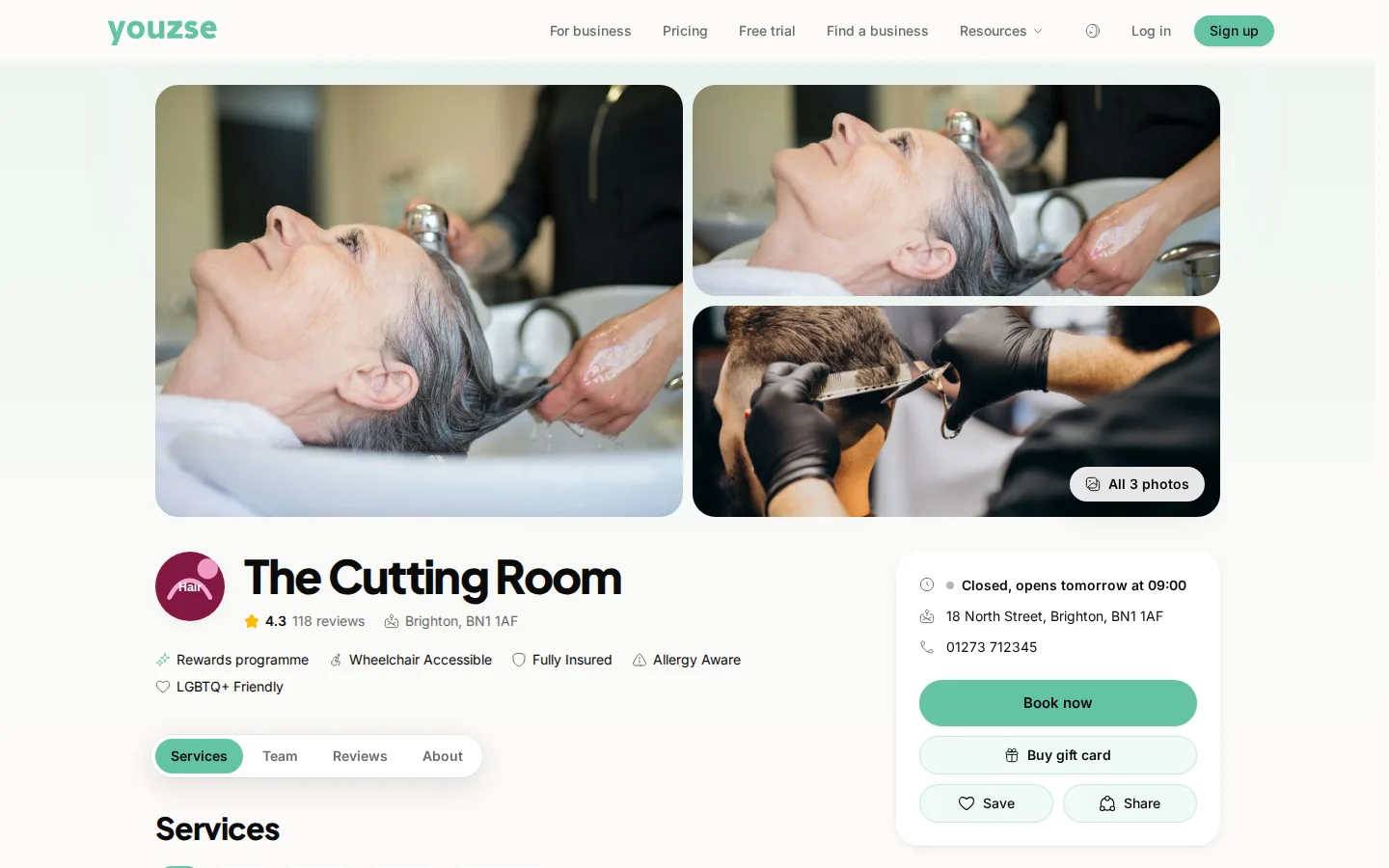
Your opening hours and closures show on your public page, which answers most of it. A short note in December about your Christmas hours saves a lot of phone calls.
Common questions
Does this cancel bookings already made?
No. It prevents new ones. Check the day and move anything already booked.
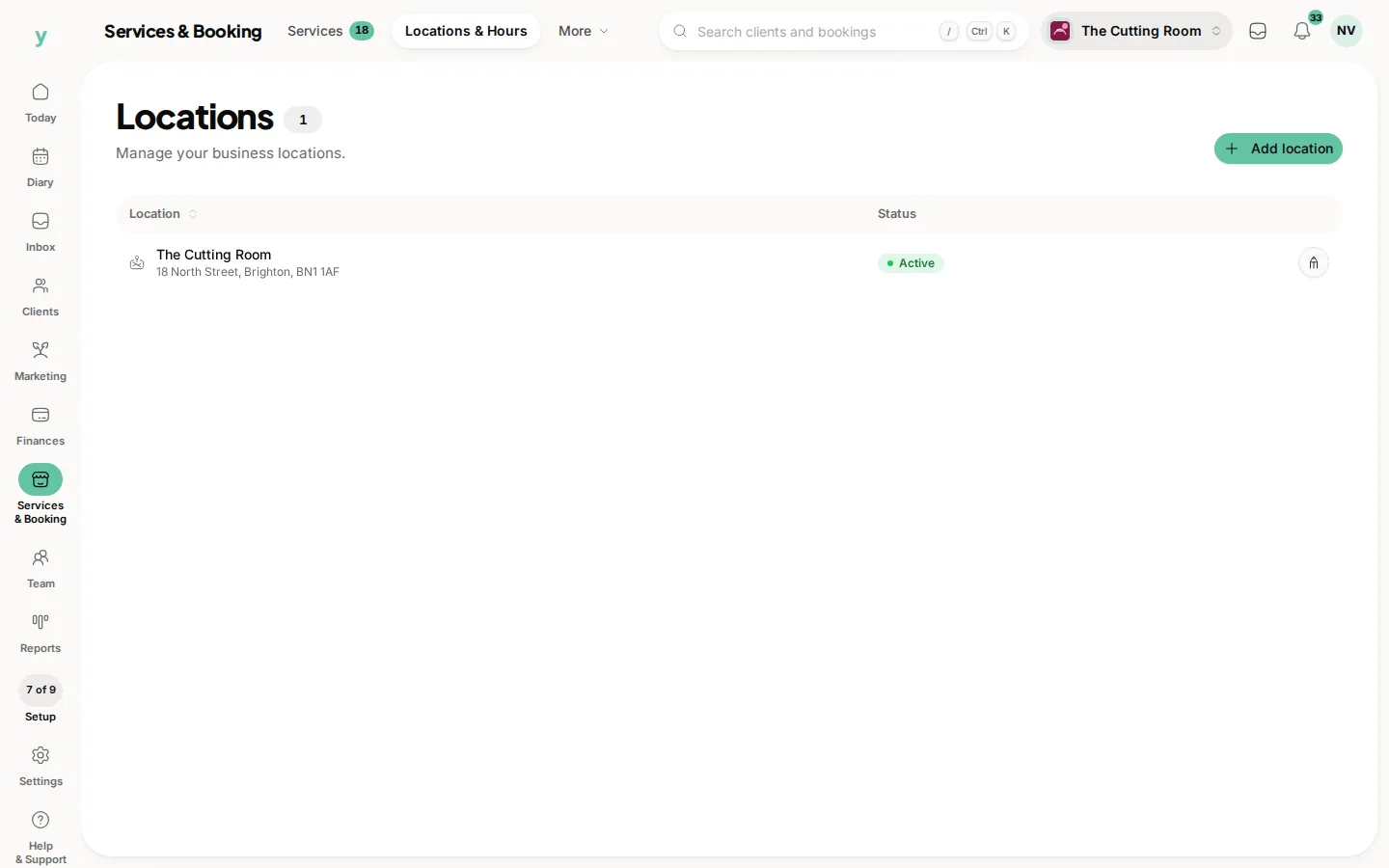
Can I close one location and not another?
Locations have their own hours. Set closures for the site they apply to.
What about a half day?
Adjust the opening hours for that day rather than closing it, so people can still book the morning.