
Go to Team, then Policies, then Allowance. This is the number of days each person can take and the day the year starts again.
Days per year is how much leave each person starts with. The strip at the top of the page repeats that number next to the reset date, so you can check it without opening the tab.
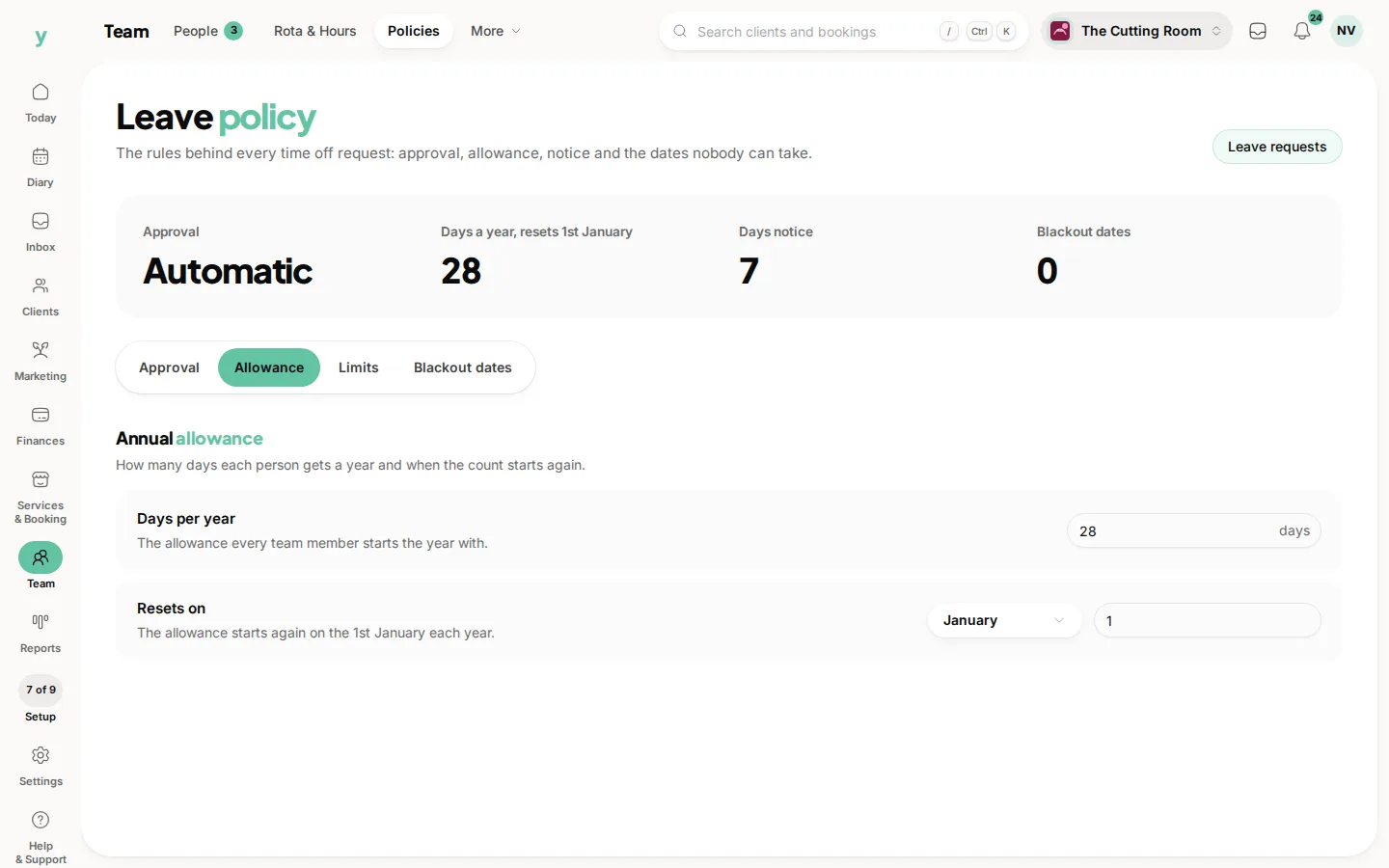
Resets on is a month and a day. Pick the month, then the day. A lot of businesses use 1 January. A financial year or the anniversary of opening is just as valid, as long as everyone knows it.
Leave and holidays then shows what each person has left against this allowance. Set the number before you start approving or the remaining days will not mean anything.
Common questions
Can two people have different allowances?
The policy is one number for the business. Book extra days for someone yourself when their contract says more.
What happens to unused days at the reset?
The allowance starts again on the reset date. Agree with your team whether unused days carry over. The page tracks the year you have set.
Does a half day count?
Book it with custom hours on the request. The allowance is counted in days.