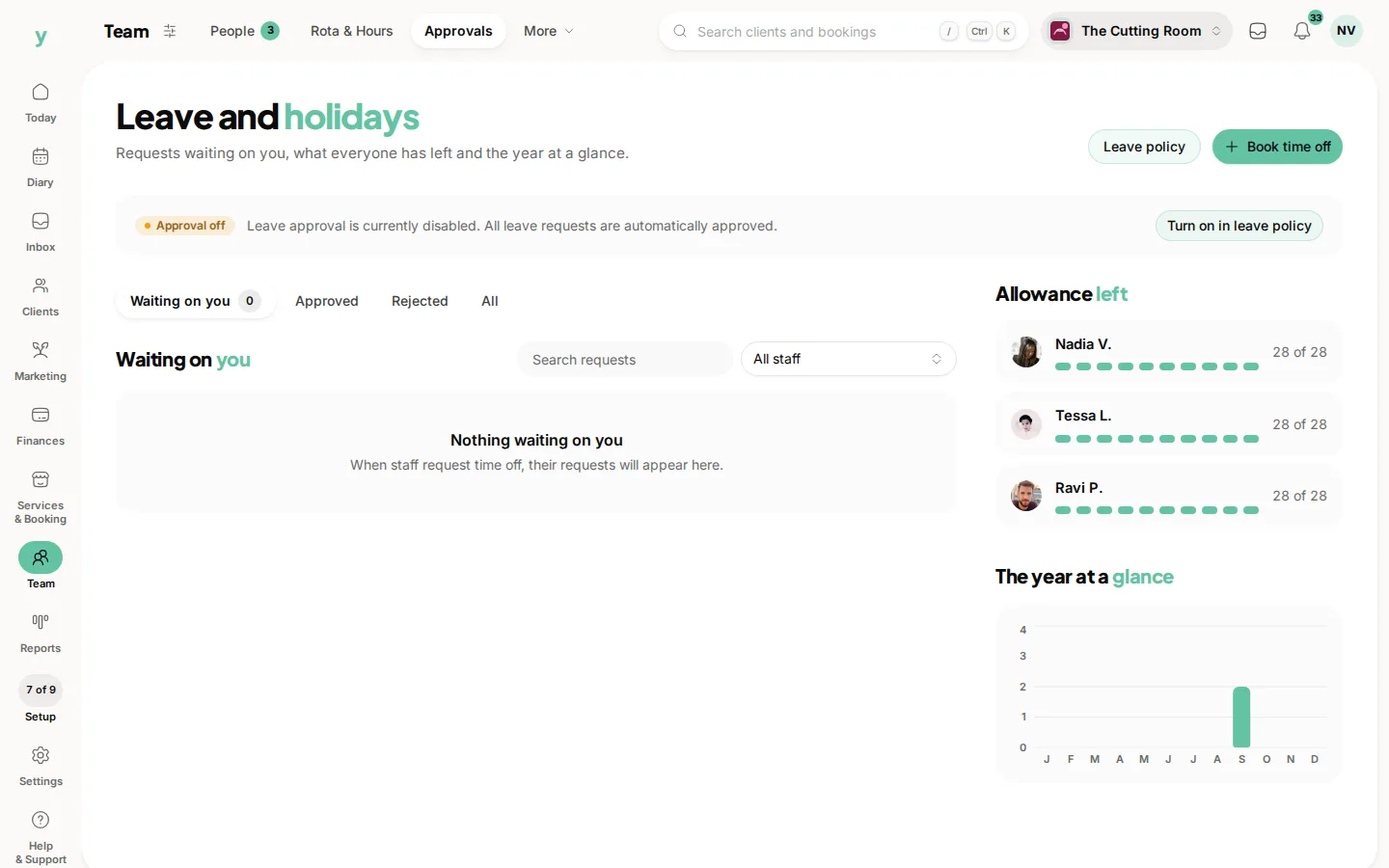
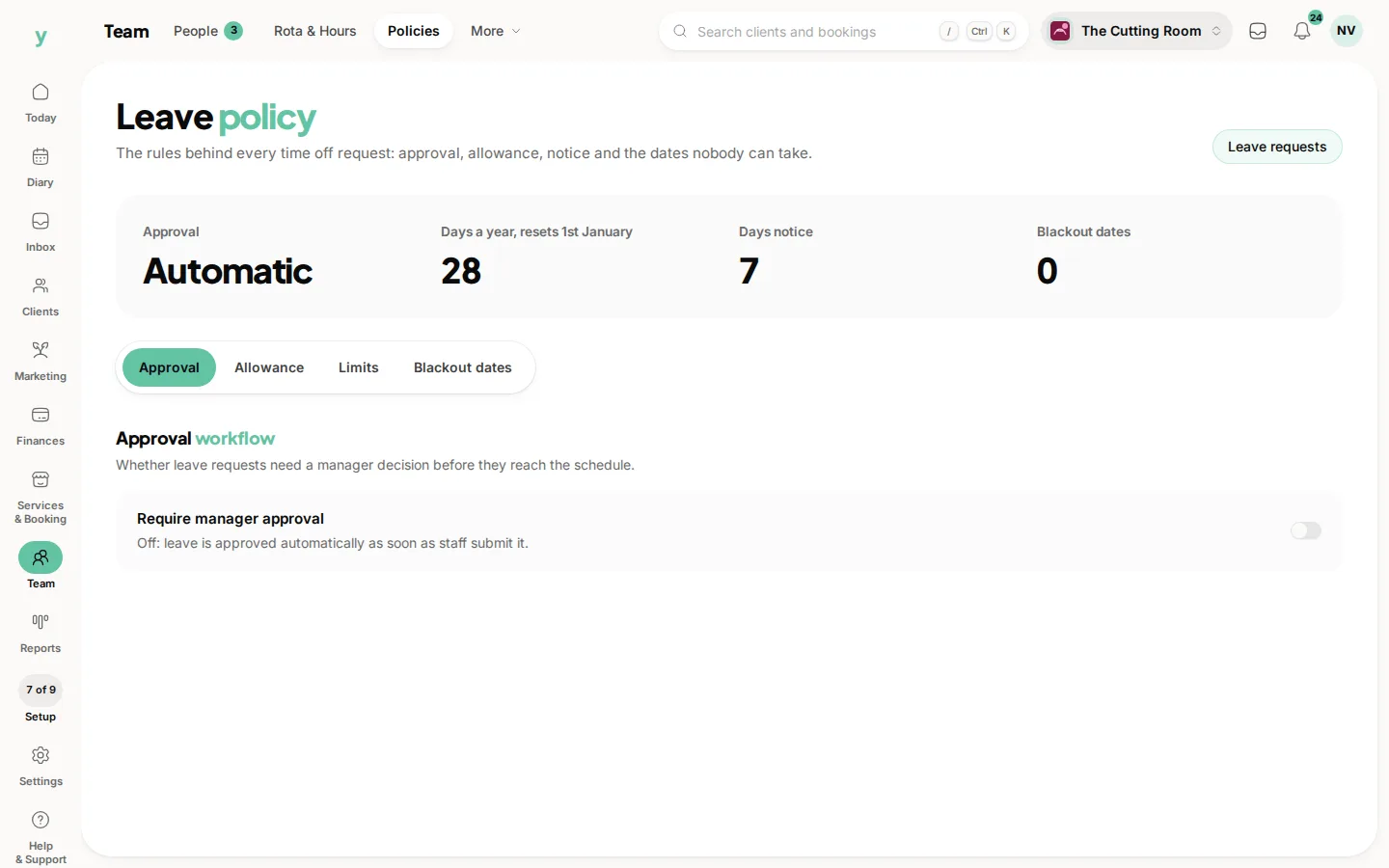
Go to Team, then Policies, to set the rules that govern how staff can request time off. It is part of the staff leave management feature, so it appears once your plan includes it.
What the feature covers
An approval workflow, allowance tracking and a team holiday calendar. Together they replace the group chat, the wall planner and the argument in August about who asked first.
What to decide
- How much notice a request needs
- How much leave each person gets
- How many people can be off at once
- Who approves what
Set the maximum off at once carefully
This is the rule that saves you. Two people off the same week in a team of four means turning customers away. It is much easier to have the system decline it than to have the conversation afterwards.
Write it down anyway
The settings enforce the rules. A short written policy explains them and people follow rules they understand far better than rules that simply reject their request.
Common questions
I cannot see the leave policy. Why?
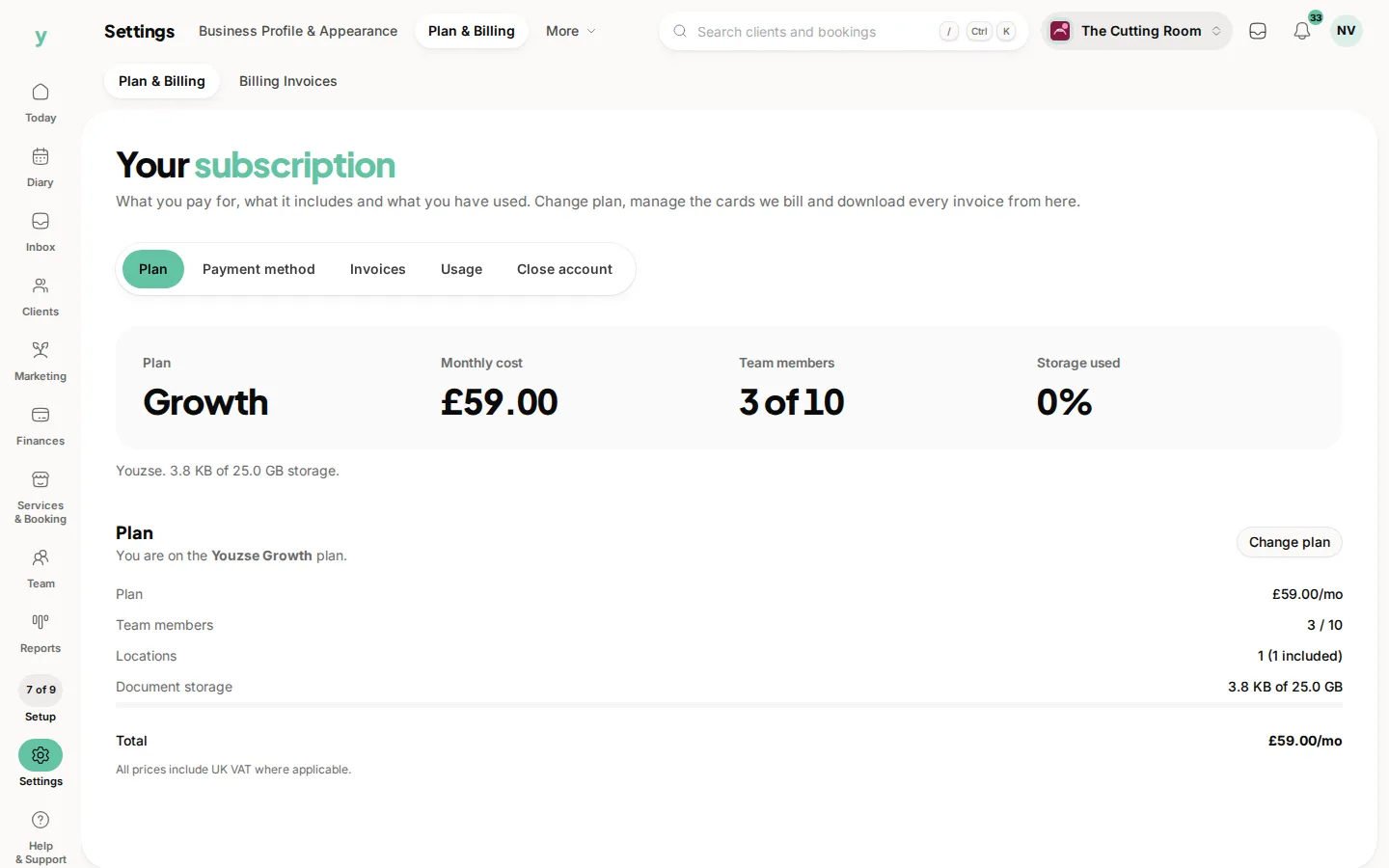
Staff leave management is a plan feature. Check Settings, then Plan & Billing, to see whether your plan includes it.
Does it track how much leave people have left?
Yes, allowance tracking is part of the feature.
What if I only have one member of staff?
Then a policy is probably more machinery than you need. Book time off directly instead.