
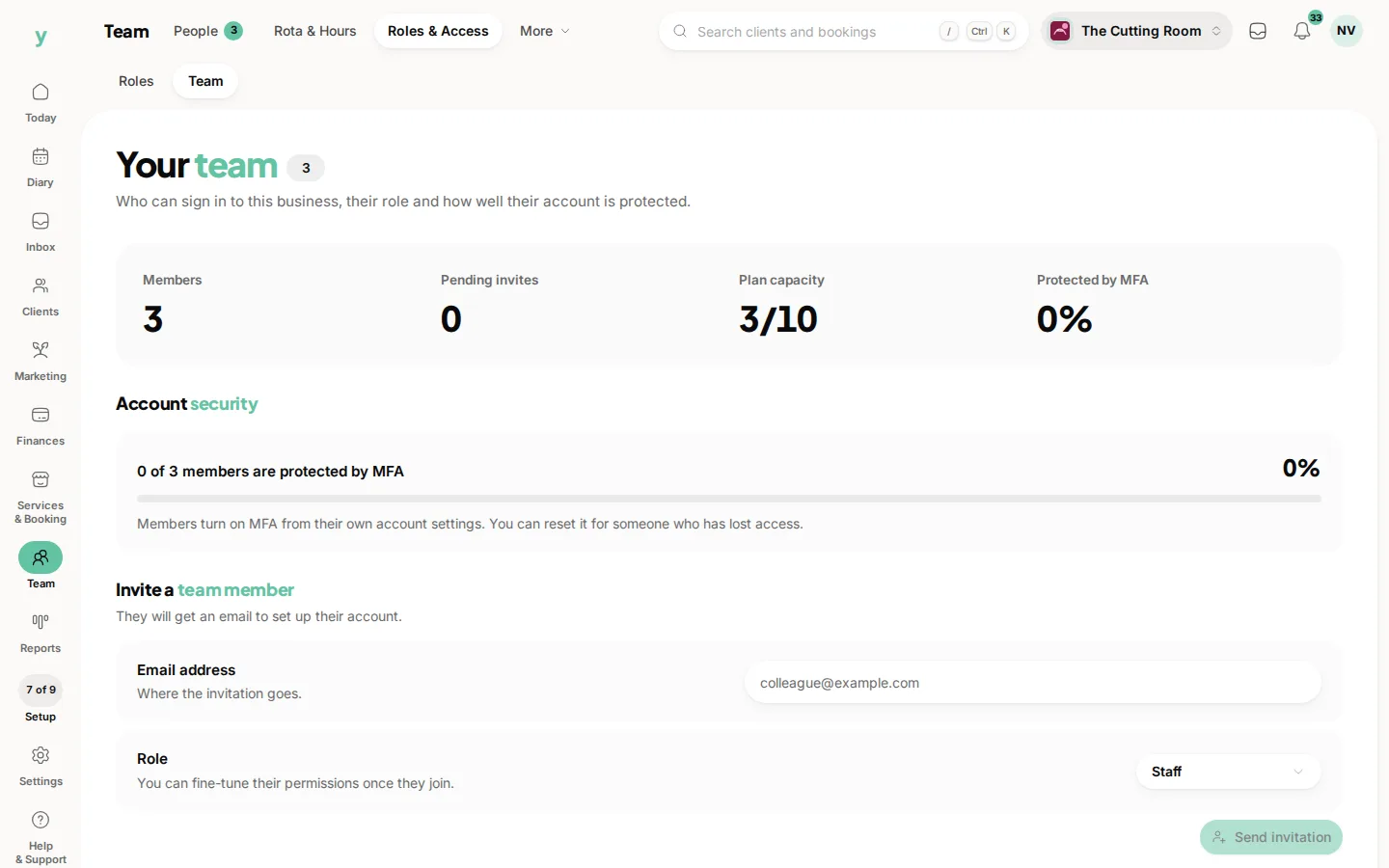
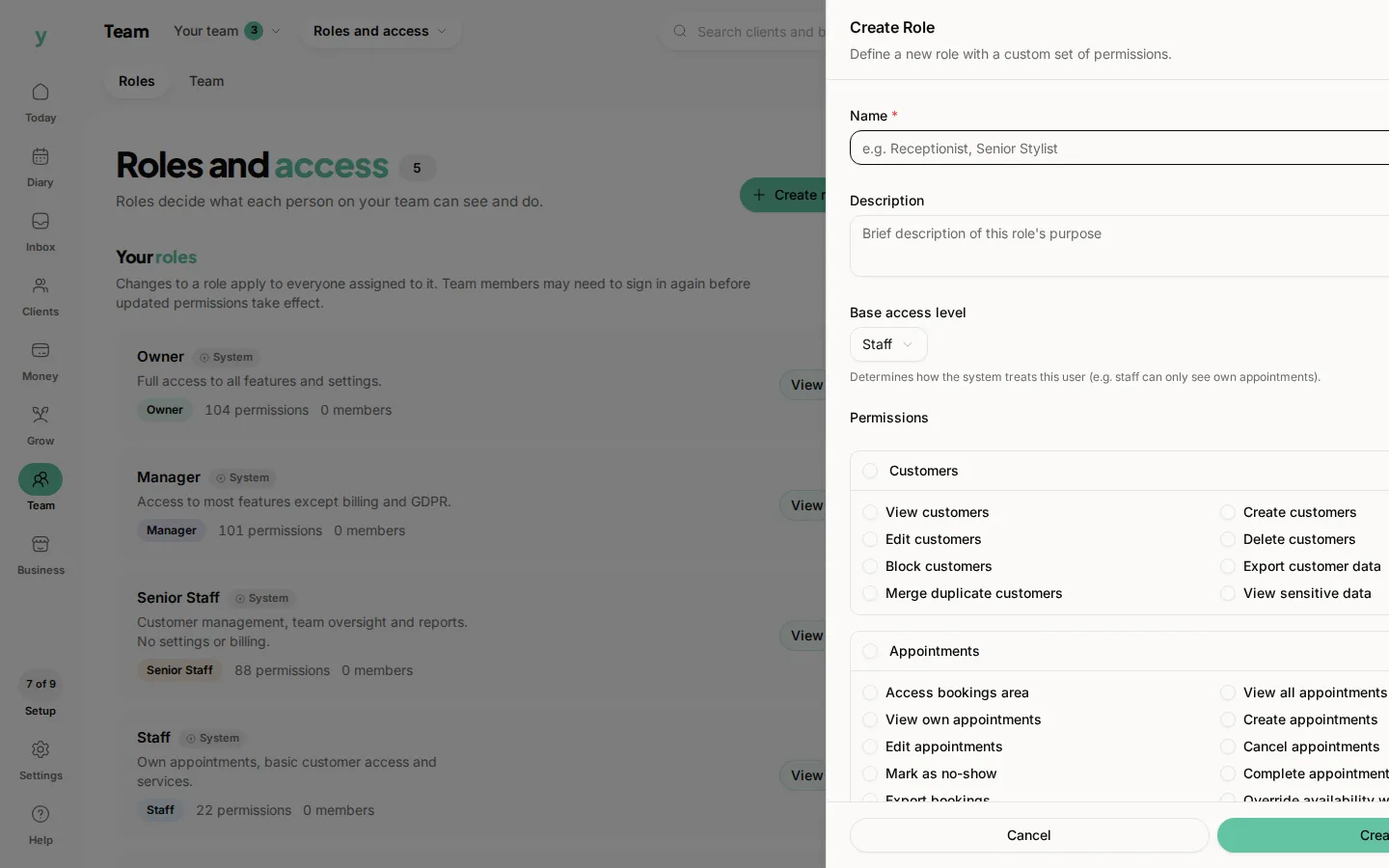
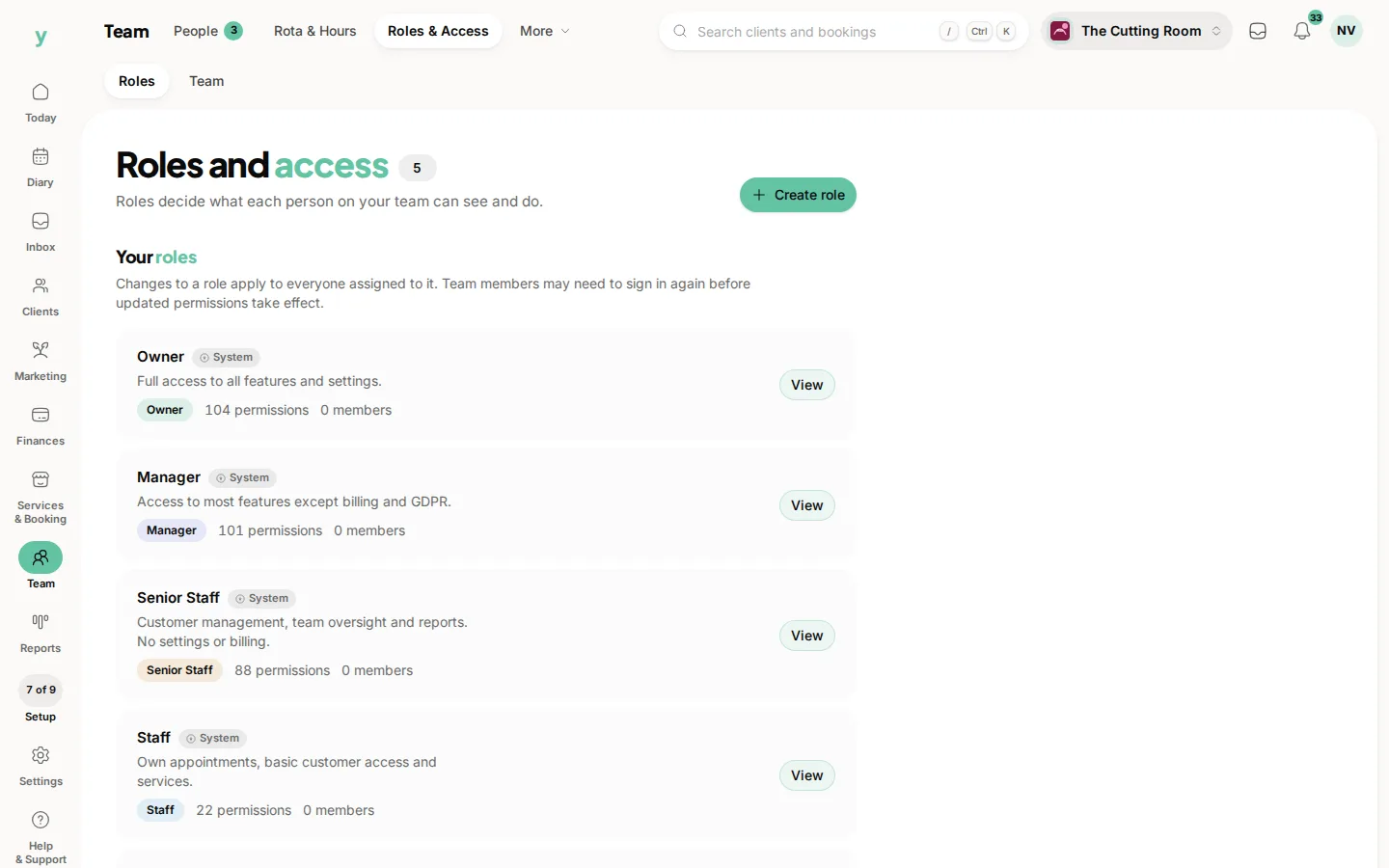
Go to Team, then Roles & Access and create one. Name it after the job rather than the person, choose the permissions it needs, then assign people to it.
Name it after the job
Front desk, Senior stylist, Technician, Chair renter. A role called Sarah has to be rebuilt when Sarah leaves and tells the next person nothing.
Build it up rather than down
Start with nothing and add what the job actually requires. Starting from everything and removing bits is how permissions nobody intended survive for years.
Roles worth having
- Front desk, with the diary, customers and taking payments, but no settings and no reports
- Practitioner, with their own diary and their own clients
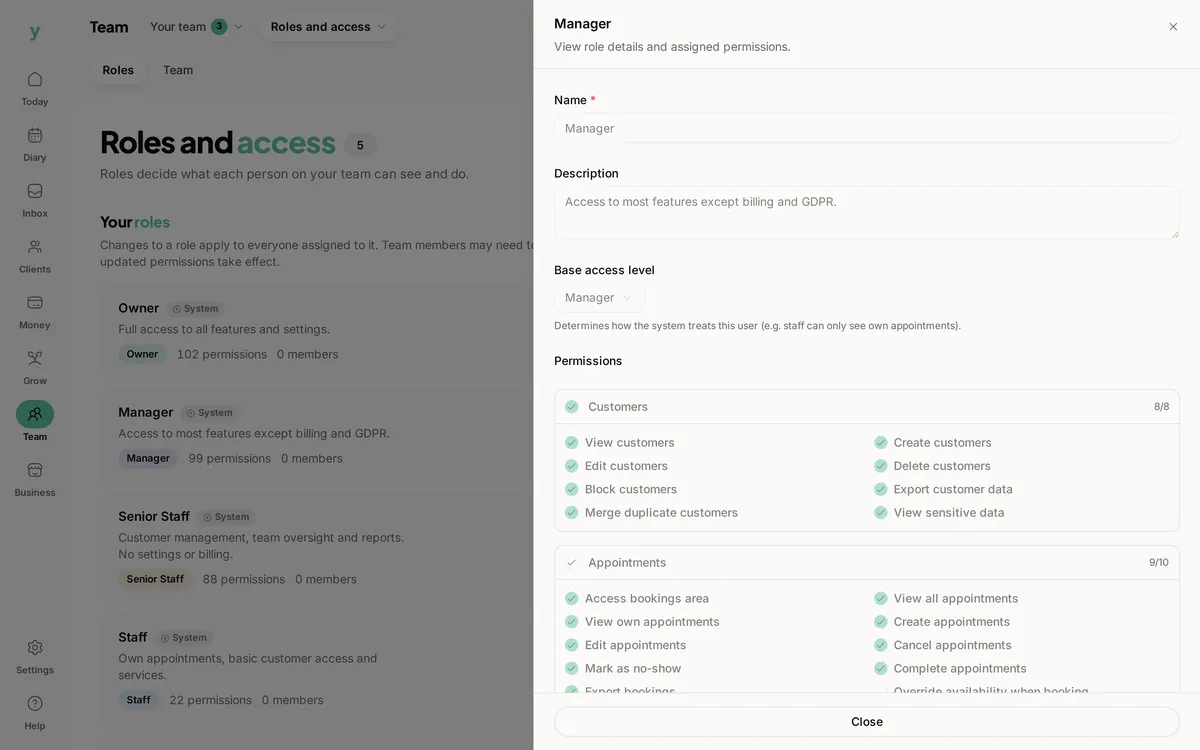
- Manager, with reports and staff but not billing
- Chair renter, with their own diary and their own clients only
Test it
The reliable check is to ask the person to do their normal work for a day and tell you what they could not reach. Guessing from a list of tick boxes misses things.
Common questions
Can I copy an existing role?
Build the new one and set the permissions you want. Naming it clearly matters more than saving the setup time.
What happens to people in a role I delete?
Move them to another role first. Leaving somebody without a role means they can sign in and do nothing.
Should everyone have their own role?
No. Roles describe jobs. If you have as many roles as staff, they have stopped being roles.