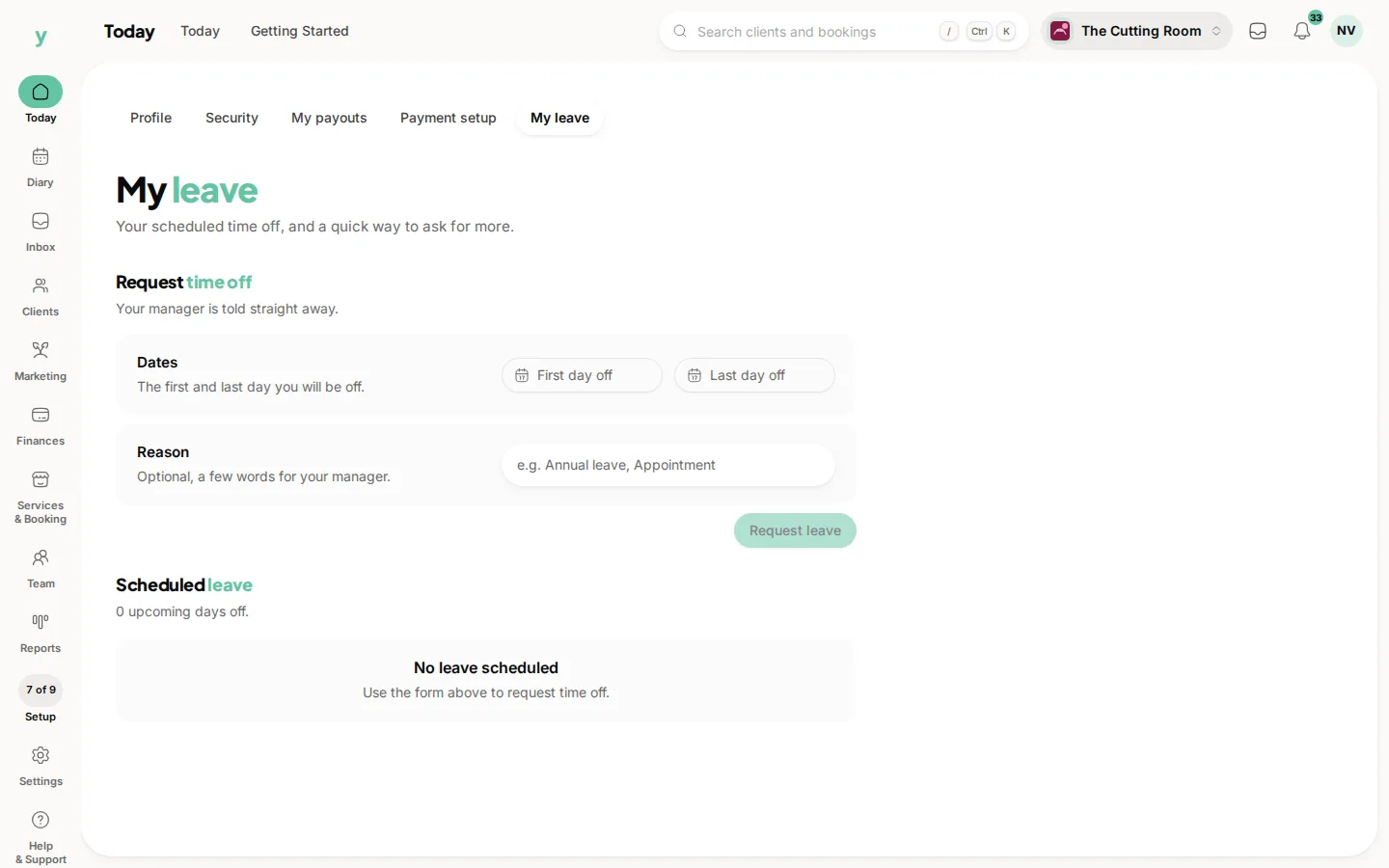
Book the time off against the person and they stop being bookable for those dates. Customers cannot book them and the diary shows why they are unavailable.
Do it as soon as you know
Time off entered late is the classic cause of the booking you have to ring somebody up and move. The five minutes it takes to record a holiday in March saves an awkward phone call in July.
Booking on behalf of your team
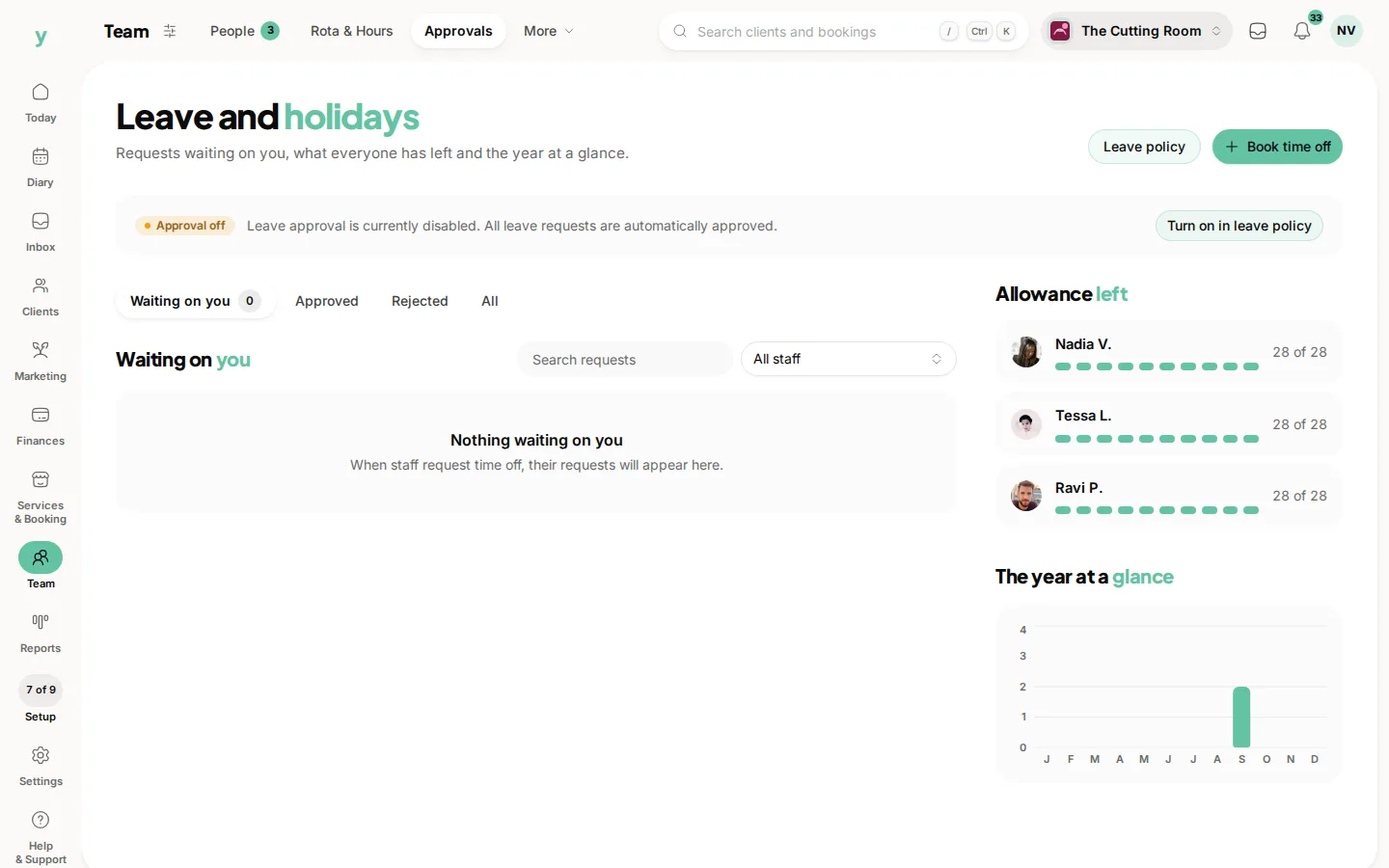
Managers with the right permission can enter leave for other people from Team, then Leave & Holidays. That matters for anyone who tells you in passing rather than using the system, which in most small businesses is most people.
Existing bookings are not cancelled
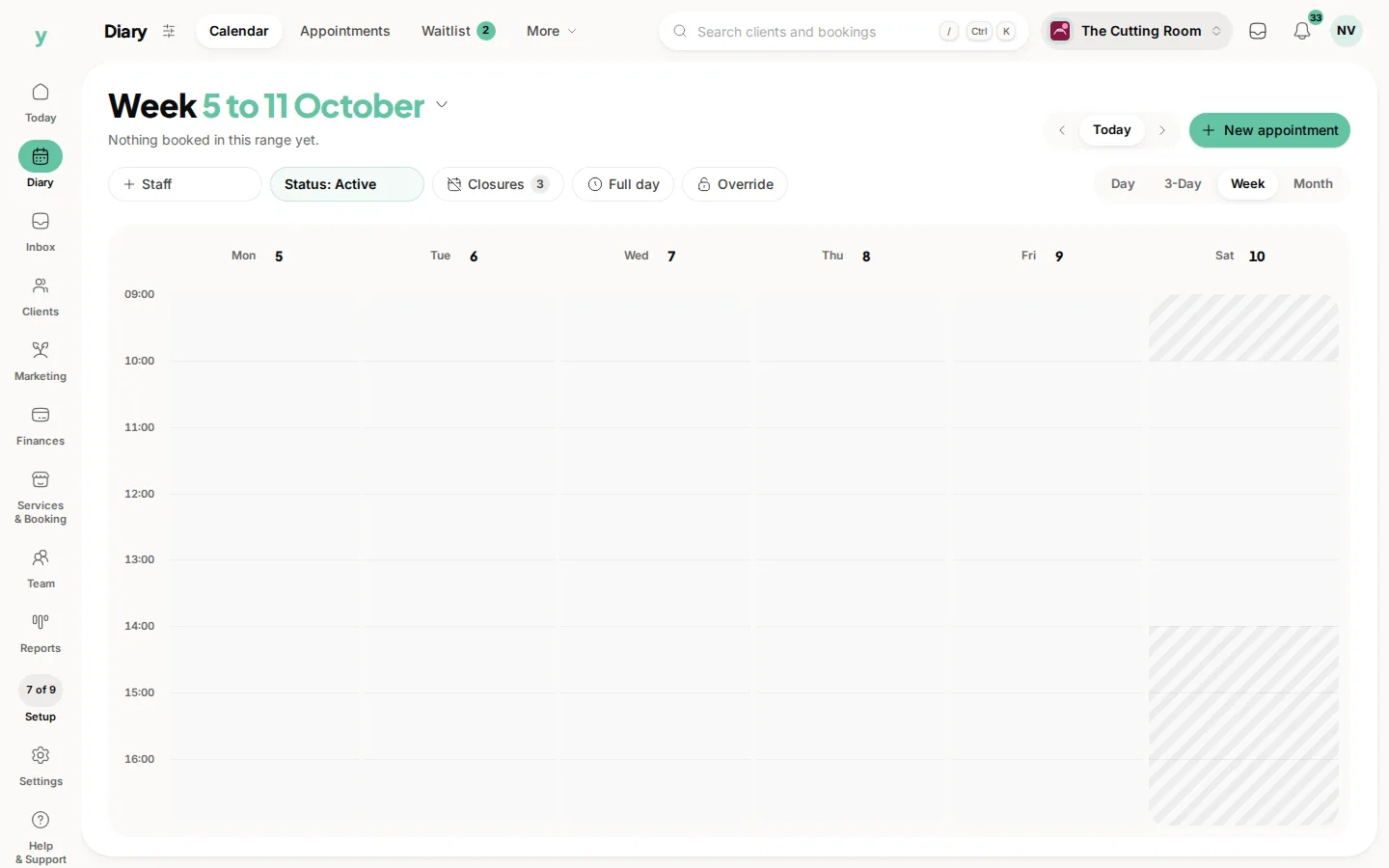
Blocking out time stops new bookings. Anything already in the diary stays there, so check the dates and move what needs moving.
Half days and odd hours
Use time off for a dental appointment or an early finish just as you would for a fortnight away. Anything that should stop bookings belongs here.
Common questions
What happens to bookings already in the diary?
They stay. Time off prevents new bookings rather than removing existing ones, which is why you check the dates first.
Does the customer get told?
Not automatically, because nothing has been cancelled. If you move a booking, tell them yourself.
Can staff enter their own time off?
With leave management they can request it and you approve. Otherwise it is entered for them.