
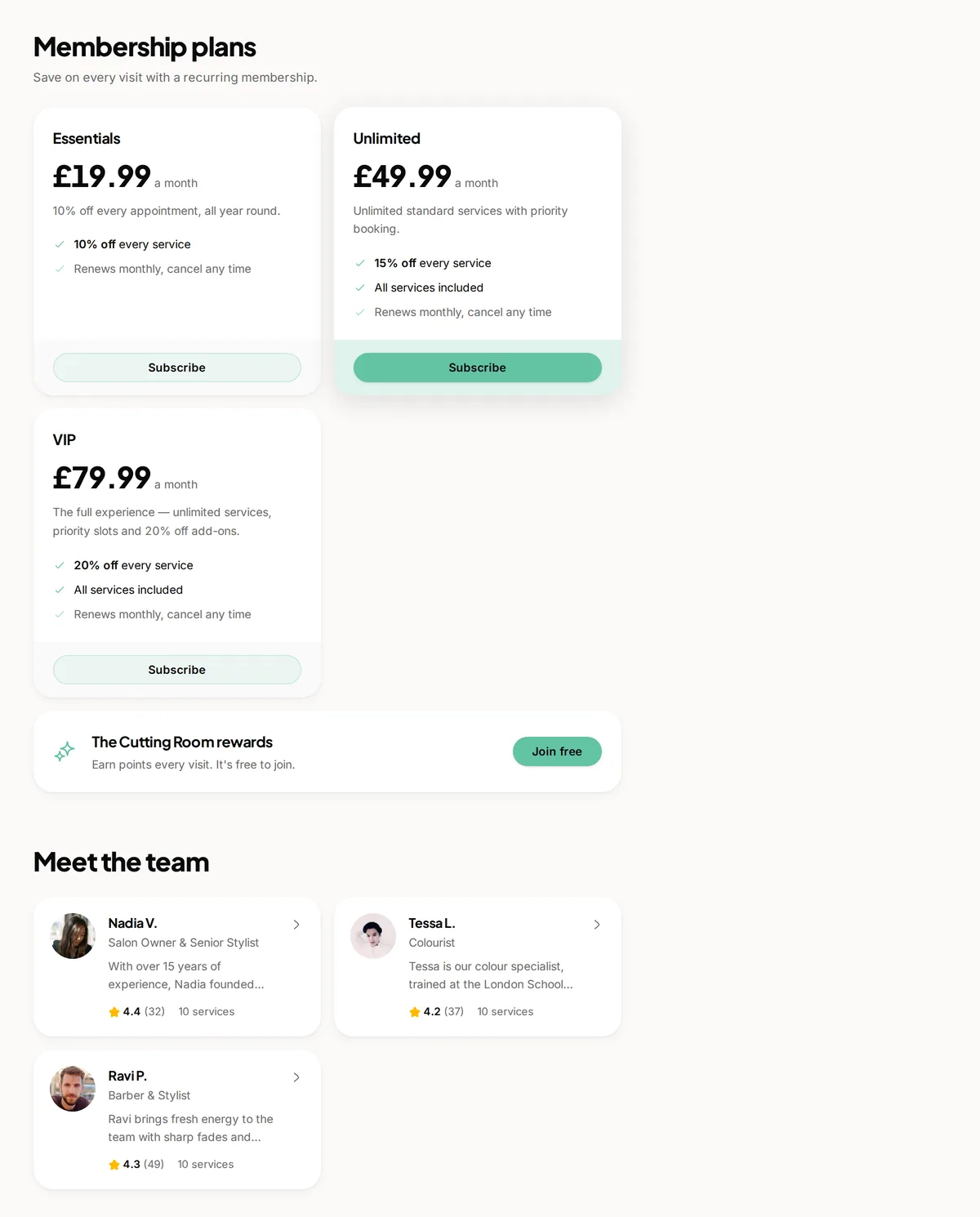
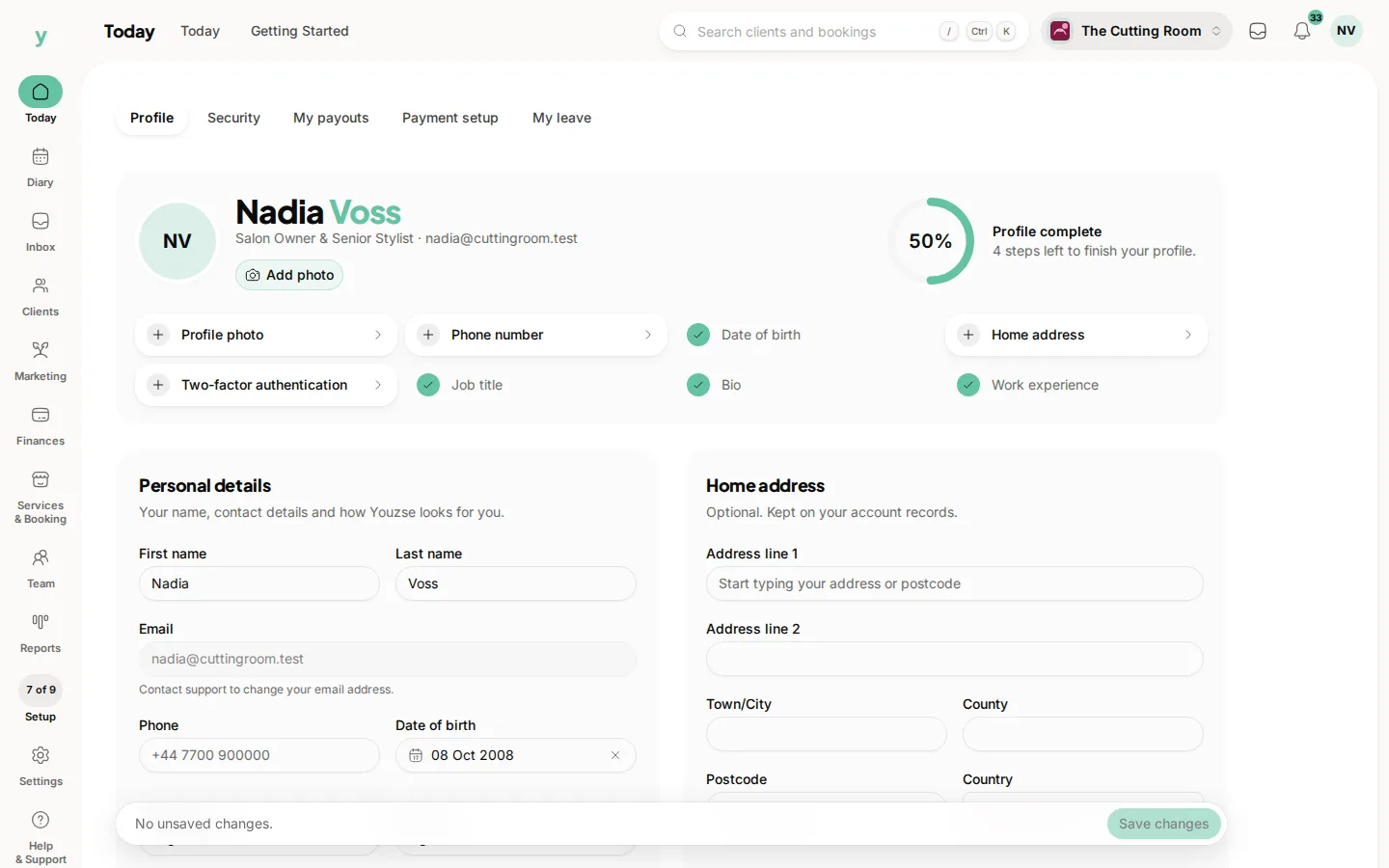
A staff profile carries a photo, a job title and a short biography. It shows on your public page when a customer is choosing who to book with.
Why it is worth doing
People book people. A new customer choosing between two names they know nothing about picks at random. Give them a face and two sentences and they choose deliberately, turn up expecting that person and rebook with them.
What makes a good profile
- A clear, friendly photograph taken in reasonable light
- A job title that means something to a customer rather than to the trade
- Two or three sentences on what they specialise in
Photographs
Consistency matters more than production values. Five photos taken against the same wall on the same phone look far better together than five taken in different places over three years.
Keeping it current
Update profiles when people change roles or leave. A profile for somebody who left last spring is the kind of detail customers notice.
Common questions
Do I have to show my staff publicly?
No. Businesses where the customer does not choose the person often leave profiles off entirely.
Can a staff member edit their own profile?
That depends on their permissions. Their own profile area is where they would do it.
What if somebody does not want their photo online?
Leave it off. A profile without a photo is better than one somebody is uncomfortable with.