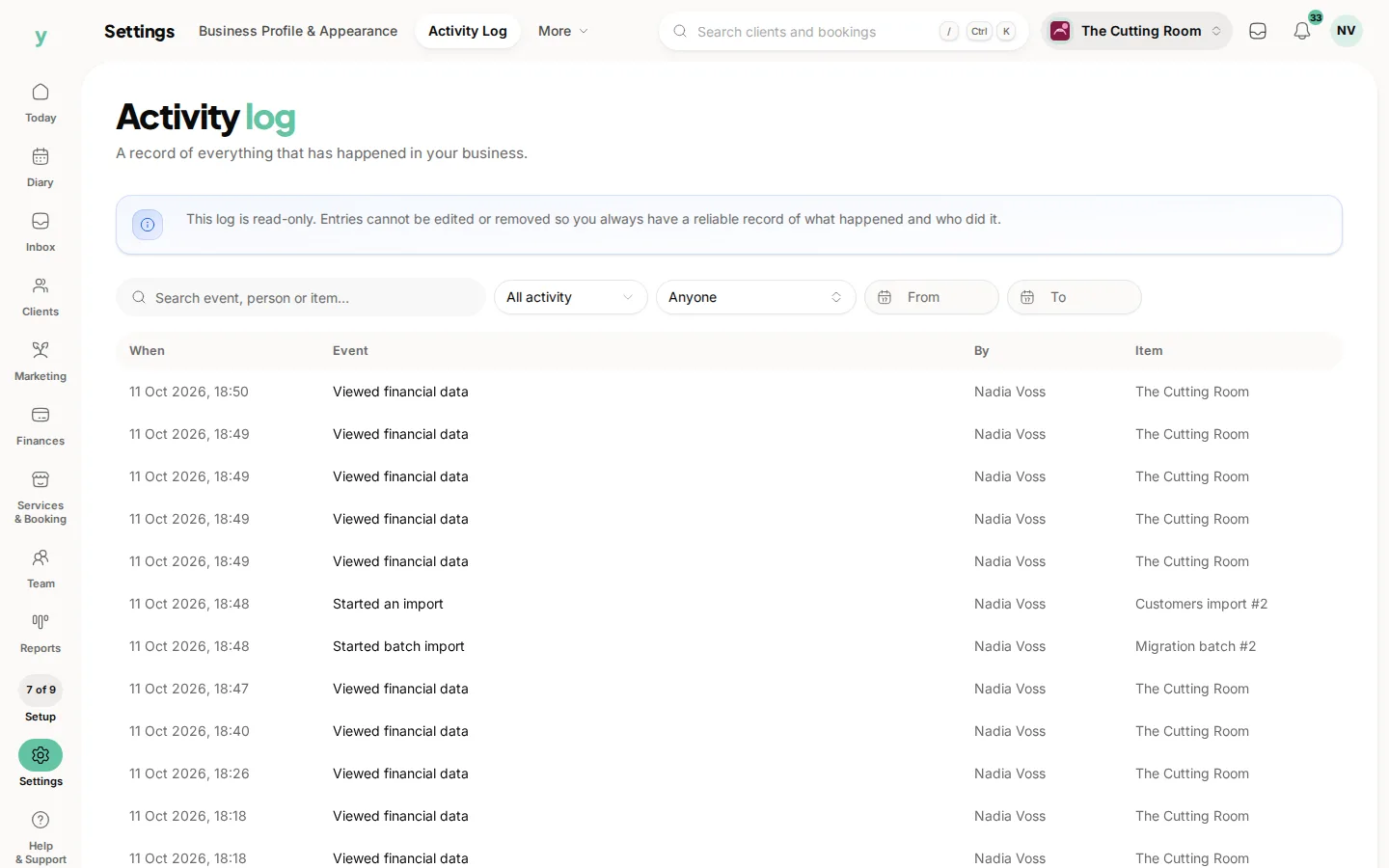
Check their role first. Nine times in ten a page missing for one person and present for you is a permission they do not have.
Work through it in this order
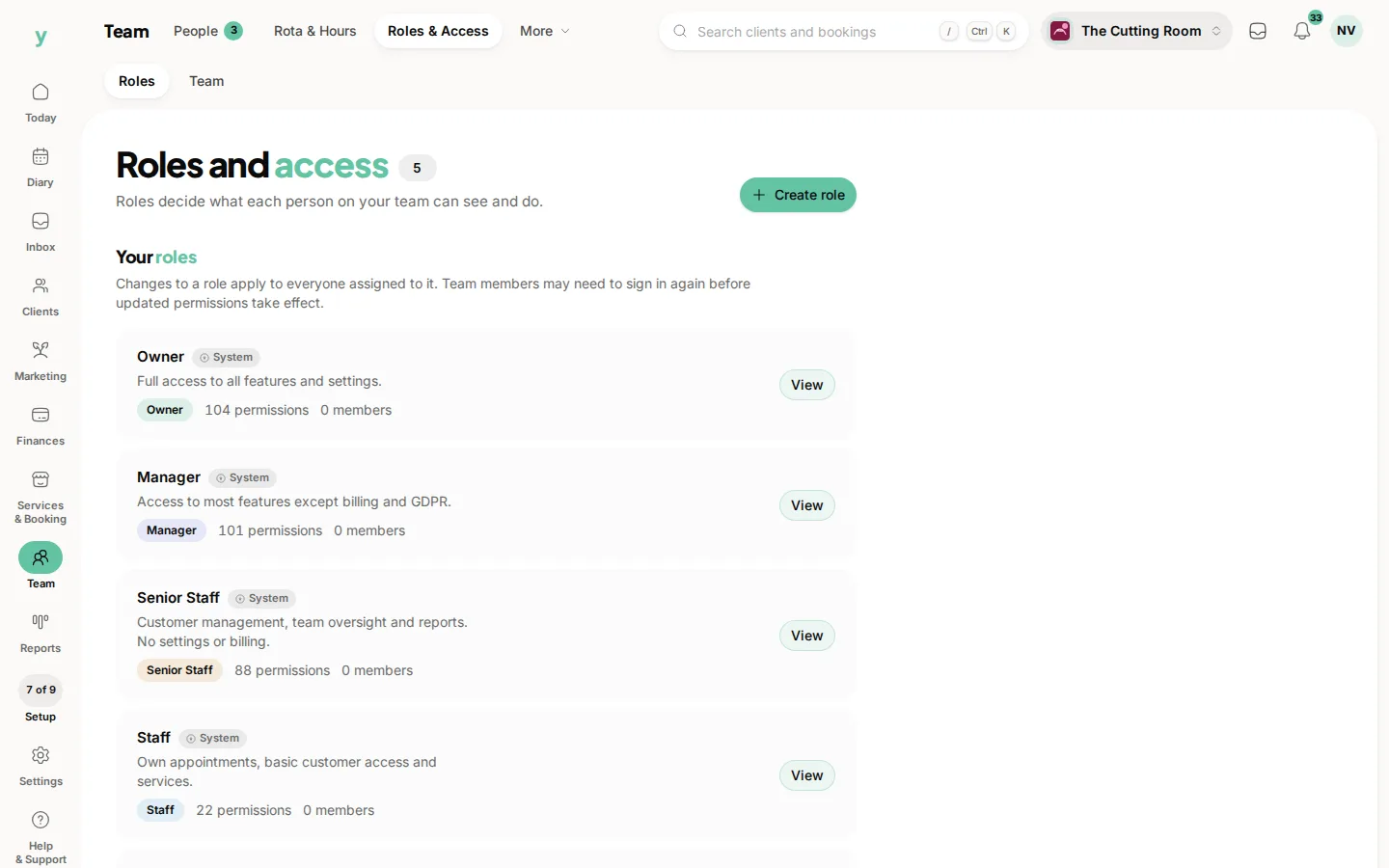
- 1Open Team, then Roles & Access and look at the role that person is on
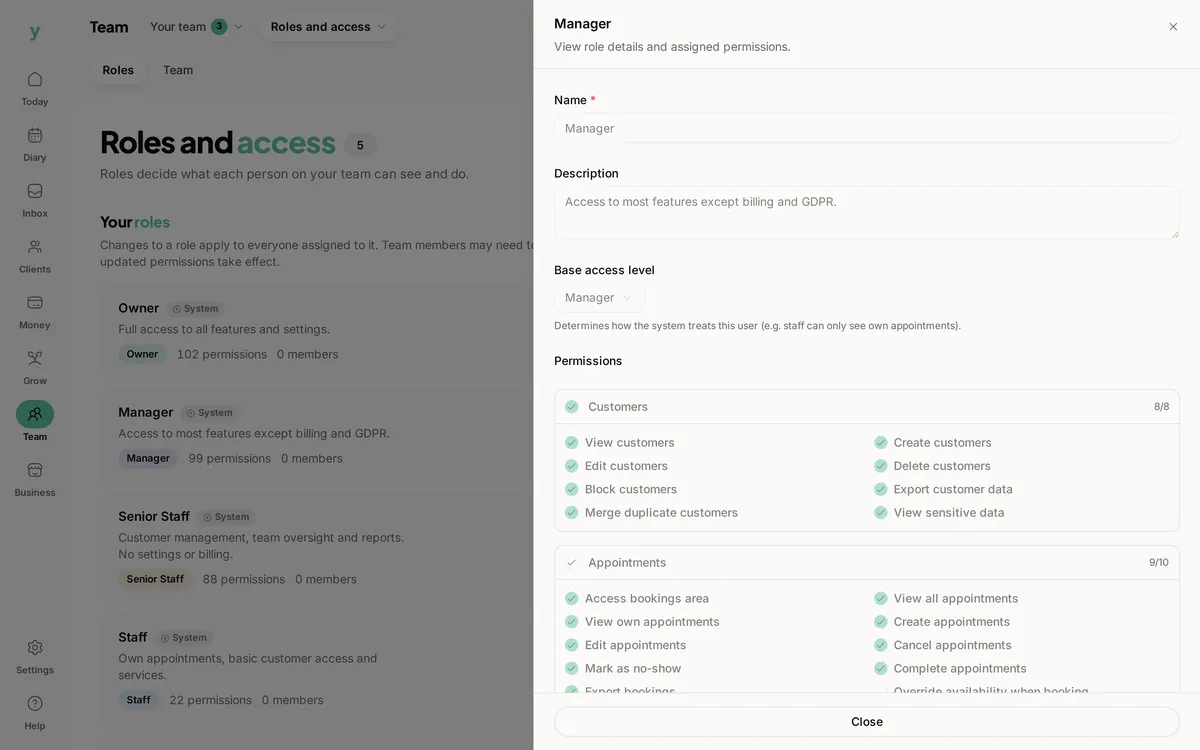
- 2Check whether the permission for that area is granted
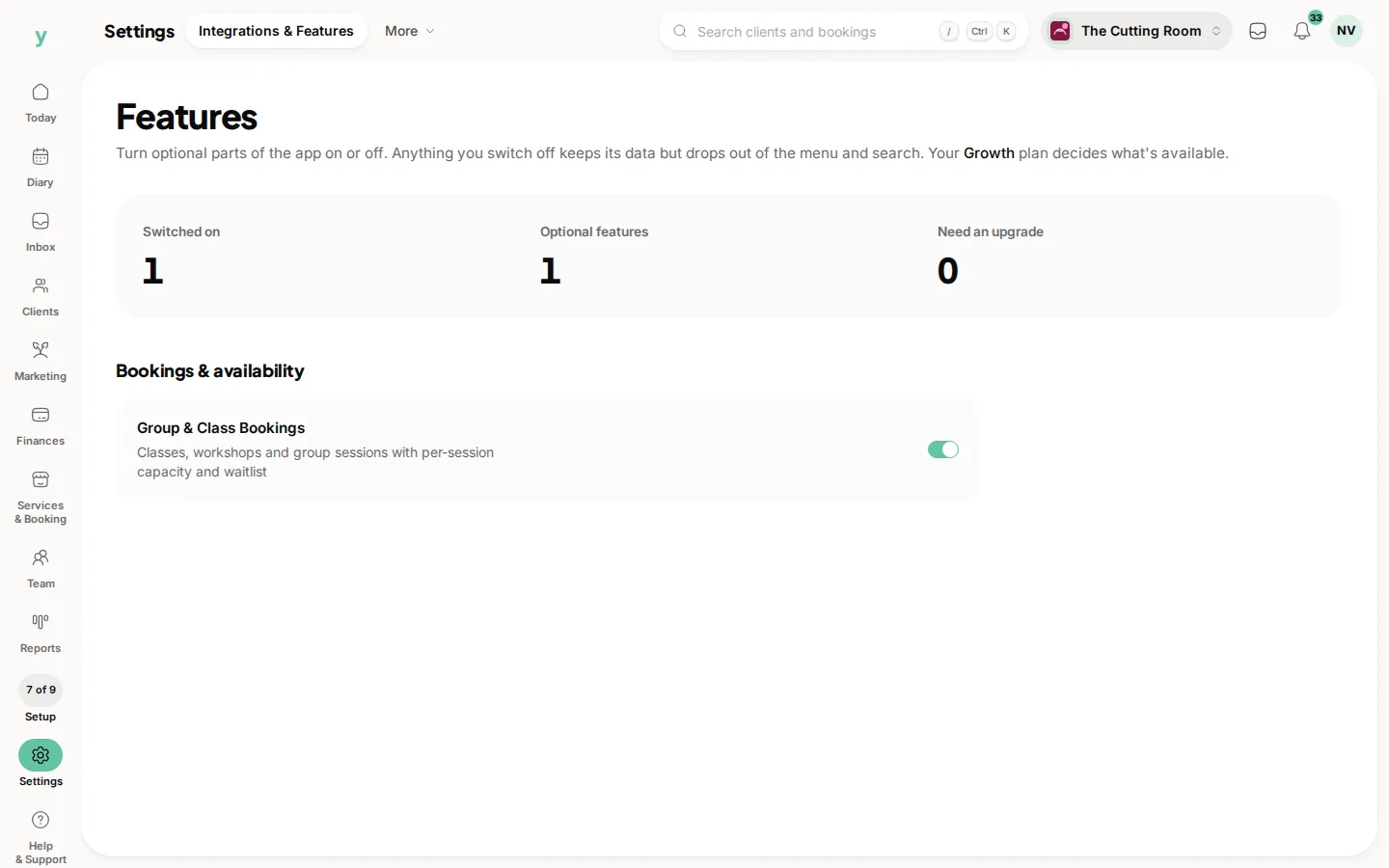
- 3If the page is missing for everyone including you, it is a plan feature rather than a permission
- 4Ask them to sign out and back in after a change
Permission or plan
The quick test is whether you can see it yourself. If you can and they cannot, it is their role. If nobody can, the feature is not on your plan.
Features that need a plan
Classes need group bookings. The workshop, vehicles, parts, suppliers and purchase orders need Garage Pro. Leave approvals need staff leave management.
After changing a role
Changes take effect for that person straight away, though somebody mid-task may need to sign out and back in for the menu to catch up.
Common questions
They can see the page but cannot save. Why?
Viewing and editing are separate permissions. They have one and not the other.
Everyone including me is missing something. What is it?
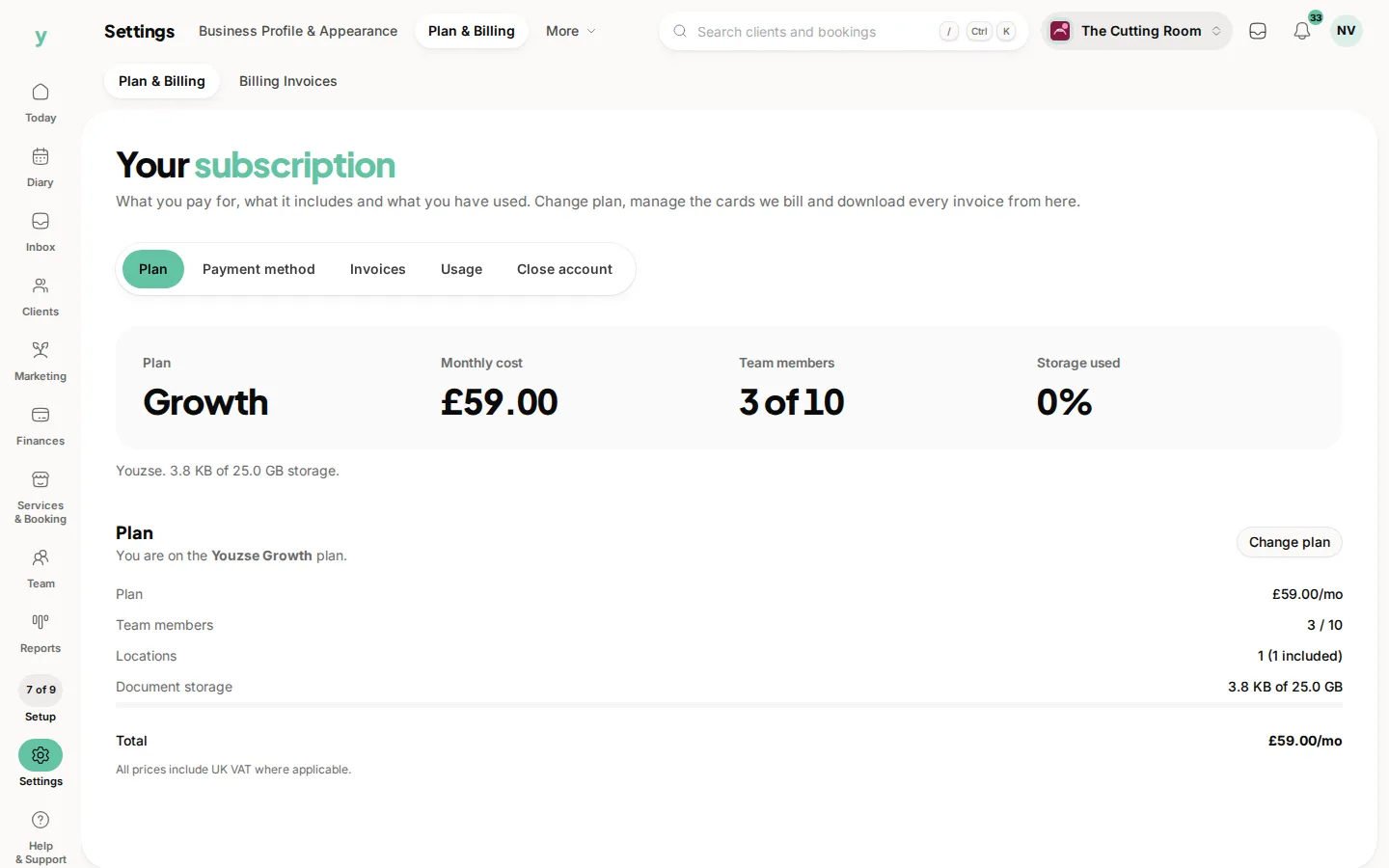
A plan feature. Check Settings, then Plan & Billing.
Can I see what somebody actually did?
Yes. Settings, then Activity Log, records actions with who took them and when.