
Go to Team, then Leave & Holidays, then Book time off. Use this when someone tells you in the salon or when you are giving the day rather than waiting to be asked.
The dialog asks for a staff member, a start date and an end date. Reason is optional and is what everyone else sees on the request. Location limits the time off to one site when you have more than one.
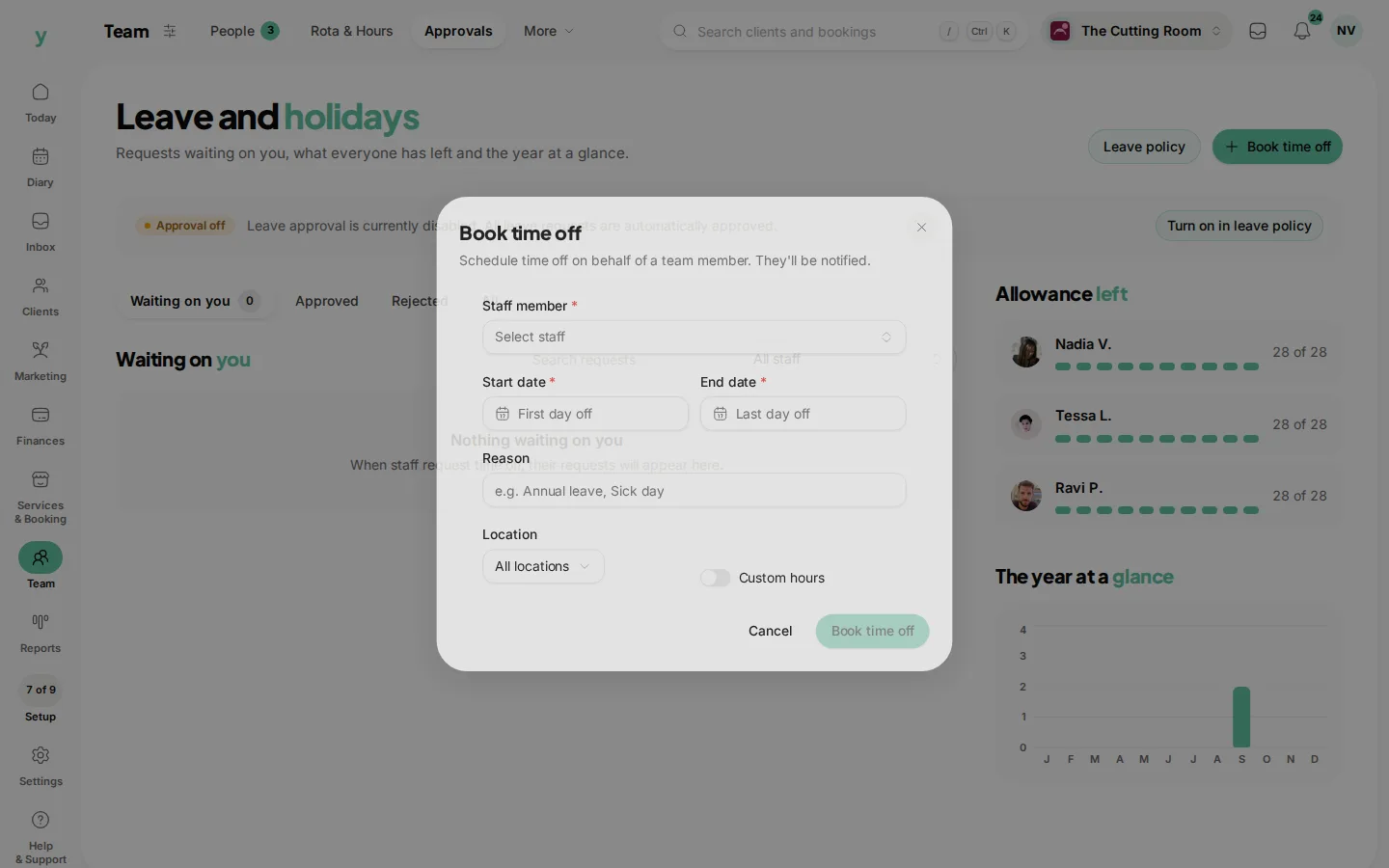
Leave Custom hours off for a full day. Turn it on when they are only out for the morning, then set a start time and an end time. The diary blocks those hours and stays open for the rest of the day.
They are notified when you save. Existing bookings on those dates stay in the diary, so look at the days before you confirm.
You need permission to edit availability. Without it the button is not shown.
Common questions
Does this use up their allowance?
It is leave, so it counts against the allowance you set under Policies.
Can staff do this themselves?
They submit a request. Book time off is the manager shortcut.
I booked the wrong week. How do I undo it?
Open the request under Approved and remove it, then book the right dates.