
Go to Team, then Leave & Holidays. Beside the queue, the page shows what everyone has left and the year at a glance.
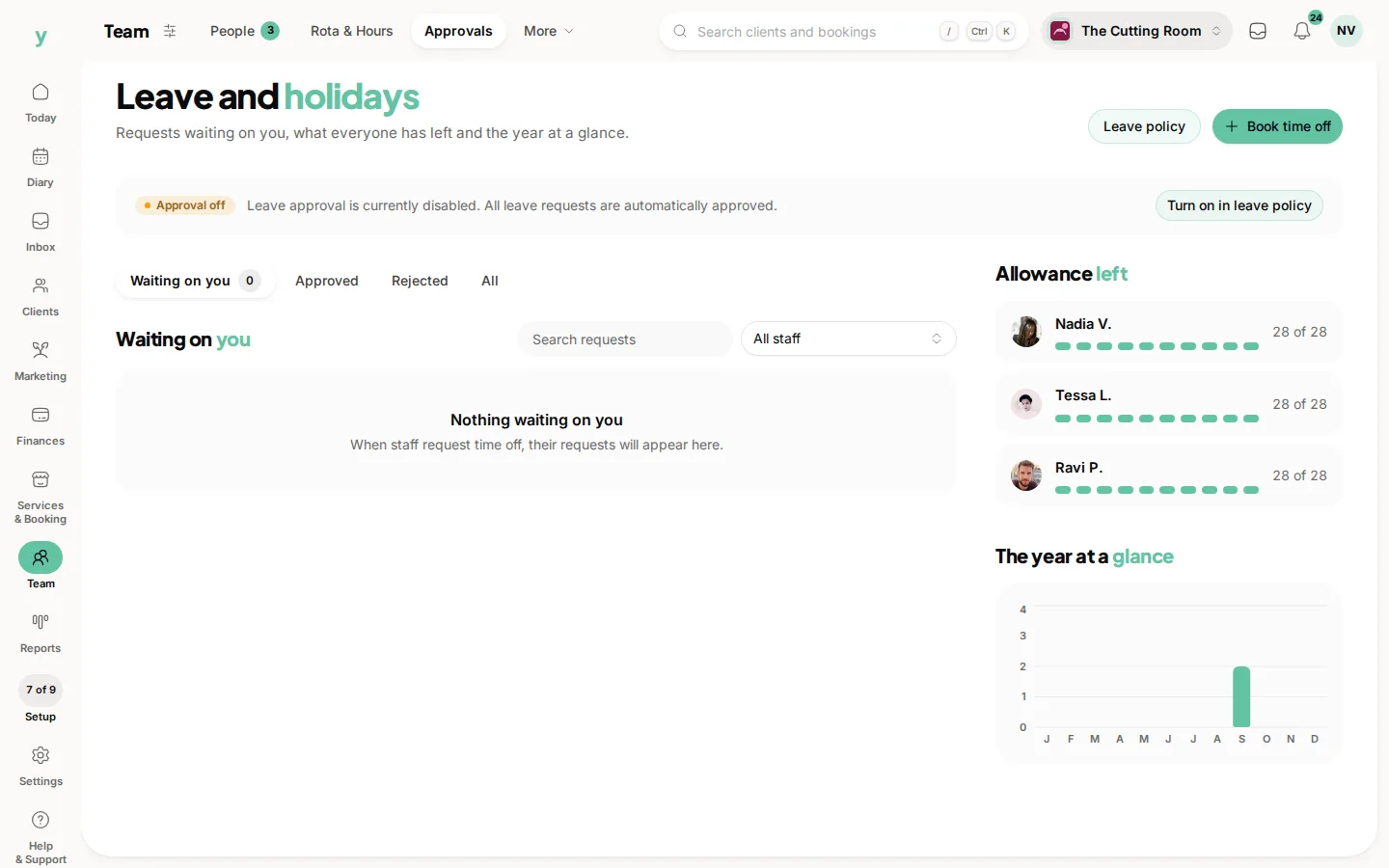
Use the year view before you approve. Three people off the same week is easy to miss if you only read one request. The glance is the picture of the whole team, month by month.
The allowance beside each name comes from Days per year on the leave policy. If those numbers look wrong, fix the policy first, then come back.
Search requests and filter by person when you only care about one chair. The filter sits next to the search on Waiting on you.
All, in the pills, is the full history
waiting, approved and rejected. That is the place to check what you already promised someone.
Common questions
Why does someone show more days than I expected?
The allowance is the business default. Days you booked for them are included. Open their requests under All.
Does a business closure show as leave?
No. A closure is the whole business, under Services & Booking, then Holidays. This page is people.
Can I print the year?
Read it on the page when you are approving. The diary is where a single week is clearest.