
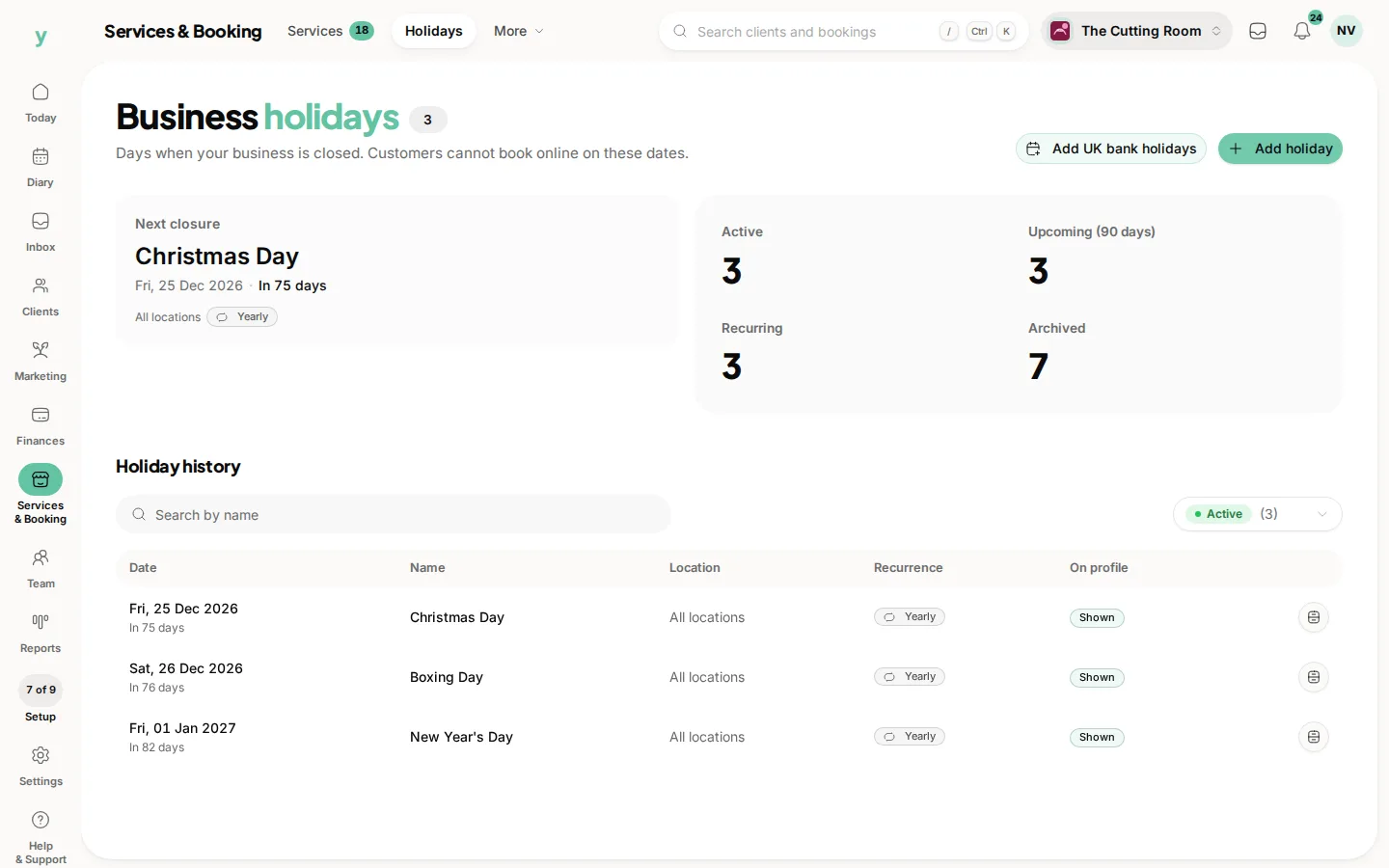
Go to Services & Booking, then Holidays. These are days the business is closed. Customers cannot book online on these dates.
Choose Add holiday. The dialog is Add Business Holiday. Set the date and a name customers will understand, such as Christmas Day. Closed days are hidden from online booking automatically.
Repeats every year keeps a fixed date, such as Christmas Day, without re-entering it. A bank holiday that moves, such as Easter, should be added for that year rather than set to repeat.
Show on public profile puts the closure where customers can see it. The list marks each row Shown or Hidden. Hide a closure only when you do not want it on the page. It still blocks booking.
If you have more than one site, pick the location. A date with no location closes every site.
Look at the diary before you close a day that already has bookings. The closure stops new bookings. It does not move the ones you have.
Common questions
How is this different from staff leave?
A business holiday closes the business. Leave blocks one person. The rest of the team can still be booked on a day when only one of them is off.
Can I close just the afternoon?
Change the opening hours for that day under Services & Booking, then Locations & Hours. A holiday closes the whole date.
Will staff be able to request that day off?
Business holidays are listed under Policies, then Blackout dates, as blocked automatically. You do not need a second entry.