
Go to Team, then Policies, then Blackout dates. A blackout date is a day nobody can book leave on, such as the Saturday before Christmas or a local show day.
Choose Add blackout date, pick the day and save. The dialog is titled Block a date. Staff will not be able to request leave on that date once it is added. The count of blackout dates sits in the strip at the top of the policy.
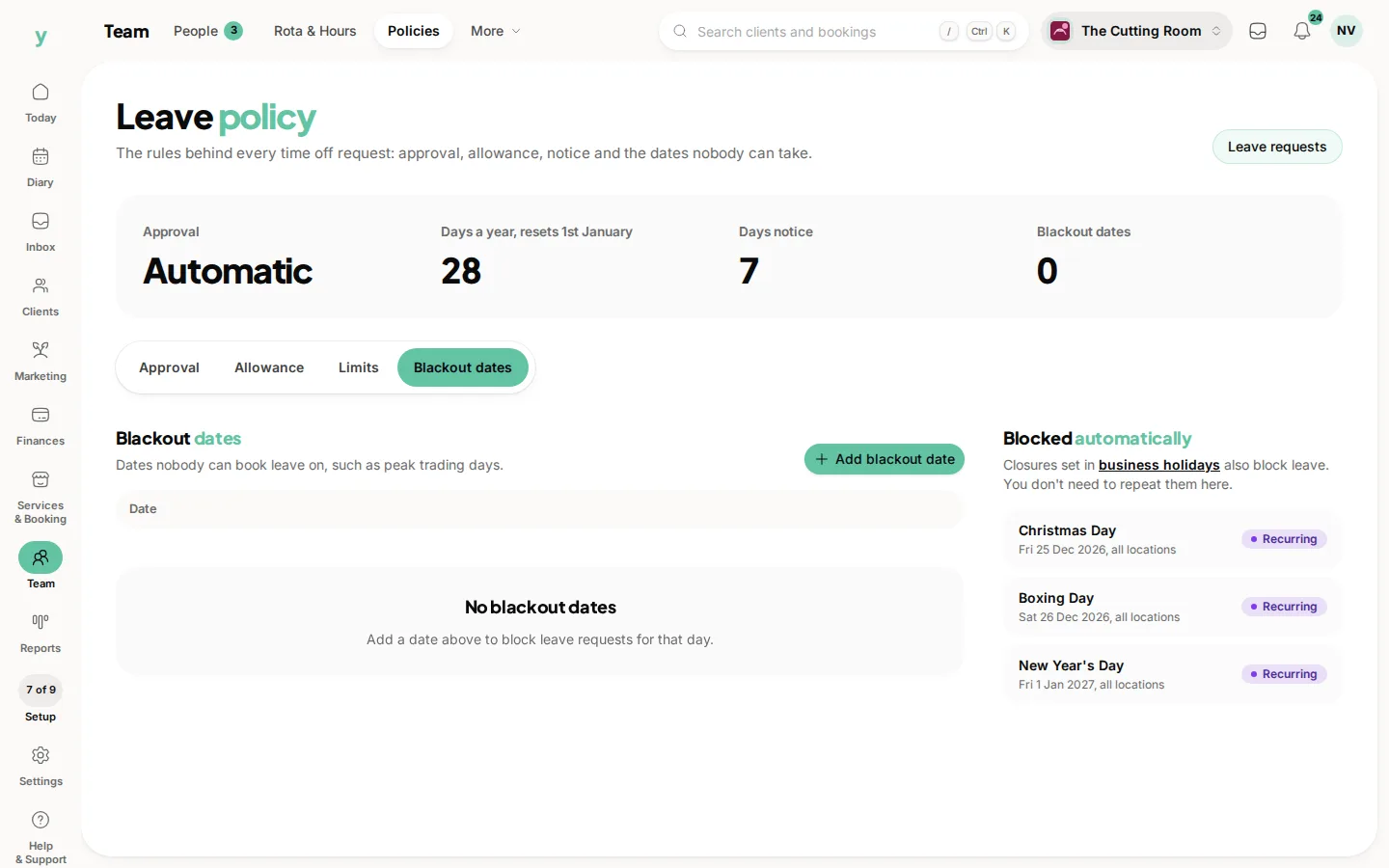
Remove a date from the list when the season is over. An empty list says No blackout dates.
Beside the list, Blocked automatically shows closures from business holidays. Those days already block leave. You do not add them again here.
Blackout dates stop new requests. They do not cancel leave you have already approved, so check the queue before you block a day someone has been promised.
Common questions
Can I block a whole week?
Add each date. There is no range on this tab. A week you are closed as a business belongs under Services & Booking, then Holidays. It will show here automatically.
Does a blackout date close the diary to customers?
No. It only stops staff requesting that day off. Closing the business to customers is a business holiday.
What if someone is already off that day?
Their approved leave stays. Talk to them. The block only refuses new requests.