
Go to Services & Booking, then Holidays, then Add UK bank holidays. The year’s bank holidays are added as closed days in one step, instead of typing each Monday by hand.
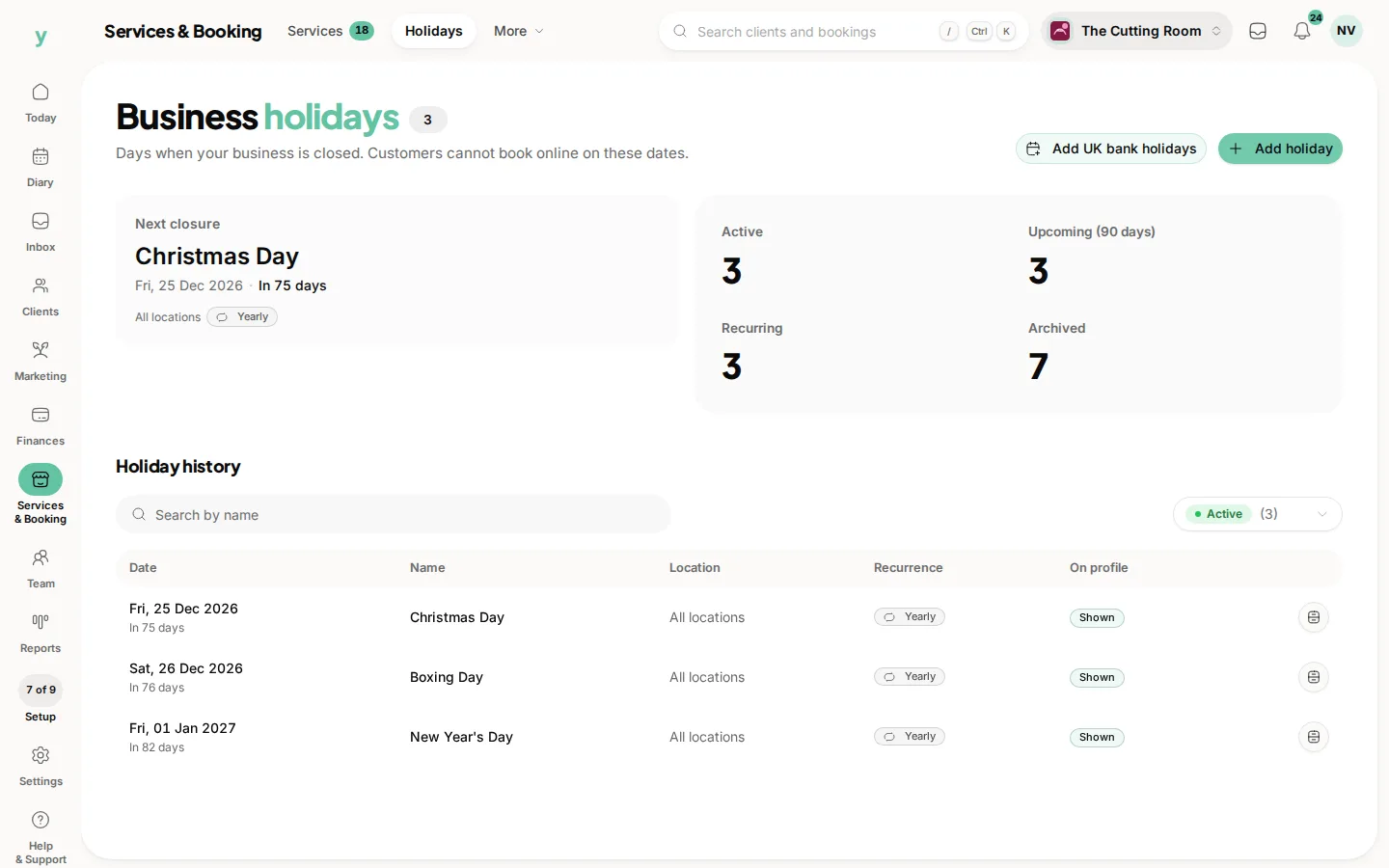
The button is there when there are bank holidays still to add. Once they are on the list it steps back, so you are not doubling them up.
Read the list afterwards. A bank holiday you are actually open for, such as a Good Friday you have chosen to work, should come off. Remove that row. The others stay closed.
Show on public profile is how customers see the closure. Bank holidays you are shut for are worth showing. A private planning day can stay Hidden and still block online booking.
Do this at the start of the year and again if you open a new location. A date that was bookable in January will have appointments in it by March.
Common questions
Does this include Christmas?
Christmas Day and Boxing Day are added with the bank holidays when they fall in the set. Check the names in the list rather than assuming.
We open on some bank holidays. Can I keep the rest?
Yes. Remove the ones you are open for. Add holiday is still there for a day that is not a bank holiday.
Will this cancel bookings already made?
No. It stops new ones. Move anything already in the diary yourself.